Welcome to ExtremeHW
Welcome to ExtremeHW, register to take part in our community, don't worry this is a simple FREE process that requires minimal information for you to signup.
Registered users can:
- Start new topics and reply to others.
- Show off your PC using our Rig Creator feature.
- Subscribe to topics and forums to get updates.
- Get your own profile page to customize.
- Send personal messages to other members.
- Take advantage of site exclusive features.
- Upgrade to Premium to unlock additional sites features.
neurotix
-
Posts
1,343 -
Joined
-
Last visited
-
Days Won
29 -
Feedback
0%
Reputation
832 Is Extreme
About neurotix

Recent Profile Visitors
24,312 profile views




My Awards





-
 neurotix changed their profile photo
 -
Collection Server Pain - Finished WUs can't be uploaded
neurotix replied to CoolGTX's topic in Folding@Home
Yeah I was having issues with this too. -
I *love* that you crammed three water cooled GPUs and a Threadripper into such a tiny case! It looks awesome and it must perform awesome too. What are the Radeon VIIs for? Do you fold on this machine or something? EDIT: the copper and black theme reminds me of Steampunk or something. Nice choice in using what looks like matte black tubing instead of clear with a color or shiny black.
-
EXTREMEHW AUGUST 2025 48-hour FOLDATHON, August 30th 00:00 UTC Start
neurotix replied to damric's topic in Folding@Home
Just noticed the random piece of bacon in that picture lol, first time noticing it. -
Nice, good job you guys. Thank you.
-
The sad thing is, if you want a good 2 DIMM board, you need to go Mini-ITX or possibly Micro ATX and these boards usually don't have as quality VRMs/chokes/MOSFETs as full size boards. The BIOS usually has lesser options as well. It's not DDR5, but I have a B450-I mini ITX AM4 board with 2 DIMM slots. I used it for benchmarking, now it's retired and it's permanent place is in a Mini-ITX Silverstone case that is my mom's light gaming rig. I remember people getting the Crosshair VIII Gene and so forth for high memory overclocks. In my experience, it's usually the smaller, lower end boards that only have 2 DIMM slots.
-
Yes, I have a ROG board so that's what it's called on ASUS. It will be called something else most likely on every single vendor's boards. They really need to standardize this stuff so it's the same across all boards.
-
It'll boot slow and take like 2-3 minutes the first time it trains the memory, after that if you have a setting under DRAM Timings called Memory Context Restore enabled, it'll boot in a few seconds. People advise turning that setting off, especially for high (8000+) overclocks, but I leave it on on mine. Hope this helps.
-
Will SSD's become the new norm for gaming requiremenets?
neurotix replied to schuck6566's topic in Gaming General
I just got (well, a year ago or so) a Crucial T700 1TB PCI-E 5 NVMe/M.2 drive. I require Linux as my main OS, and only use Windows for benching and gaming. So I gave Linux 200GB and the rest to Win11 (it ended up being 765GB or something). I have Forza Horizon 4 and 5 installed on the thing and only have like 300GB free. These space requirements are concerning. I remember back in Dec. 2014 when it launched I had Dragon Age Inquisition day 1 and it absolutely requires a SSD (SATA at the time) or zoning and loading maps took like 3 minutes. So this really is nothing new. -
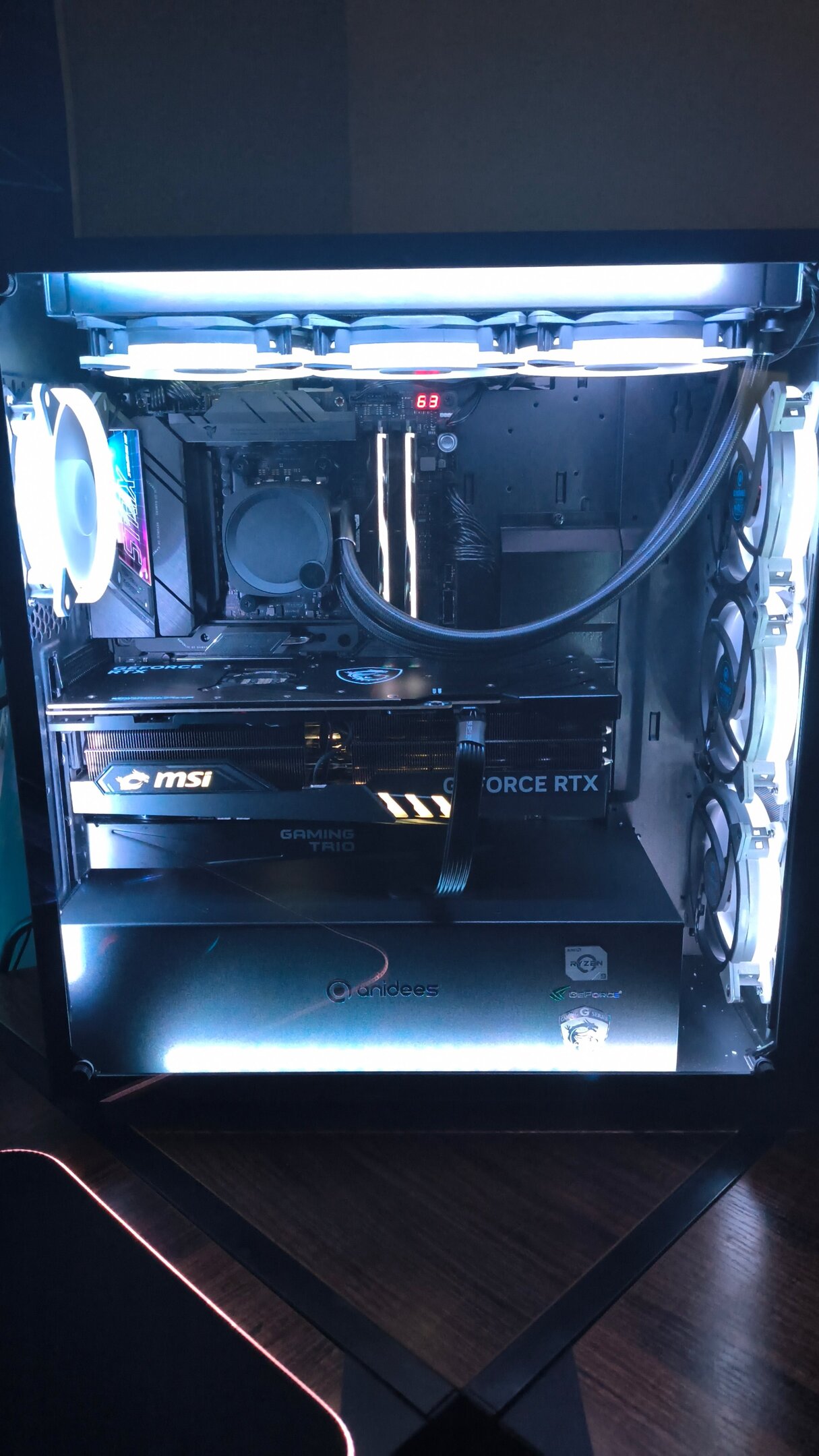
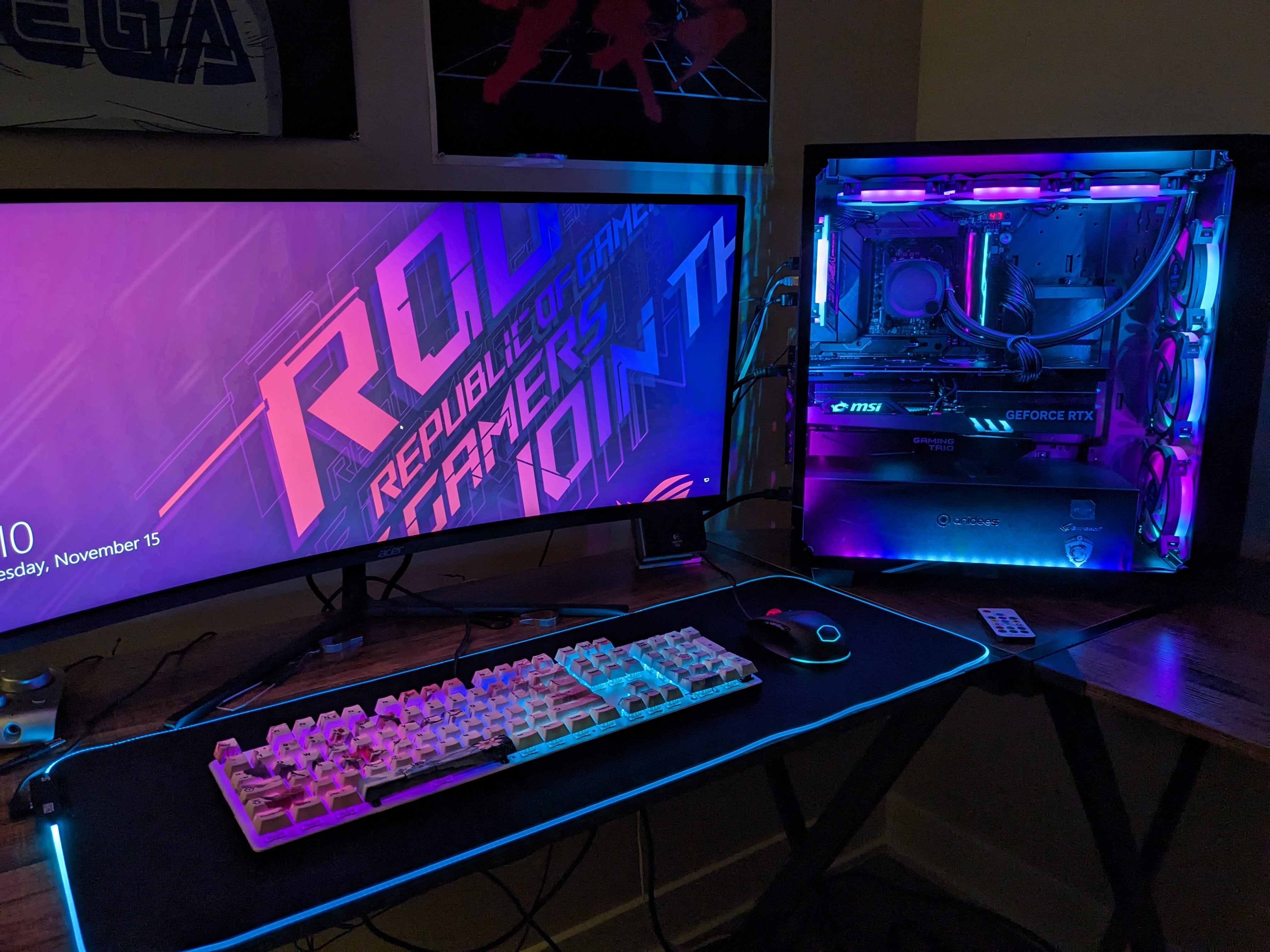
So thanks to my wonderful fiance, Ai Crystal now has 4x brand new Phanteks light strips and 7x new anidees AI-AUREOLA v2 fans. Meaning I can run solid white that actually looks white. Check it out:

-
If you read my post all the way, you'll see it was bottlenecking 2x 290s in Unigine Valley (and most other benchmarks and games). A single one did like 60fps, two did 95 fps which is pretty bad scaling. This was remedied by upgrading to a 4790k. More info in the post I made earlier.
-
I had an FX-8350 gaming and benching stable at 5GHz. It was also lapped. It ended up going to damric, then pio, then back to damric (I think.) Good memories too, the thing was fun to overclock especially with 2400MHz RAM and a HT and CPU/NB OC. Unfortunately, I moved on because it severely bottlenecked two 290s in Crossfire: Valley 1080p FX-8350 5GHZ with two 290s: 95 fps Valley 1080p i7-4770k at stock: 110 fps Valley 1080p i7-4770k at 4.5GHz: 135 fps Yeah they were good chips and fun to OC, but I don't really think they were ahead of their time.
-
Not all that concerned about voltages because it is heat that fries chips, not volts. I have a really good cooler for my test bench, an EK Nucleus 360mm AIO competitive with custom water. Benching on this platform, the 3970x and 4930k warmed it up a lot and I was using 1.465v to get them both doing 4.9GHz. Regarding BCLK strap, I have set it to 125 and down clocked the memory since you have to, and never once have I got a system to post using it. Regarding the locked Xeons, like the 2697v2 stuck at a 27 ratio, I was able to use 113.5 BCLK + the program "ThrottleStop" to get it's turbo to actually work, I was seeing speeds of up to 3.9GHz in my benchmark suite, and got a few gold cups. So I found a workaround anyway. Also these chips are not for long term use, Kaz. They get benched once then sold. I doubt I'm doing any real long term damage to them. Thanks guys. Consider this thread answered. /img/logo.png neurotix`s 34749 points score: Geekbench3 - Multi Core with aXeon E5 2697 v2 HWBOT.ORG The Xeon E5 2697 v2 @ 3859.1MHzscores getScoreFormatted in the...
-
Thanks for the advice, but I am not talking about overclocking using regular BCLK, I am talking about overclocking locked CPUs using BCLK straps. There's a few to choose from but the only viable ones are 125 strap and 167 strap (heard its more or less impossible to use 167). BCLK straps ONLY affect your CPU and RAM, not the PCI-E bus or DMI. It's kind of like ECLK asynchronous for Zen 4/5. The problem is, I have a known good 3970x that does 4900MHz that I tested a 125 strap with. RAM is DDR3, G.skill Sniper 1866. So I tried BCLK strap of 125 on it and changed the memory down to something close to 1866, but it failed to POST. To make it perfectly clear, the E5-2697v2 I am getting has a locked ratio of 27. So normally it'd be 100x27 for 2.7GHz. With BCLK strap, it would be 27x125..3375MHz. Without affecting the Northbridge, PCI, DMI, SATA etc Just need advice as other than direct BCLK overclocking (that will never do 125), this seems like the best way to OC these locked Xeons I'm getting. Thanks for anything.
-
Hi guys, I have a Rampage IV Formula for benching Sandy Bridge-E and Ivy Bridge-E processors for HWBOT. I was wondering on any advice for voltages or settings to help overclock some ratio locked Xeons I'm getting, the 2690v2 and 2697v2. Just need general info, I will be trying the 125MHz strap first and need to know what voltages I might need to adjust such as: CPU PLL CPU VTT CPU VTT 2 VCCSA VCORE To inform you guys on what I am working with, the 2690v2 is 10 core at 3.0GHz stock and the 2697v2 is 12 core at 2.7GHz stock. Thanks in advance.
-
Those boots look really nice. Jealous.