Welcome to ExtremeHW
Welcome to ExtremeHW, register to take part in our community, don't worry this is a simple FREE process that requires minimal information for you to signup.
Registered users can:
- Start new topics and reply to others.
- Show off your PC using our Rig Creator feature.
- Subscribe to topics and forums to get updates.
- Get your own profile page to customize.
- Send personal messages to other members.
- Take advantage of site exclusive features.
- Upgrade to Premium to unlock additional sites features.


HeyItsChris
-
Posts
538 -
Joined
-
Last visited
-
Days Won
2 -
Feedback
0%
Content Type
Forums
Store
Events
Gallery
Profiles
Videos
Marketplace
Tutorials
Everything posted by HeyItsChris
-

Driver Crash Every Time I Press Ctrl+Shift+E To Record In Game, Why?
HeyItsChris replied to HeyItsChris's topic in AMD
@ENTERPRISEThanks for the reply buddy & I'm pretty sure it was because I didn't DDU before installing the driver. It corrupted the recording aspect of the driver. I'll be testing out the latest AMD-Software-Adrenalin-Edition-22.4.1-Win10-Win11-April5 after a fresh DDU & fresh installation of the driver. I'll update after I find if it works or not. -
Tomorrow I'm ordering 4x 16GB sticks of ECC Registered Buffered Mushkin ProLine RAM for 64 Gigabytes of total RAM for $10 a stick, total $40 shipped for 64GB, Can't beat it! Not to mention my Guardian is holding my mail now because I'm not compliant with my newly found diabetes apparently, even know I'm never going to succumb to treatment for it ever. I'll die before I get treated for diabetes. So I couldn't receive my 1 foot long 24 pin power supply extension cable. So I have to re-order it all under someone elses name. I live in a lock down facility because I yelled at my parents about Jesus Christ, our Lord.
-
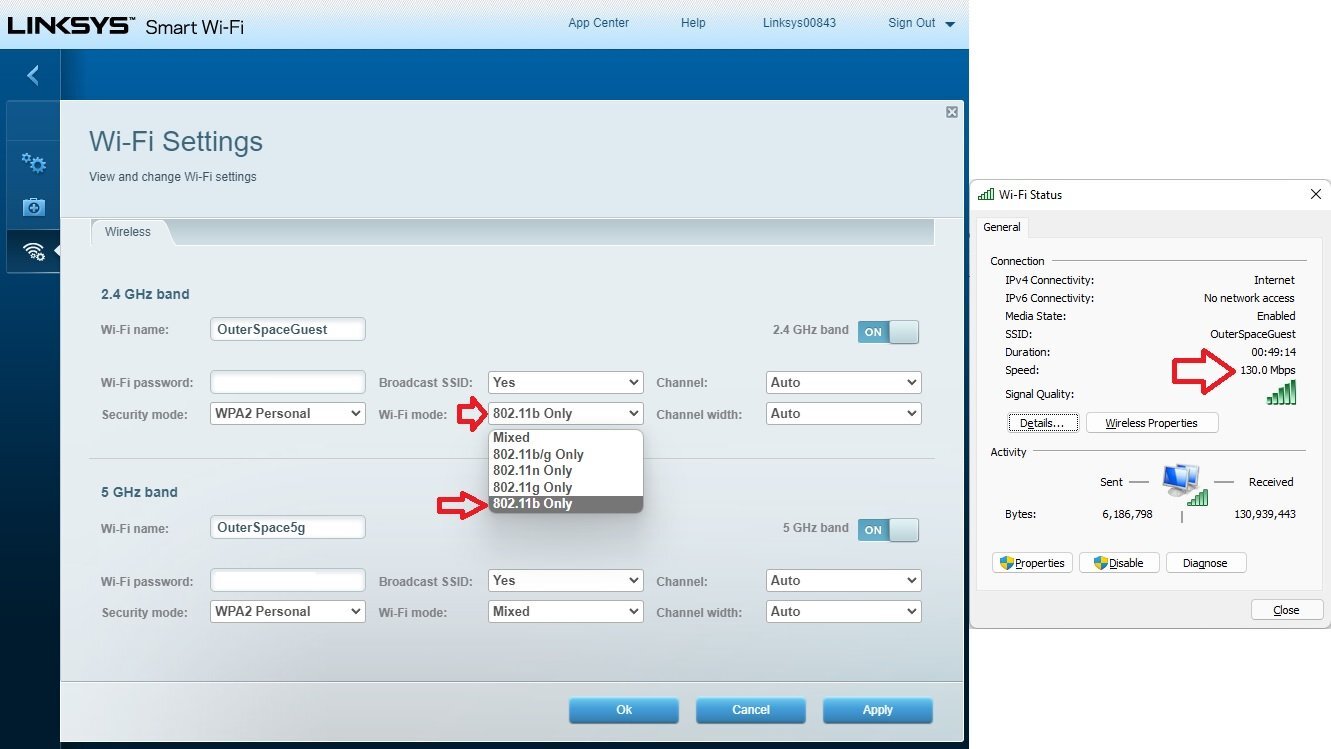
@schuck6566I fixed it by using the 5ghz band of the hotspot internet source as the primary Wireless Repeater mode band of the Linksys Smart Wifi. Then it works by forcing the 2.4Ghz band of the Linksys Smart Wifi to Wireless B-mode only (11Mbps). I hope that makes sense. Since if I used the 2.4Ghz band of the source internet AT&T hotspot as the Wireless Repeater, it forces the 2.4Ghz band of the Linksys Smart Wifi to Full Speed 300Mbps or so or N 2.4Ghz.
-
Driver Crash Every Time I Press Ctrl+Shift+E To Record In Game, Why?
HeyItsChris replied to HeyItsChris's topic in AMD
Yes. It's fixed on 21.11.3 drivers but had some quality concerns recording & thats about it. -
Driver Crash Every Time I Press Ctrl+Shift+E To Record In Game, Why?
HeyItsChris replied to HeyItsChris's topic in AMD
I'm using AMD ReLive or whatevers available in the latest AMD Adrenalin software. I tested it out on stock bios & got the crash as well. Maybe I need to DDU & Start Over? I test ALT + R to show the in game OSD of the AMD Software & simply click "RECORD" & it Froze & crashed again.
-
Driver Crash Every Time I Press Ctrl+Shift+E To Record In Game, Why?
HeyItsChris replied to HeyItsChris's topic in AMD
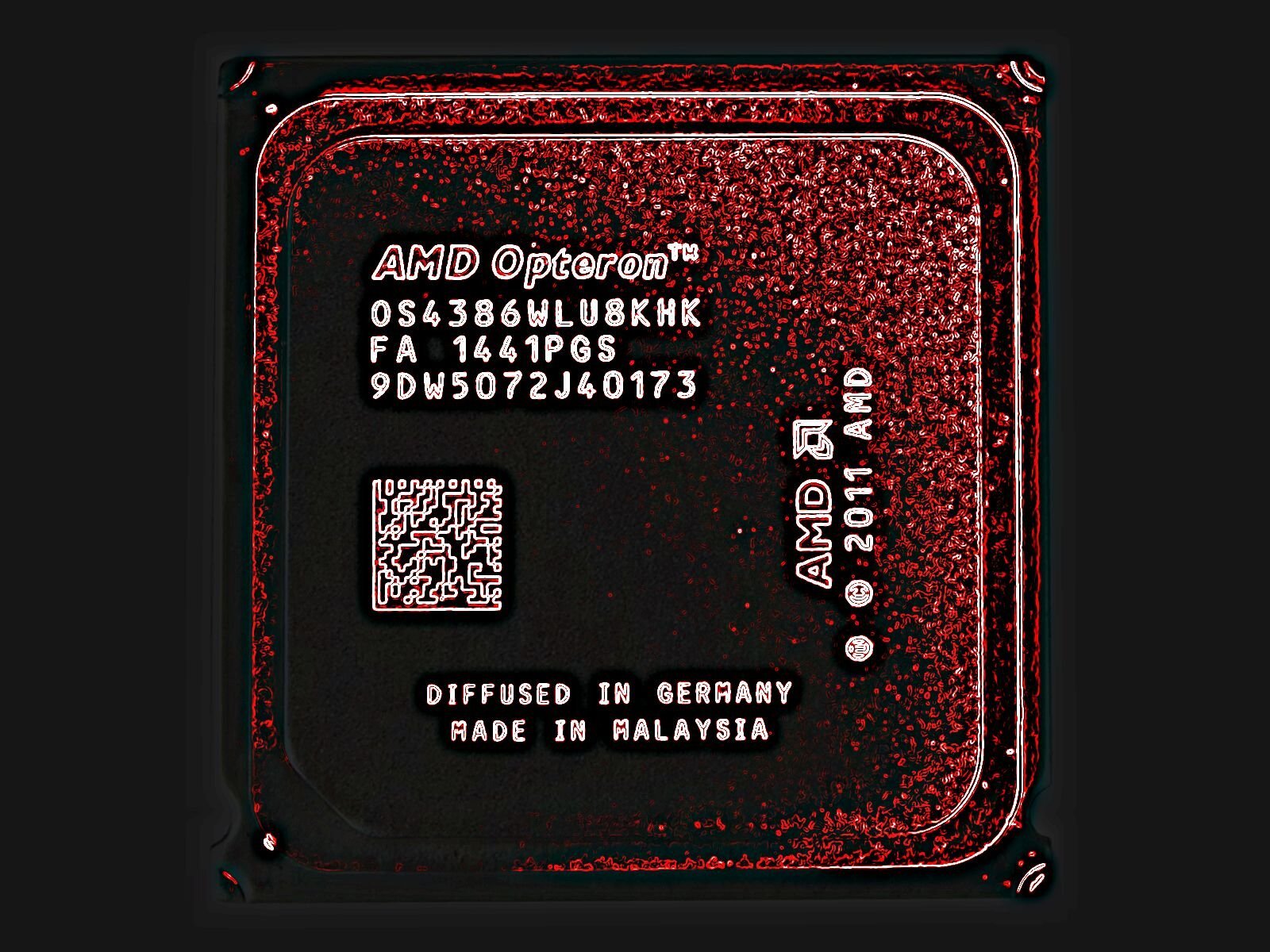
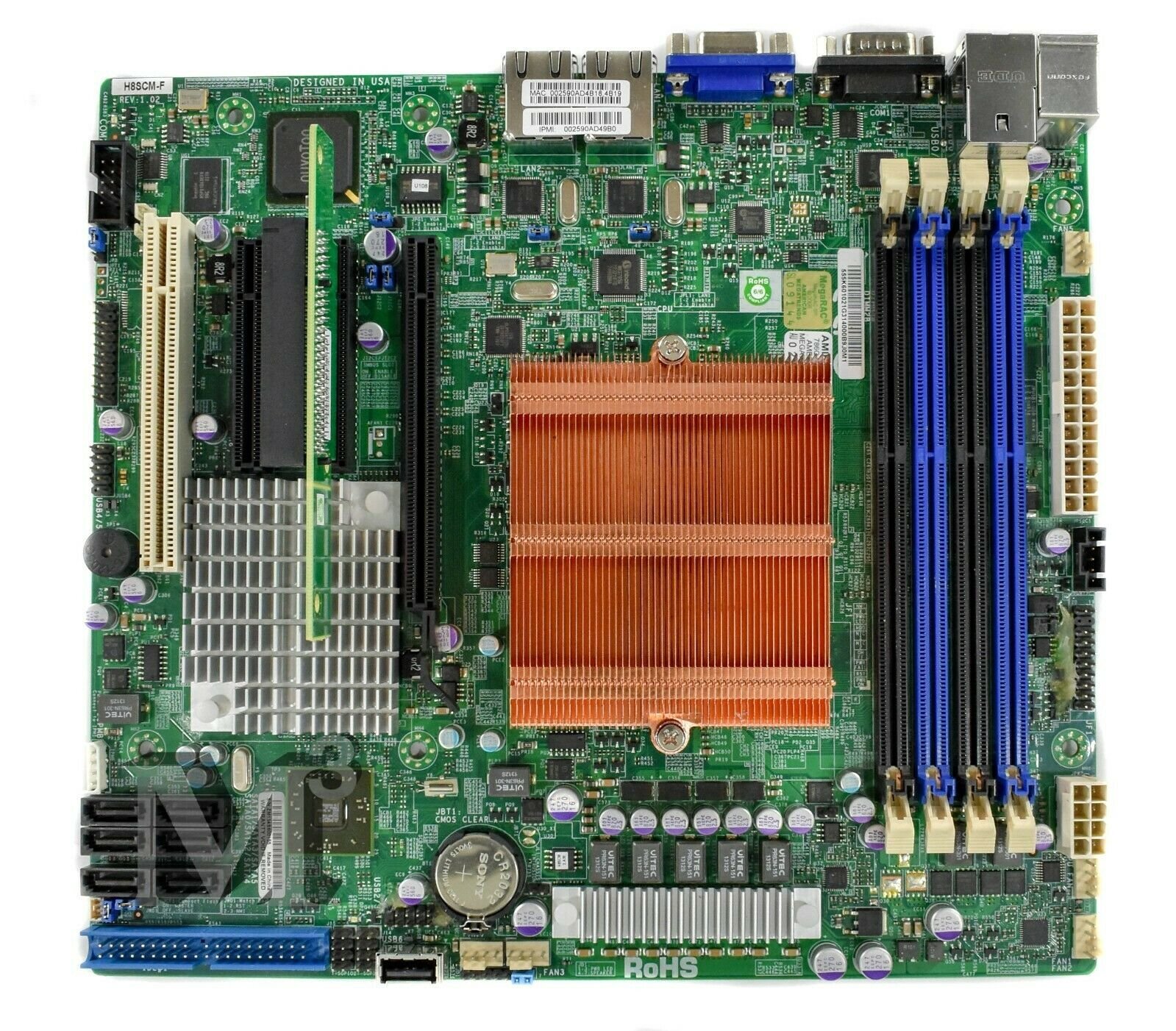
What card? rx 480 what driver version? AMD-Software-Adrenalin-Edition-22.4.1-Win10-Win11-April5 what system specs? Supermicro h8scm-f board on 16gb ram ddr3-1600 (2 sticks) with amd opteron 4386 What program? Call Of Duty WWII Is this happening while the card is stock? or just when OC'd? Both but im testing a stock bios right now -
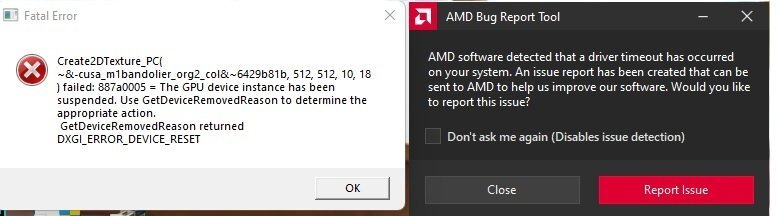
Driver Crash Every Time I Press Ctrl+Shift+E To Record In Game, Why? It's 100% stable otherwise, it's just when trying to record on any driver (I think) it will crash the game & driver. Specifically Call Of Duty WWII. Thanks
-
How to reduce Windows 11 64bit Page File Usage?
HeyItsChris replied to HeyItsChris's topic in Operating Systems
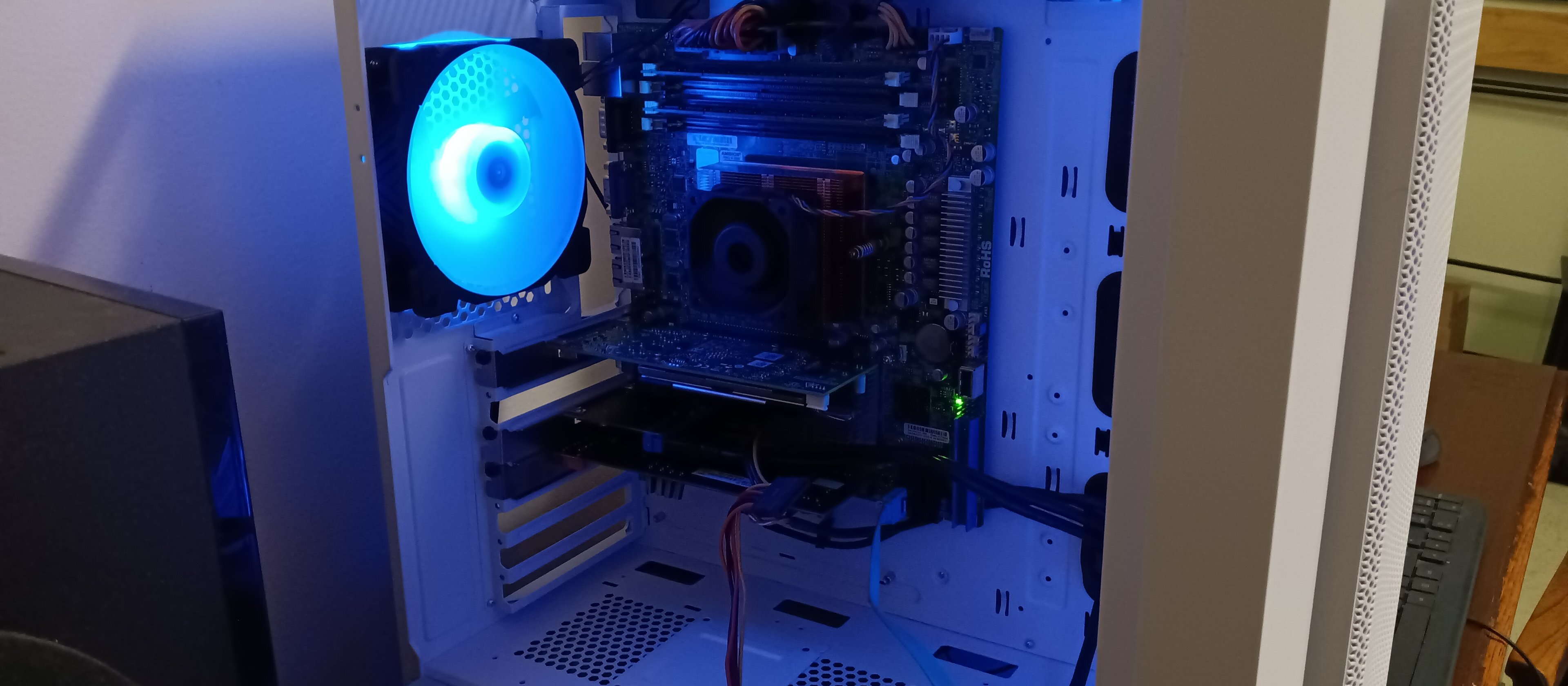
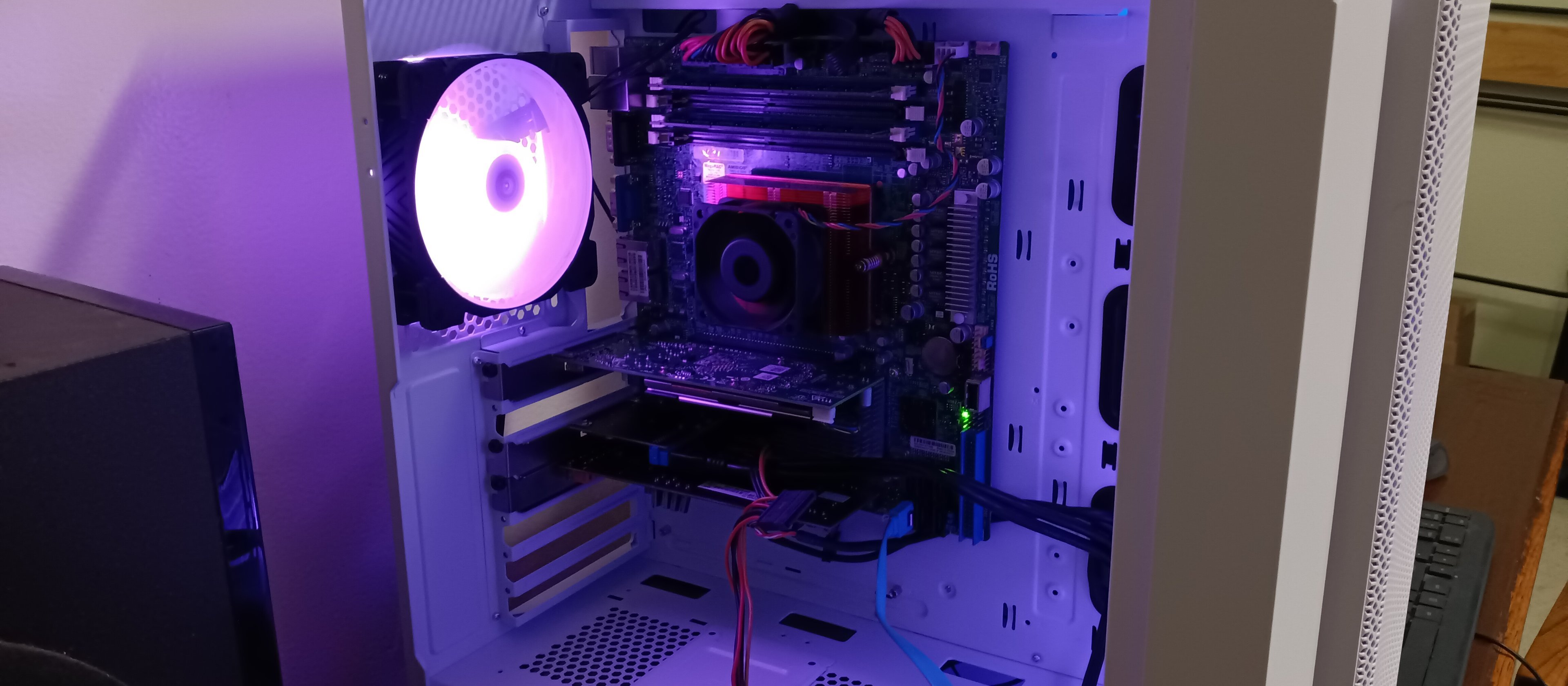
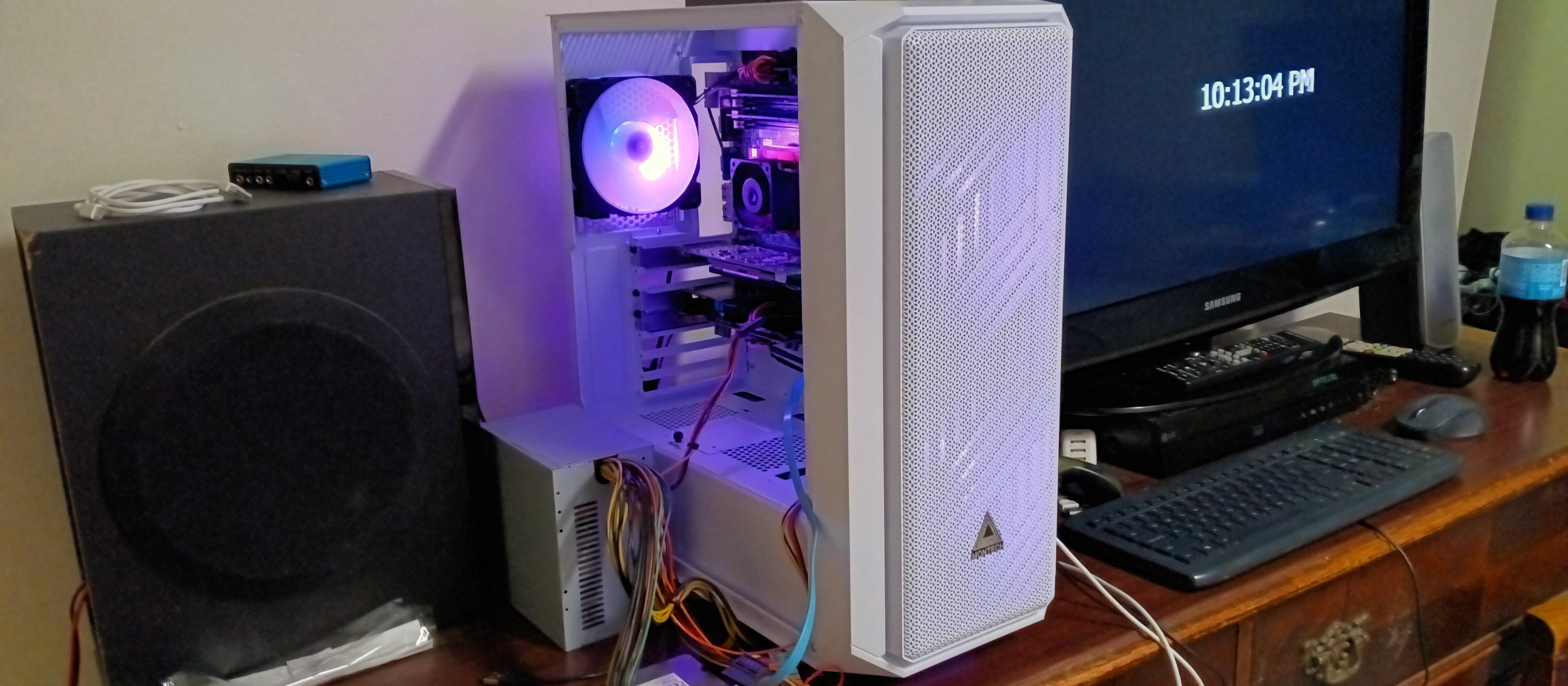
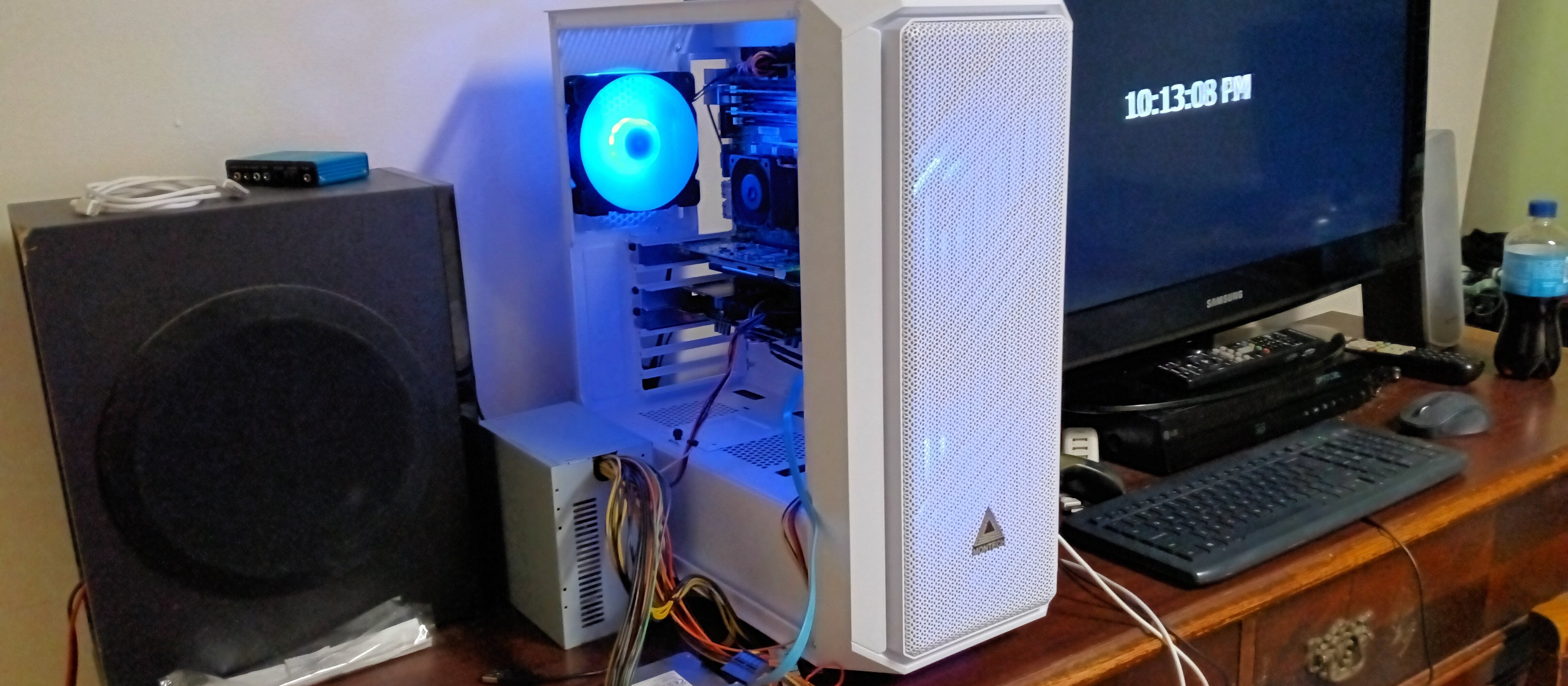
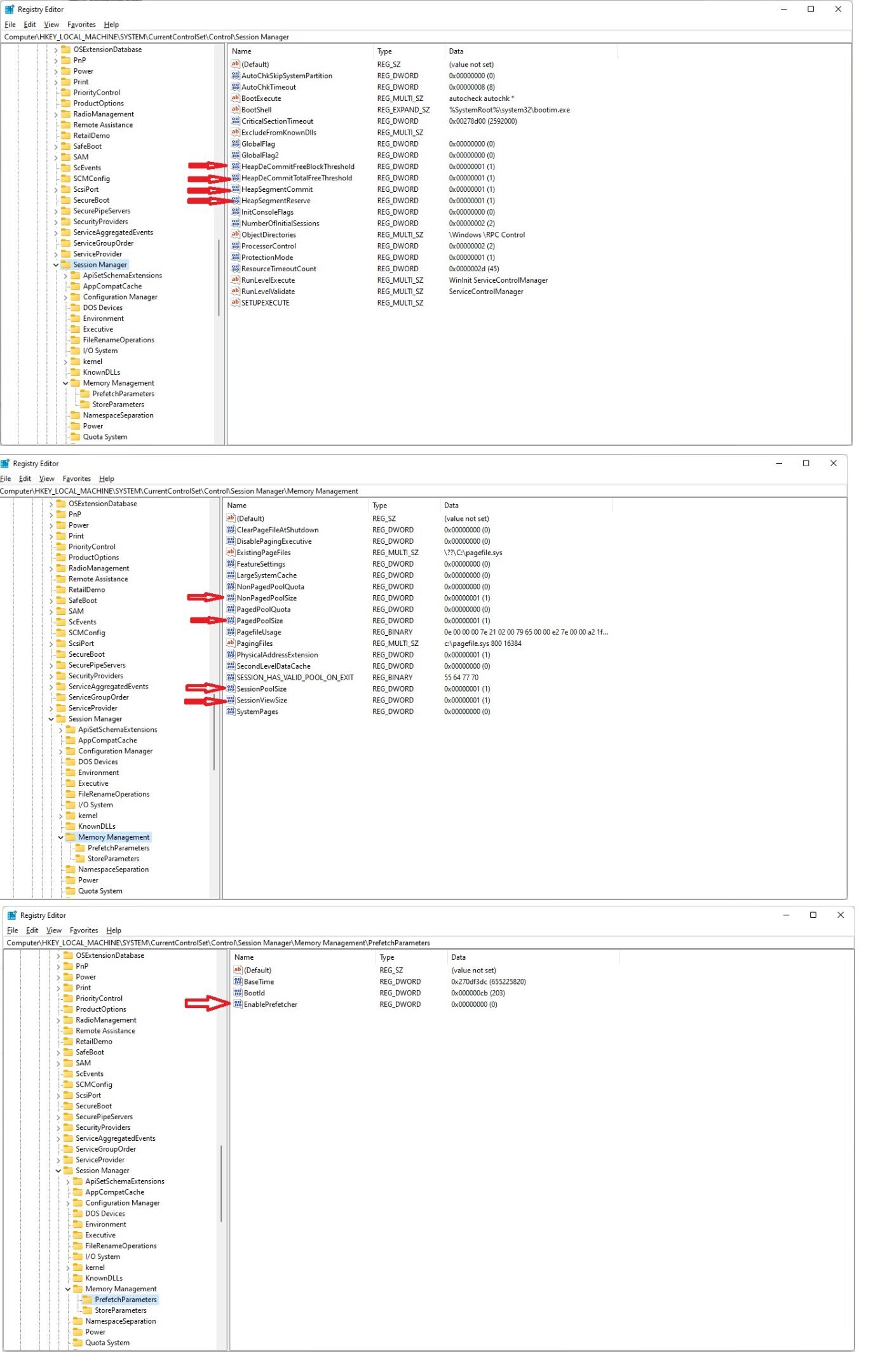
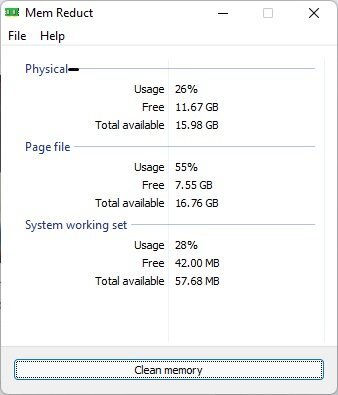
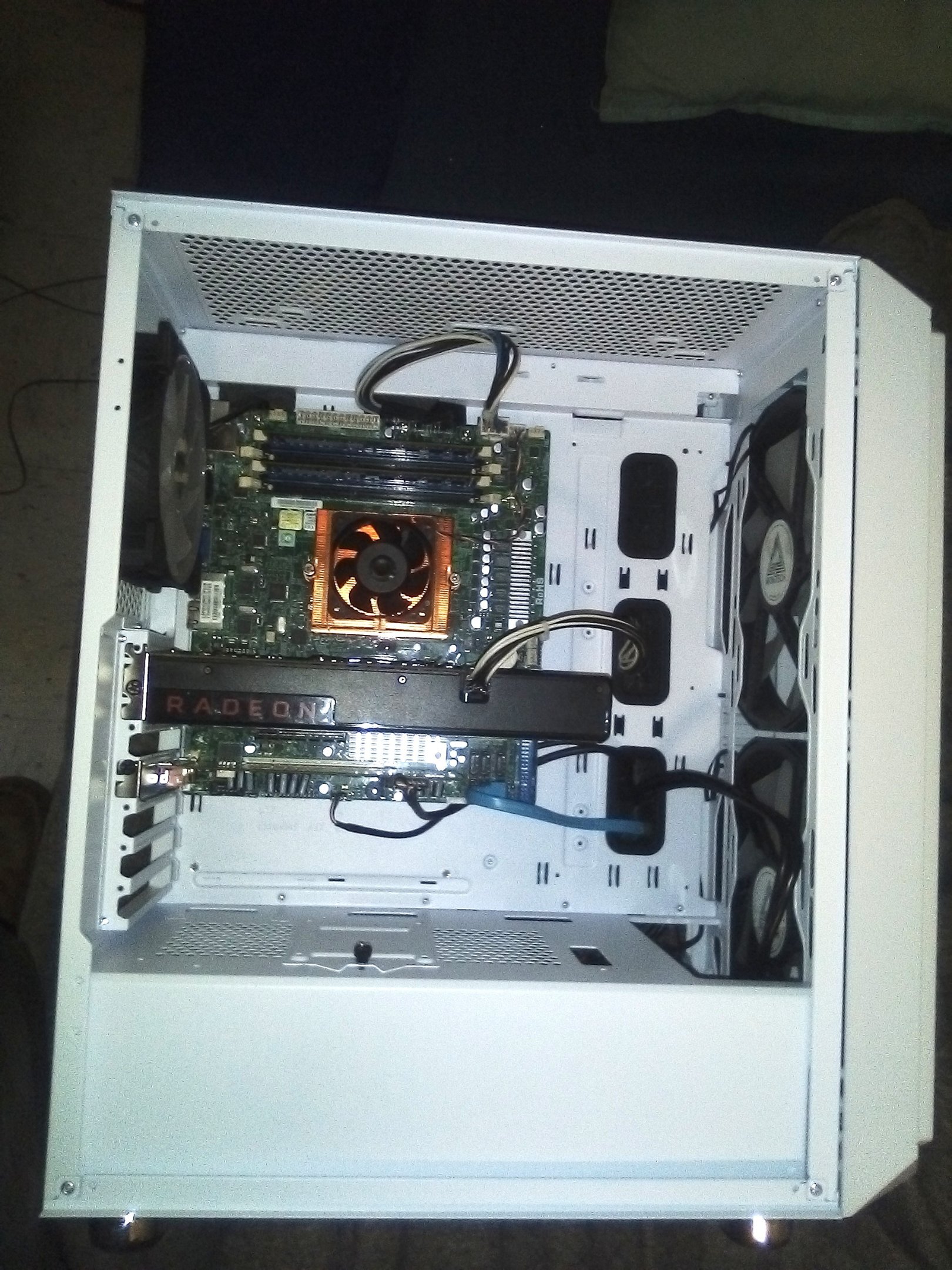
The picture of my Windows 11 PC & the directions below are what I wrote years ago about Windows 7 & my testing. 5) I found these settings to be ideal as if set low can save memory and a lot of it. However apps will refuse to run correctly once the "low limit" is reached. So by setting them this way it can use as much memory as needed for apps to run correctly. As well as reduce memory consumption as much as possible. [HKEY_LOCAL_MACHINE\SYSTEM\CurrentControlSet\Control\Session Manager\Memory Management] "PagingFiles"= Leave as your default since you may already have a pagefile C:\pagefile.sys "PhysicalAddressExtension"= Leave as 1 as it's typically enabled on 64-bit "ClearPageFileAtShutdown"= 0 "If set to 1 will take forever to shutdown/ no good" "DisablePagingExecutive"= 1 "reduces memory consumption" "LargeSystemCache"= 0 "reduces pagefile usage to speed things up/ use less memory" "NonPagedPoolQuota"= 0 "Value 0 means unlimited/ System Managed Size/ Ideal" "NonPagedPoolSize"= 1 "Minimum value to reduce memory consumption" "PagedPoolQuota"= 0 "Value 0 means unlimited/ System Managed Size/ Ideal" "PagedPoolSize"= 1 "Minimum value to reduce memory consumption" "SecondLevelDataCache"= 0 "Reduces pagefile usage to speed things up/ use less memory" "SessionPoolSize"= 0 "Value 0 means unlimited/ System Managed Size/ Ideal" "SessionViewSize"= 0 "Value 0 means unlimited/ System Managed Size/ Ideal" "SystemPages"= 0 "Value 0 means unlimited/ System Managed Size/ Ideal" "PoolUsageMaximum"= 1 "Haven't noticed if this works but might reduce memory usage" [HKEY_LOCAL_MACHINE\SYSTEM\CurrentControlSet\Control\Session Manager\Memory Management\PrefetchParameters] "BootId"= Leave as your default "BaseTime"= Leave as your default "EnableSuperfetch"= 0 "reduces pagefile usage to speed things up/ use less memory" "EnablePrefetcher"= 0 "reduces pagefile usage to speed things up/ use less memory" "EnableBootTrace"= Leave as your default
-
How to reduce Windows 11 64bit Page File Usage?
HeyItsChris replied to HeyItsChris's topic in Operating Systems
Thanks yeah I've got 4x 16GB for a total of 64GB Mushkin Proline ECC DDR3-1600 Registered Buffered lined up for a heck of a good deal. -
It tends to use a lot of extra ram & I have tweaked the registry a bit but it still didn't help. Computer\HKEY_LOCAL_MACHINE\SYSTEM\CurrentControlSet\Control\Session Manager\Memory Management The Virtual Memory Commited amount is excessively high, I know I need to increase amount of RAM but I'd like to know how to tweak the OS to use the bare minimum amount of Page File.
-
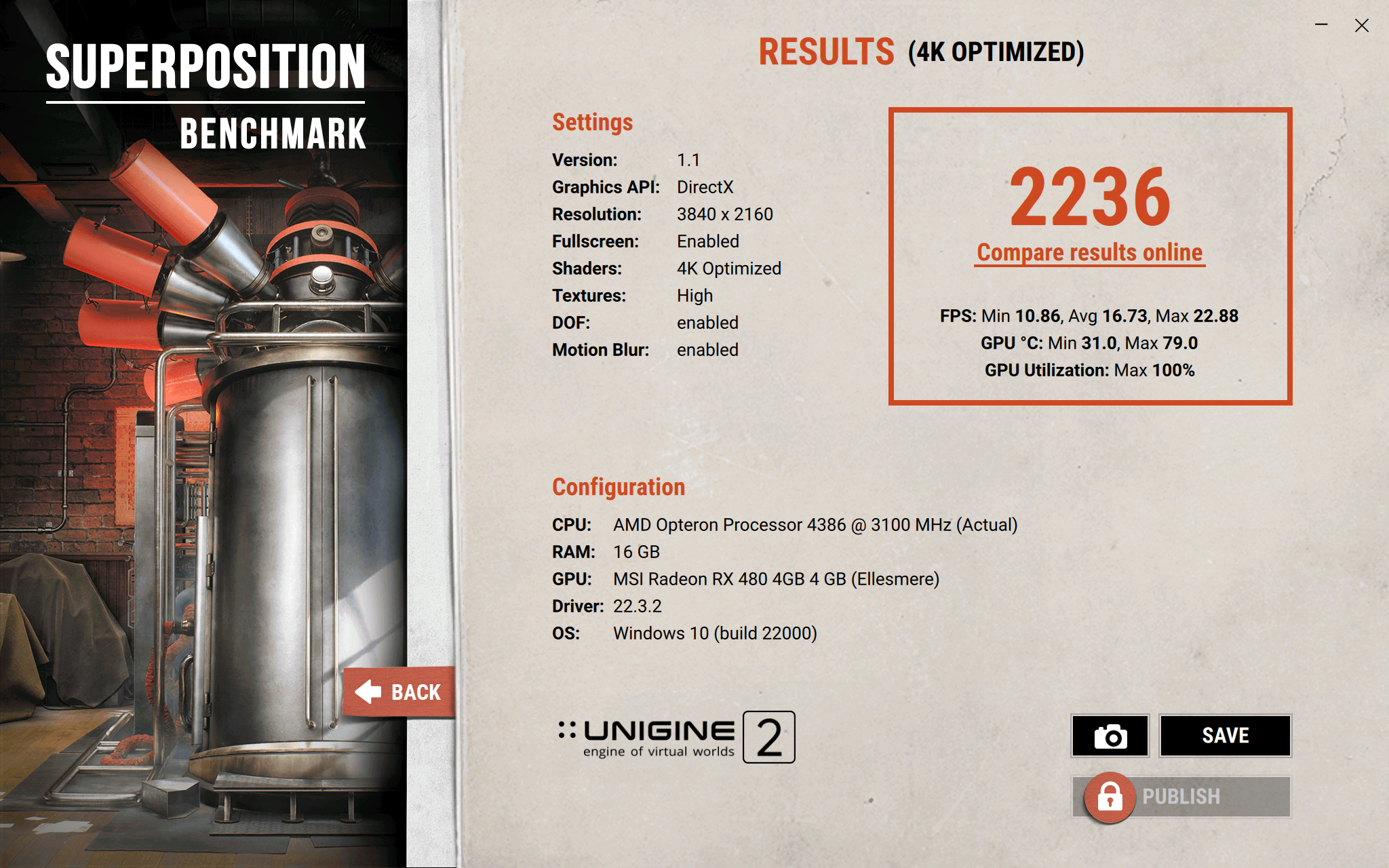
@bonami2 Right on man. Glad to hear I didn't make a poor choice. I had to do it or else this machine wouldn't work properly. It's very stable now it reports 12.094v at idle & max load of 221 watts on the core alone not including the rest of the PCB is 11.813v which is just fine & dandy for a $39.99 power supply shipped. Stock clocks it doesn't budge 12.000v load which is amazing. It's because I have the TDP TDC limits at 999 watts so its unleashed & delimited power limit for maximum performance. *Update on the PSU Voltages* After turning up the voltage on the RX 480 to 1.275v, it reached more than 315 watts on the Core alone! The Core temperature was 79°C & the VRM was 76°C & the minimum 12 volt rail voltage was 11.750v. Still quite capable power supply. I recently pulled the motherboard to repaste the super-hot running Chipset which before I pulled the dust mesh filter off the front of the case front panel, would hit 80°C. After pulling the dust mesh filter off the front panel it went down to 67°C, but I since have repasted the Chipset & it's running at 63°C now which is fine with me. I also made a new video of the Supermicro H8SCM-F in action with the AMD Opteron 4386 8-Core CPU which clocks up to 3.8Ghz which conditions are right, but most of the time is 3.4Ghz. I also have the MSI Reference Blower AMD Radeon RX 480 4GB Hynix running at 1.2v vCore which is set in the VGA BIOS, from 1.175v max vCore stock. There is a -25mv offset by stock on my card so bare that in mind when viewing the GPU Core Voltage. I have the core set to 1375Mhz & left the memory stock at 1750Mhz to minimize memory errors. I still have yet to receive my 24-pin EPS power supply extension cable which is 1 foot long & 1 foot long molex extension. So I cannot upload pics of the machine yet until it's fairly complete. Still need to upgrade the RAM to 128GB DDR3-1866 ECC Registered Buffered & possibly a GPU upgrade would be nice. Maybe a RX Vega 64 or RX 5700 XT or some such RDNA or RDNA 2 GPU. On the Superposition 4K Optimized benchmark I had the RX 480 clocked at 1400mhz at 1275mV & its stable with 105°C default Hot Spot limit.
-
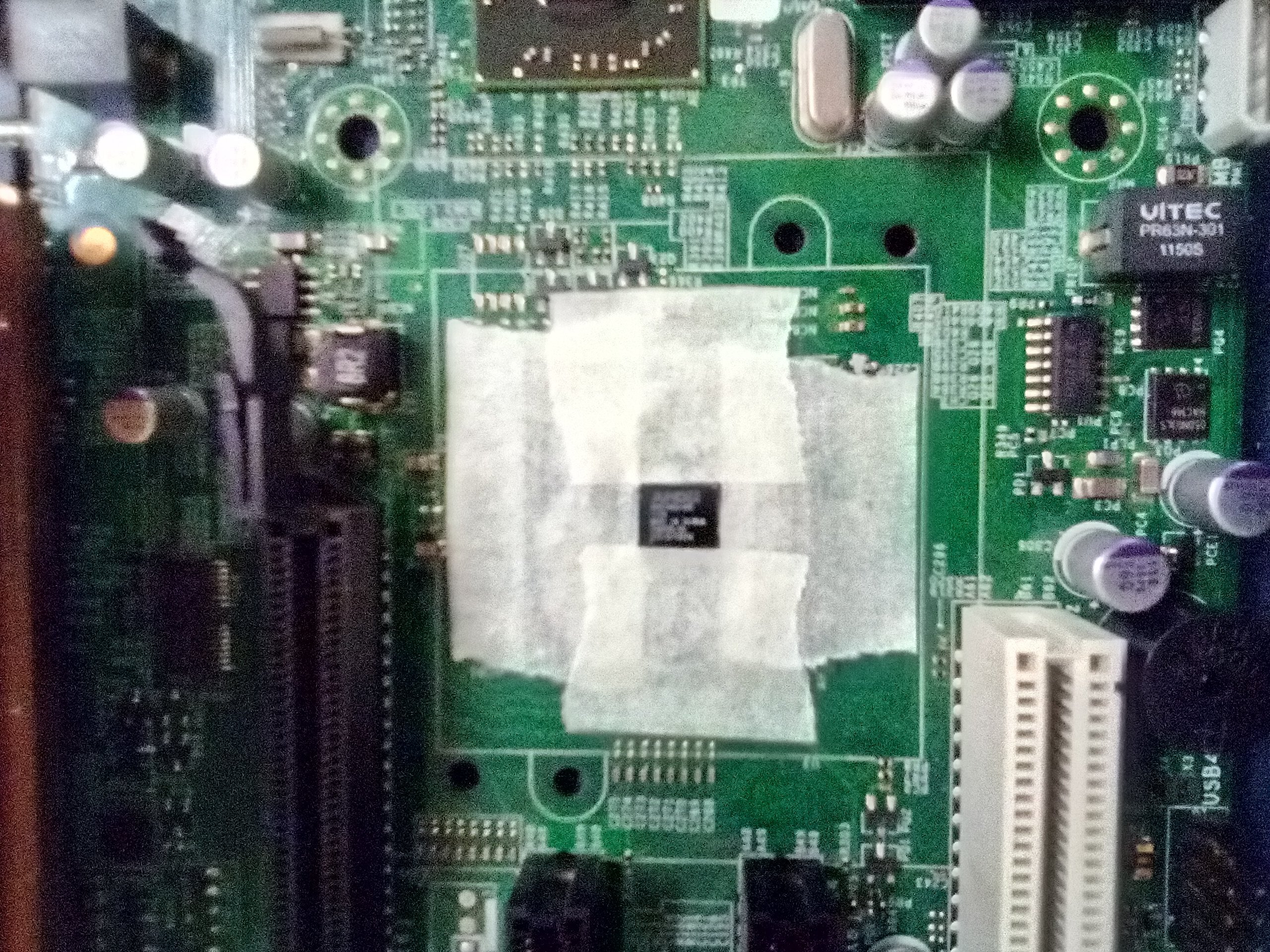
Which chip is the clock generator for SetFSB? I can't find an ICS chip.
-
Linksys EA8500 Not Running At B-Only Speeds When Specifying B-Only Mode? I tried setting Mixed mode then B Only mode & it didn't fix it & I tried restarting the router to no avail. It's supposed to operate at 11Mbps network speed, rather than 130.0Mbps & beyond. I'm trying to limit the Guest wifi only. Which I have done so successfully prior to this new configuration. It's a really simple configuration though, the ISP source is AT&T hotspot & the EA8500 is in Wireless Repeater mode connected to the more reliable 2.4Ghz wifi band of the AT&T hotspot. Before I had it in Wireless repeater mode but connected to the 5Ghz band of the hotspot & it was dropping connections a lot. Now it's very stable on the 2.4Ghz band but it's way too fast, it's not limiting the speed like it's supposed to.
-
@iamjancoHi buddy nice to meet you all I that we all extremehw.net
-
Thanks for having me. I'm happy to join the ExtremeHW community & hope to visit it quite often. Heck who knows, it might even become my new Overclock.net outlet. Thanks, Chris
-
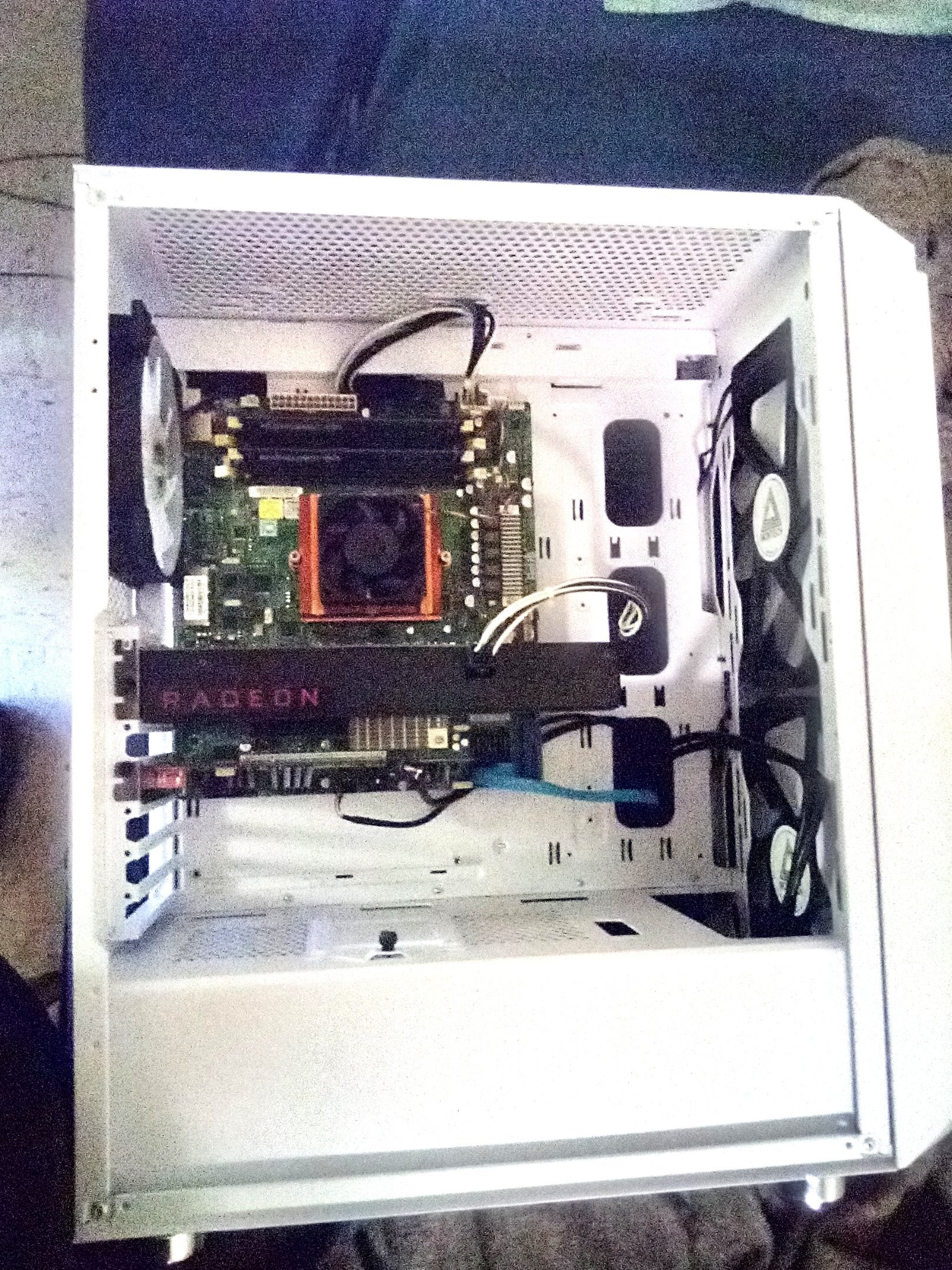
@bonami2Thanks man. I'm glad you didn't think that bending the metal to fit the large 1100w psu wasn't too much of an eye soar. It sure is a PITA getting the side panel on though . By the way, that heatsink came with the motherboard but I'm thinking it's a Dynatron full copper 2U? heatsink for C32 socket. I also love this socket & build as well. I always look forward to getting on it even without it being overclocked, it's 99% faster by stock than my other AMD A6-3670K overclocked to 3.5Ghz Quad-Core. If desired, I'll post more videos of gameplay using my overclocked & unleashed overvolted delimited power limit AMD Radeon RX 480 4GB Edition with Hynix memory. Which atm is clocking in at 1375Mhz core & 1750Mhz stock memory because of avoidance of memory errors. From 1175mV to 1225mV was required to hop from 1266Mhz to 1375Mhz on this chip full stable. To achieve 1400Mhz may need 1250-1275mV but that's likely too hot anyway. If only I knew it could support an RDNA 2 GPU or RDNA would suffice, but preferably RDNA 2. I'm an All-AMD-Type-Of-Fanboy these days. I used to opt for NVIDIA/ Intel but now I support #AMD, 100%. I like Lisa Su & her marvelous company! *Update* It's a 1U Dynatron T319 Copper Heatsink for C32 Socket. Dynatron T319 Socket C32/F1207 1U Passive CPU Cooler EBAY.TO Solution 1U Server. CPU Support AMD® Opteron™ 4100 & 4200 Series Socket C32, Six-Core and Quad-Core AMD Opteron™ Processor Socket F 1207 up to 105 Watts. CPU Socket C32 & F 1207. Material Copper...
-
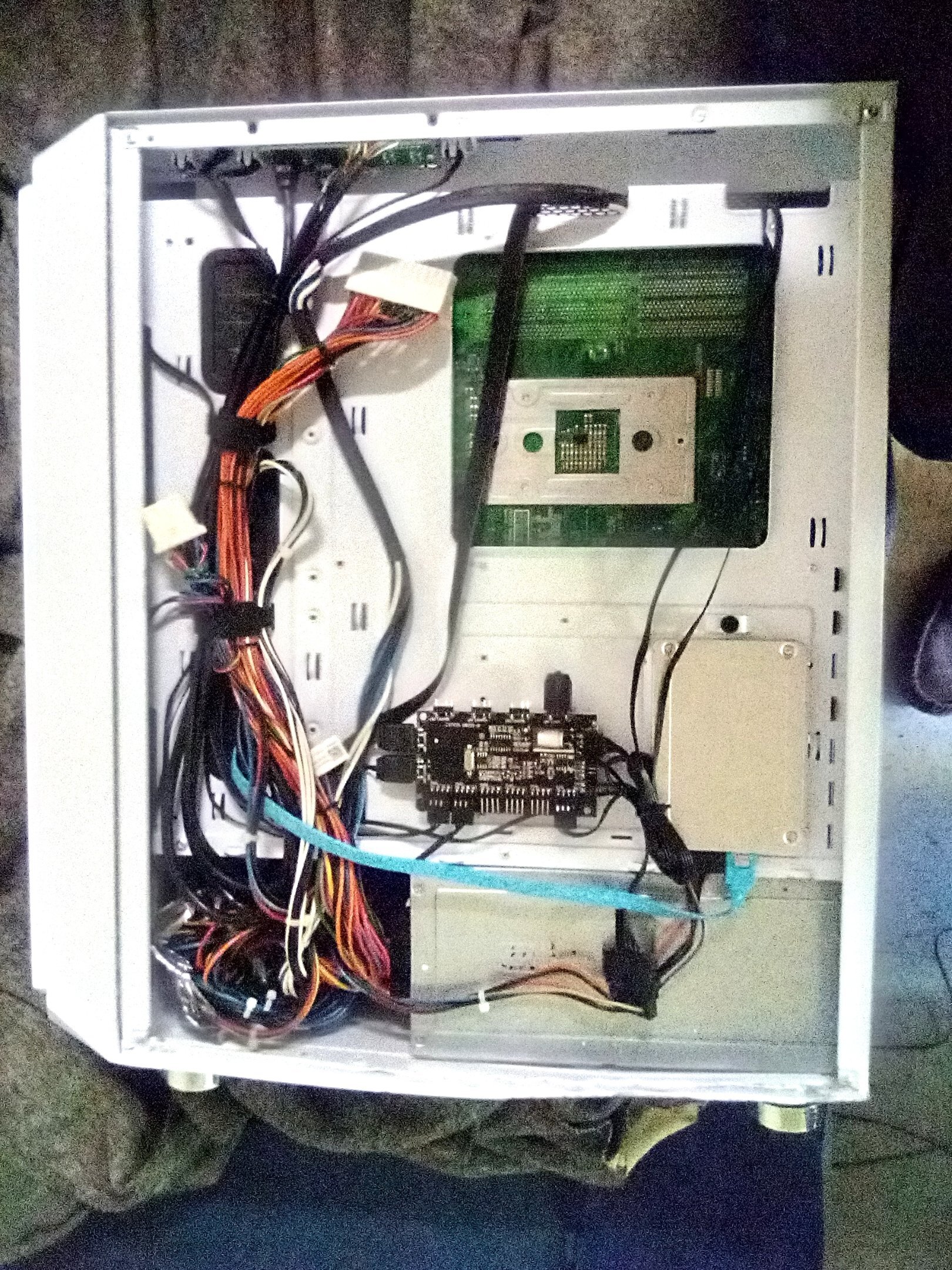
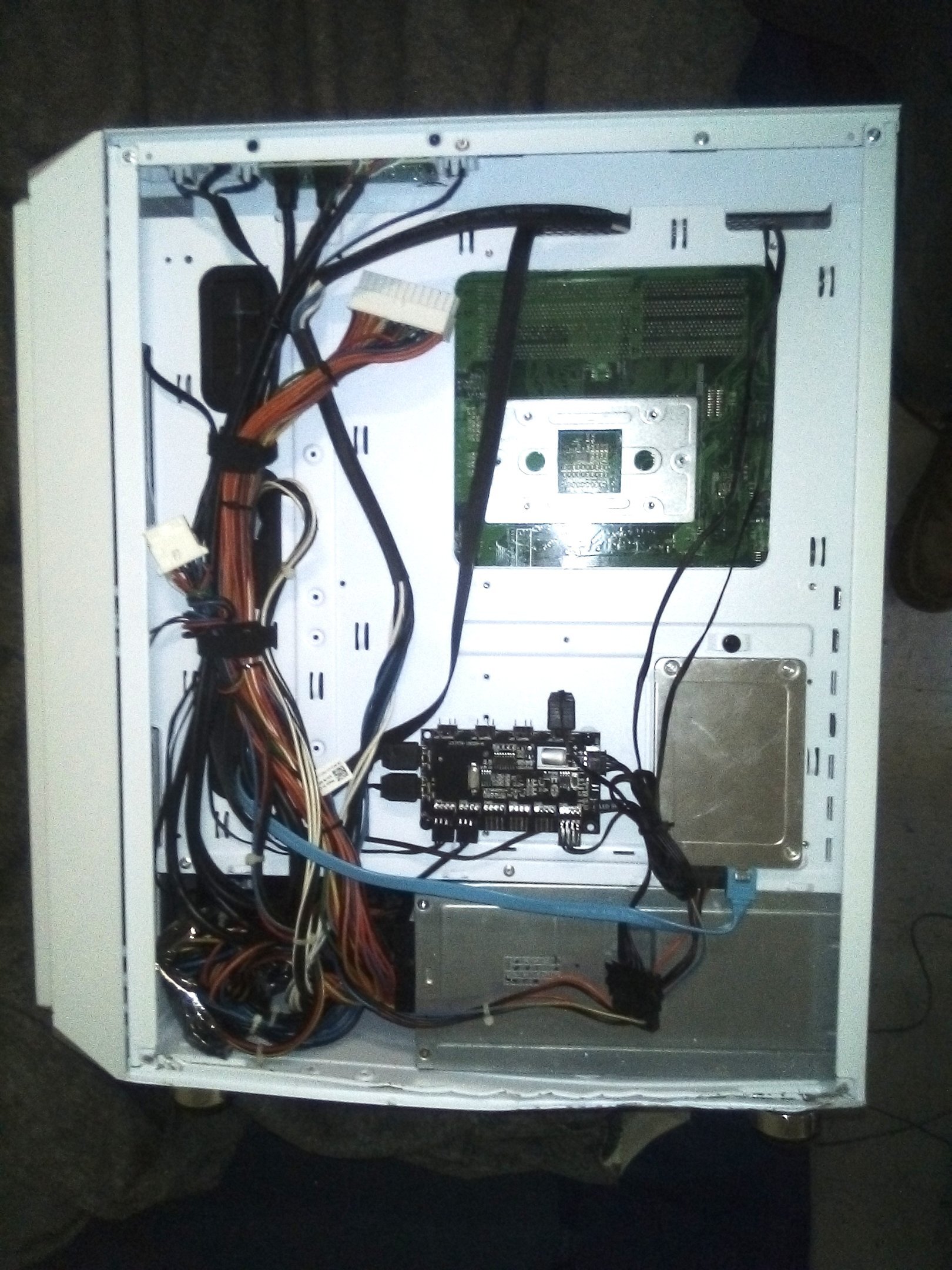
I took some more pics including the damaging of the case to fit the larger than typical ATX power supply, the Dell Precision T7500 1,100W PSU. It's an amazing power supply for the money providing very solid 12v rail capabilities & 16 AWG thick wires ensure stability, continuously under load. I know it's an eye soar but later on I'll take it to a shop & have them cut out the metal & weld a brace to reinforce the chassis. So far I'm waiting on my 12" Molex Extension for my PCIe x1 USB 3.0 adapter with front panel 3.0 header & my 12" 24-pin power supply EPS power extension for the short 24-pin on the Dell Precision T7500 or it's only because the motherboards power connectors are at the very top & the PSU is at the very bottom of a standard ATX case so it just can't quite reach.
-
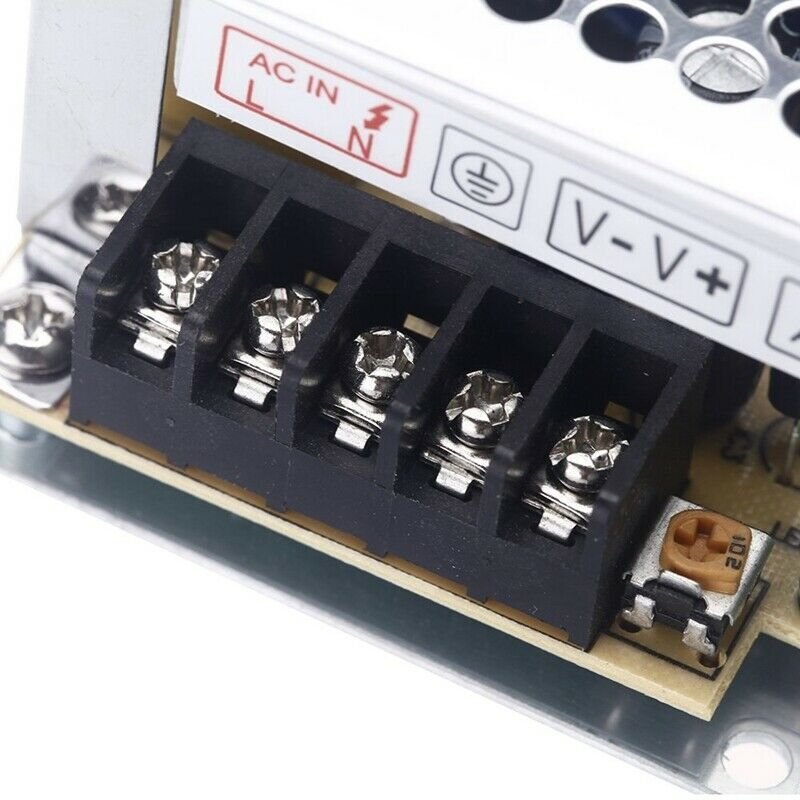
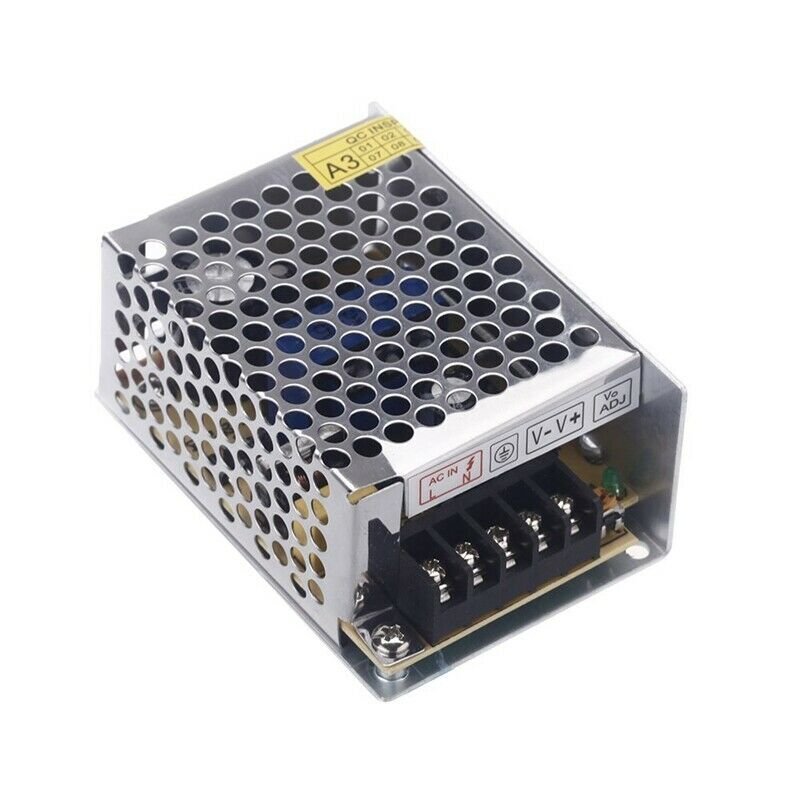
To be perfectly honest I plan on using it to light a cigarette. I already created a coil wire & connected it to the 5v & ground on a molex connector on a psu & it works just fine. Just turn it on for 2 seconds & its lit & turn it off & its all good. I just wanted a smaller simpler psu that provides only 5v so I can connect the positive & negative to the leads then connect a 2-prong ac power outlet wires with 2 wires to the 5v power supply. All I would do is plug it in for 2 seconds, light the cigarette & unplug it. Do I need to buy a 3-prong ac power cable instead with positive, negative, and earth ground? As you stated, I'm guessing the answer is absolutely yes. Thanks again
-
@ArchStantonSo is that earth ground required to get power to the device? It won't be operating continuously, only a few seconds at a time. Thanks
-
How to use a AC 100V ~ 240V to DC 5V 3A 15W power transformer switch power supply? What is that middle wire hookup for? is it essential for the device to operate? Thanks Switch power supply, convert AC 100V ~ 240V to DC 5V. Wide input voltage range, steady and precise output voltage. Lack protection, over load protection (105% ~ 150%), over voltage protection (115% ~ 135%). The widely as power supply used for the LED Strips, LED display, poster, industrial plants, etc. IN-DOOR ONLY USE! Specifications: Material: Metal case / Aluminum base Input voltage: AC 100V ~ 240V (50 ~ 60Hz) Input voltage: Cold start Output voltage: DC 5V Output voltage setting : ± 10% output current: 3A output power: 15W working temperature: -40 ~ 65 degrees Celsius Humidity: 20% ~ 90% RH non-condensing Item size : 8.5 * 5.8 * 3.8cm / 3.3 * 2.3 * 1.5in product weight: 120 g / 4.2 oz
-
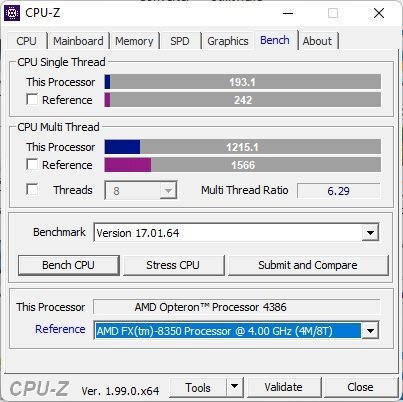
Nice yeah the 3550h vega 8 had a clock of 1200mhz but the 2500u is 1100mhz. By the way cool mod bro! I wanna buy your laptop model & do the same mod! Whats the exact model number? Here are my results comparing the RX 550 at 1250mhz core & 1375mhz (not much so ill leave it under volted and at 1250mhz for safety purposes). Against my 3550h mini pc & my 2500u laptop. Looks like the Ryzen chips surpass the Opteron 4386 on the CPU test. Result WWW.3DMARK.COM This one I overclocked the RX 550 to 1400mhz core & this is the result. 3dmark.com WWW.3DMARK.COM
-
Interesting. Yeah my eGlobal AMD Ryzen 5 3550H Mini PC has Vega 8 GFX as well & its way faster than my HP ENVY X360 AMD Ryzen 5 2500U. My eGlobal AMD Ryzen 5 3550H Mini PC has an unlocked BIOS so you can tweak the memory speed & timings. I run DDR4-2933 on the AMD Ryzen 5 3550H with 3200mhz module's. Not to mention they replaced the motherboard & put in a T-Bao motherboard with unlocked TDP settings in the BIOS so I set it to 54W & added a copper shim to the Core Diode to cool it down at 54W TDP. It performs amazing now. It holds 1200Mhz core on the GPU Vega 8 & 3.7Ghz on the AMD Ryzen 5 3550H. Which smokes the AMD Opteron 4386 on Cinebench R15. It scores almost 800 points on Cinebench R15, while the 4386 scores 511 points. I'm happy with the performance of the 4386 though it's amazing & cool running too only 48°C max temp. Can you post pictures of your modded heatsink on your Acer Aspire with the Acer Nitro heatsink? That's really cool.
-
In my opinion though I think this RX 550 BIOS modded smoked the Vega 8 graphics which would throttle the gpu core clock all day well below 1100mhz peak, down in the 600-700mhz range with only 8 ROPs, it was pushing 4.8GPixel/s or so maybe a little more & the RX 550 @ 1250mhz core pushes a solid throttle-free 20GPixel/s with 16 ROPs. Plus I overclocked the GDDR5 from 1500mhz 96GB/s to 1875mhz 120GB/s & added super-tight memory timings to the BIOS. It appears to run much much faster than the AMD Radeon Vega 8 gfx but I will test it & compare & post the results. Thanks for your amazing advice though buddy! I love these Forums & this Community a lot. Even as much as Overclock.net which I been a member on for years & years.
-
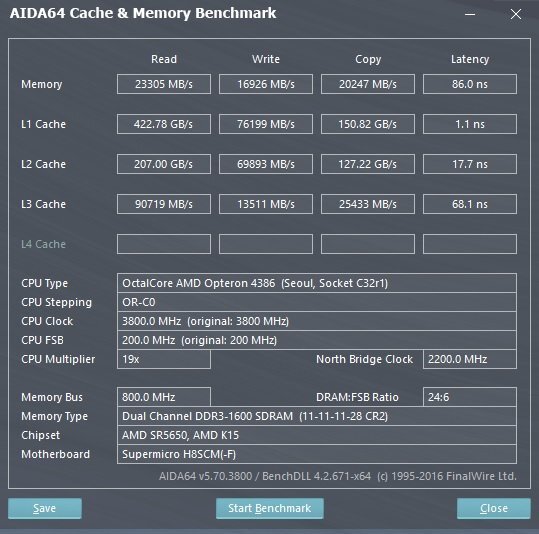
Here is some benchmark data of my new AMD Opteron 4386 8-core up to 3.8Ghz, which beats out my AMD Ryzen 5 2500U which is great. The Dell OEM Low Profile AMD Radeon RX 550 4GB under-volted down to 950mV & 1250mhz core 1875mhz memory with 75w tdp & reduced hot spot down to 84°C from 105°C. Only 5 fps less than 1375mhz core with 105°C. It also runs 20°C cooler at 950mV from 1050mV but set to 1075mV via stock vga bios.
-
How do I force the cpu into it's max multiplier all the time? I hate this that it only goes up to 3.3ghz under full load, the 4284. There's this software from Supermicro called SuperO booster but I cannot find it anywhere & I doubt it will work on my board anyway.


.png.e3c7859b01460dd9a6eb53dad91cf11a.png)
.png.db250d20ec1f4378e773974f12287ec2.png)
.png.a4d6d01fc24731668af695b5d8d3ff0c.png)
.png.cde147aaf7d091e8fedd3c3edb39e34e.png)