Welcome to ExtremeHW
Welcome to ExtremeHW, register to take part in our community, don't worry this is a simple FREE process that requires minimal information for you to signup.
Registered users can:
- Start new topics and reply to others.
- Show off your PC using our Rig Creator feature.
- Subscribe to topics and forums to get updates.
- Get your own profile page to customize.
- Send personal messages to other members.
- Take advantage of site exclusive features.
- Upgrade to Premium to unlock additional sites features.

LabRat
-
Posts
191 -
Joined
-
Last visited
-
Days Won
13 -
Feedback
0%
Content Type
Forums
Store
Events
Gallery
Profiles
Videos
Marketplace
Tutorials
Everything posted by LabRat
-
 IMO, just like 'cholesterol' in Heart Disease these amyloid proteins are tangential to the problem, not the cause. Glad to see there's now some research to back up that "uh, duh?" on my part.
 -
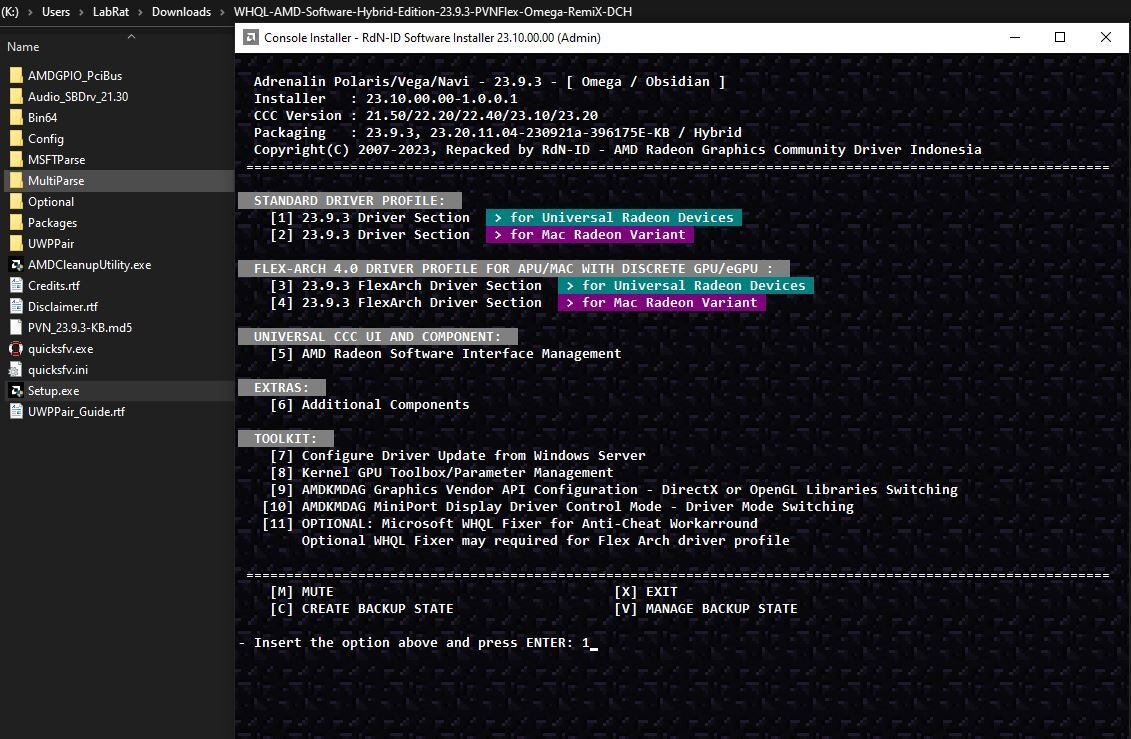
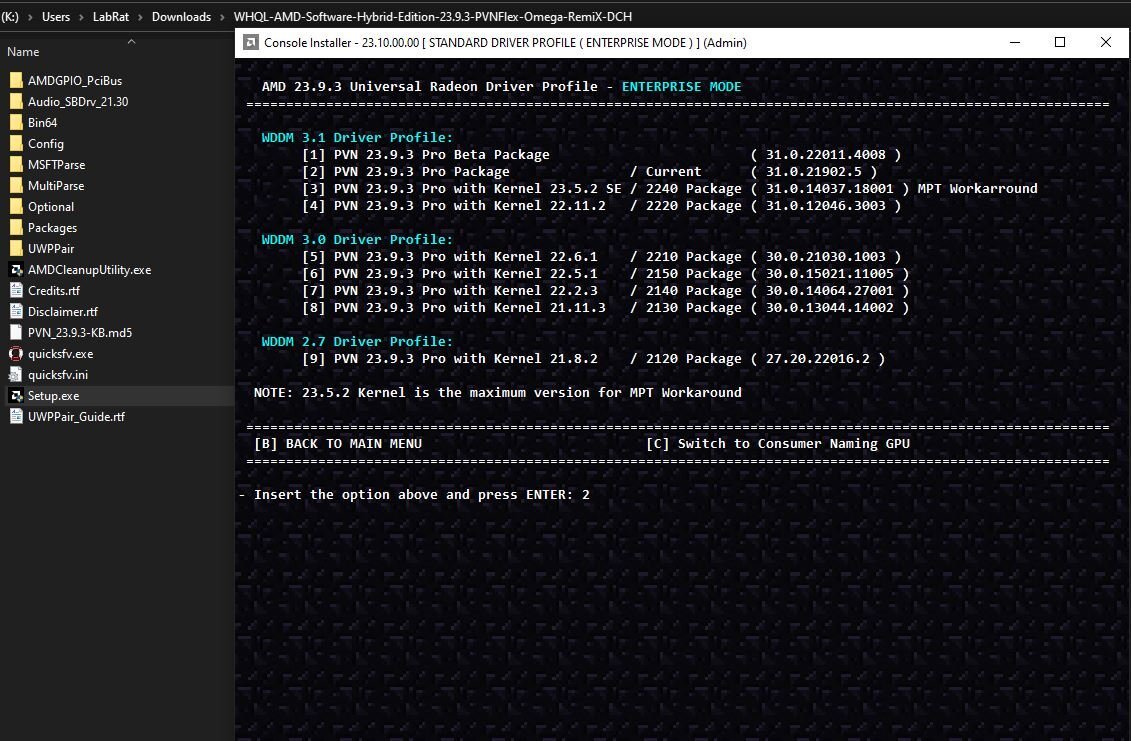
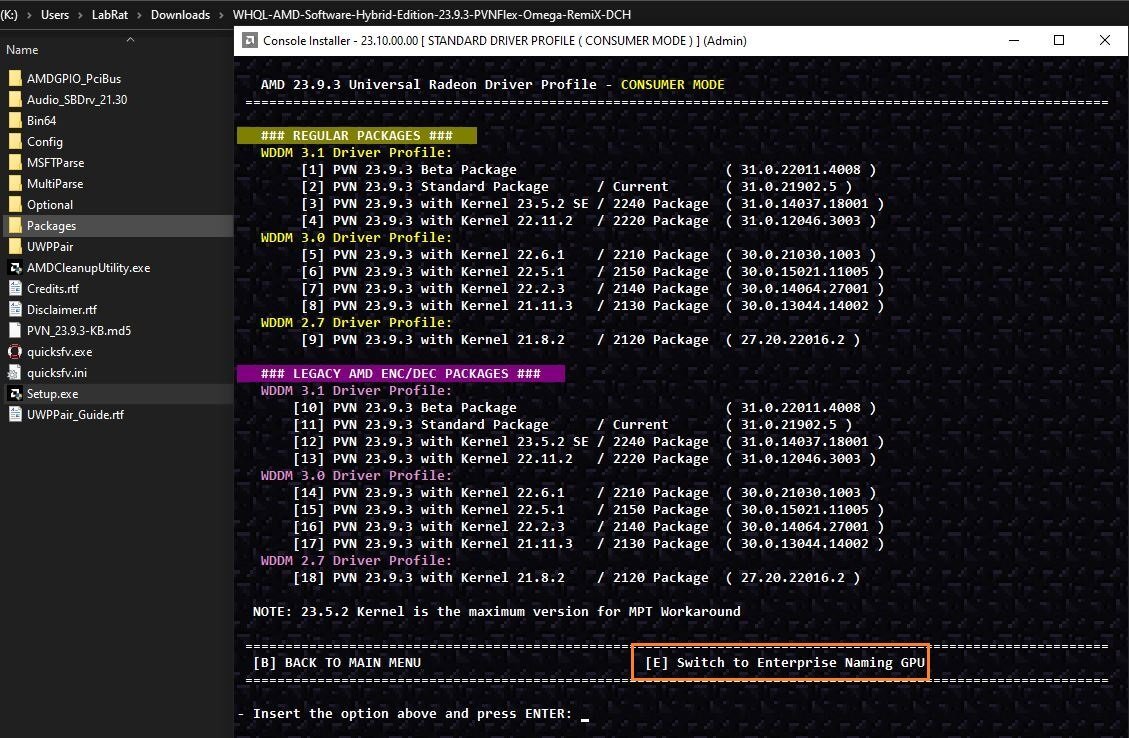
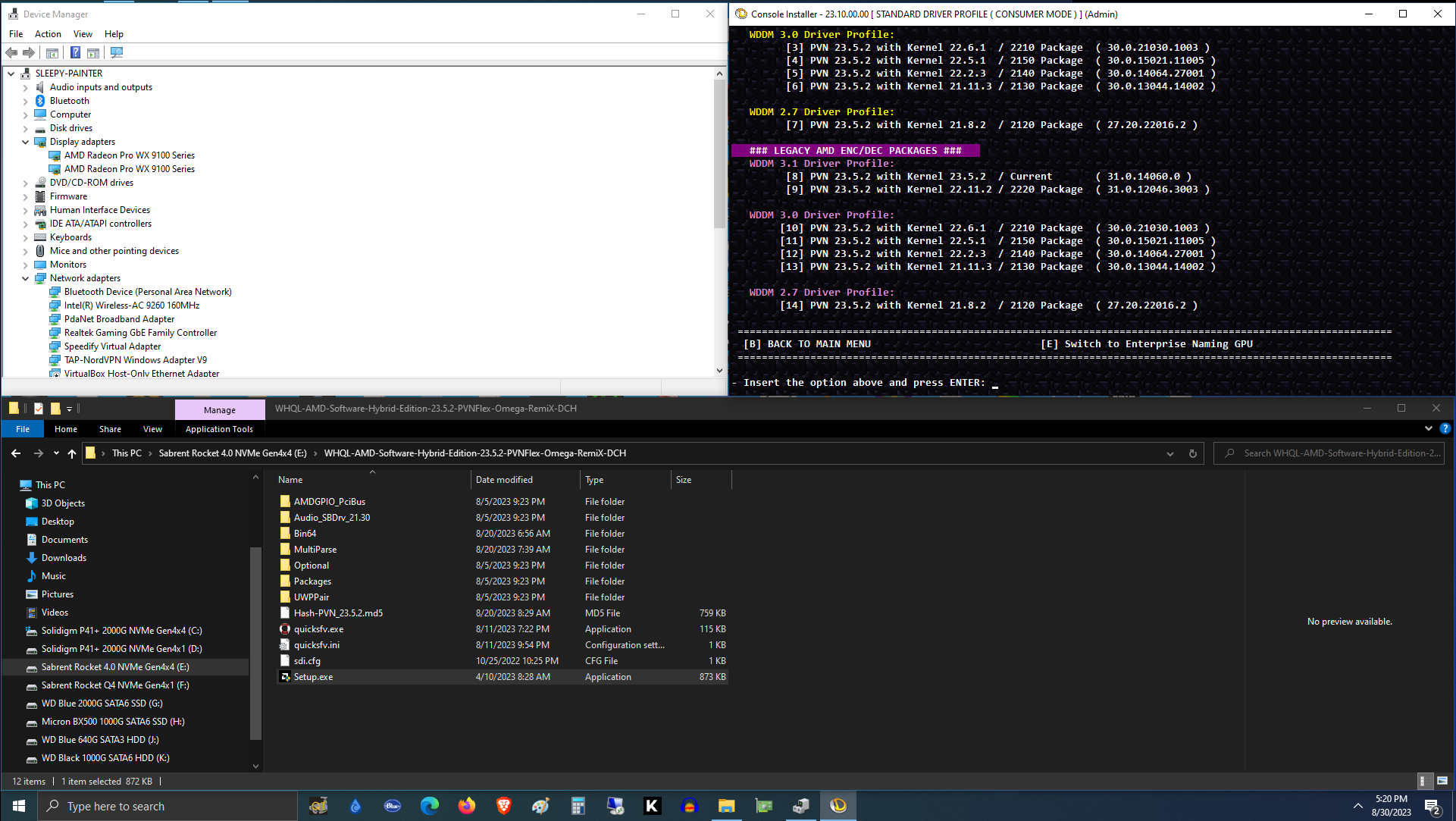
Have you tried 3rd Party Drivers? Through several updates, I've had excellent luck with RdN.ID / AmernimeZone (NimeZ) drivers. On my Vega(s). RdN.ID @Sourceforge WHQL-AMD-Software-Hybrid-Edition-23.9.3 img/amernime_blue_thumbnail.jpg Amernime Zone - AMD 3rd Party Drivers WWW.AMERNIMEZONE.COM 3rd Party AMD GPU Drivers with Customizable Tweaks It'll also let you chose 'branding' and 'feature level' through the setup-configurator.

-
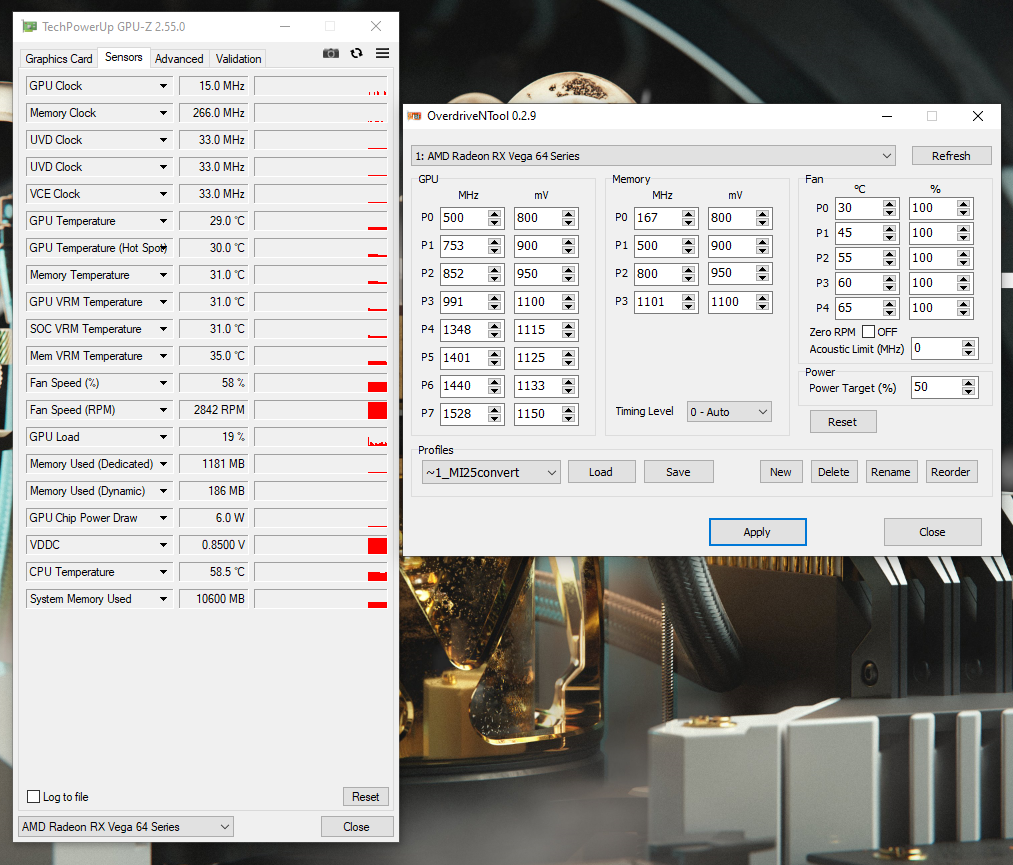
It's been my experience that the 'fall back' P-states, have to be customized too. AFAIK, these MI25s are the only Vega that *needs* tweaking beyond P6 and P7, for max Watt/Perf. I mean, it makes sense. We're basically 're-binning' Vega 10 16GB into another product line note: Samsung HBM2 seems to run 1+ghz no problem, even with a 1025-1050mv 'HBM voltage floor' set. I played STALKER: Anomaly for *hours* yesterday, sustaining 1390-1528Mhz core*, at less than 1100mv. 220ish-260ishW sustained, 280ish peak. If I push voltages to 1100mv or higher, I can get 1600+, but hotspot or HBM temps eventually cause instability. (Also, the 2-less power phases trying to push 300+W might be related. I've seen 350W+ pulled from my card, before overheating) *After using OverdriveNtool to 'find' stable clocks, I used RadeonWattman to create a profile for STALKER Anomaly that locks it in p-states 5-7 (some areas in the game don't 'load' the GPU, even though the clocks are needed for smooth framerates) Any idea on how to edit the vBIOS's clocks/voltages? I'm very close to finding my card's "sweet spot", would like to make it 'permanent'. PS: I've got a 6+8pin MI25, on the way; I'm very curious what the differences between the 2 MI25s are.
-
This advert is COMPLETED!
- WANTED
- NEW OR USED
Wanted: 64mm x 64mm mounting pitch - 250-300W+ TGP Heat Sink Fan assembly. (Front/Top and Rear/Back plates unneeded) Will also consider whole cards (dead or alive) and aftermarket coolers* if the price is right *I would also consider aftermarket coolers that use a modular mounting bracket. I have rudimentary tools and skills to manufacture a mount. I've been searching for over a year looking for either a "For Parts" Fury/Vega/VII w/ a better-than-reference cooler, or an salvage/aftermarket GPU HSF alone. Everyone on eBay thinks they have gold/platinum/palladium in their dead AMD HBM cards; it's insane. I'm not paying more than the 'sold' prices of working cards, for a dead one (or, just a cooler). Considering how many people I know Watercooled Fiji and Vega, I'm deeply saddened to now-know how many HSFs ended up in the trash. My last hope is coming to the enthusiast community, to find someone that has a non-ref Fury(X), Vega (56/64), or ref. VII air cooler sitting on a shelf, or in a box. Just to be completely honest, open, and 'in the clear'. I'm looking for CHEAP. (Damaged and 'bent- and/or beat-up' coolers may be acceptable as well) Given some luck, I can find a whole working Nitro+ Fury for ~$40 shipped. I'm looking to spend less than that, for further-upgrading and "kit-bashing" of my MI25. Note: I ❤️ Fury, Vega, and HBM GPUs If you have more than one compatible HSF or for-parts card(s), I would happily purchase/trade for multiple-Qty. I'm hoping to score a couple more MI25s w/in the next year, before they disappear. HeatWare I'm near Olympia, WA, USA (for shipping estimation) I do not PayPal but, I am willing to sign up for alternatives (Zelle, etc.) I would also be willing to Trade.Ask for price
-
Wow, that's almost an impressively-low score from me. My Titan *was* watercooled; the original owner couldn't get it working, so I scored it CHEAP a few years ago. (he mis-mounted the waterblock, and shorted it. Thankfully, non-destructively). So, instead of a proper GTX Titan OG cooler, it has an eVGA Titan Black cooler on it. Which, required some 'gorilla mods' with a pair of pliers and a knife before mounting. Some of the pads/cold plate don't make PERFECT contact, so I didn't want to OC and push it. @pioneerisloud got me to try anyway, and she's not a good OCer with such meager cooling. Still, a nice card in my collection. HWbot ever do CrossfireX/SLI challenges? I've got 1GB G92s enough for 3+way SLI, and at least 2 working RX580s left hanging around.
-
Cool, Thank You No complaints. Just assumed I'd messed something up.
-
Did I miss something, or is the name a binary pun on an extension-expansion to AVX2? AVX AVX2 AVX-512 AVX10 ("2" in 'binary'?)
-
As a learning experience for me: What happened to my Titan run? I know I had to edit it due to a browser mishap re-populating my old sub's details.
-
New Fuzzy Donut!? Sweet.
-
Perhaps, you find the Latency acceptable, I do not. (Even, over a simple and modern LAN or WirelessLAN) I believe that's something of a sentiment shared by a portion of Retro-Console community, too. See: FPGA Retro Consoles You have a point, nonetheless. For those who either "don't know any better" and/or "cannot tell the difference", 'streaming' is an apparent, simple, and affordable solution. From my PoV (in researching eGPU's progress over the years), I'd say the biggest consumers of eGPU enclosures were professional artists, graphic designers/animators, CADworkers, and Pro media editors. That's a market, and one that can/will easily shell out $$$$. Note: Even for Pros, Amazon AWS (aka: streaming) allows a similar utility. Yet, I still think this is more a cost-availability (and publicity-marketing) thing: If no AIB/manufacturer is willing to make 'affordable' eGPU 'kits' (and advertise them), then it'll never become popular. Ex: Many (Apple) users cannot even conceive of upgrading their machine without just buying a whole new one. Why would they think 'plugging in an upgrade' would be possible? IMO, Intel's just trying to stir-up attention on ThunderBolt 5, and their License(d) Partners' "Features and Abilities". Sadly, Thunderbolt has almost always been relegated to 'premium' offerings. Rarely, if ever will you've found Thunderbolt on a Sub-$800 (MSRP) laptop. To me, Intel's attempt @ PR here is entirely self-defeating. -Advertise something that will only become popular if affordable -Yet, relegate that "advertised feature set" to only premium units. Edit: I just used USB4 on an AMD Ryzen laptop and it's amazing! | PCWorld WWW.PCWORLD.COM Not gonna lie, I legit got giddy plugging a Thunderbolt device into an AMD-based laptop with real USB4 support. USB4 Systems PCIe Tunneling Support | Microsoft Learn LEARN.MICROSOFT.COM Verifies that systems support PCIe tunneling on all exposed USB4 ports.
-
Your simplification-explanation, belies and describes the precise reason I'd mis-lead myself: Duty Cycle % would also fit that definition. Any magnetic or resistive load cannot exceed 100% Duty Cycle. -Regardless of its rated rotational speed, torque, or thermal dissipation. Honestly, I just didn't think 'it was that "dumb" '. Makes a lot more sense to me to be a duty cycle (to me) but, I can see the utility in it being simply compared to the known-equipment's RPM rating. Ex: if your card is 'stock' and the fan % is low, that'd be a sign the bearings are failing, there's air-restriction, or dust has built up on the fan (slowing it). Edit: Incorrect. Replacement is also a 4-pin PWM fan, pin-for-pin adapted to the GPU's fan header. Also (AFAIK), RPM is off a 'pulse signal' from a hall-effect sensor/equivalent* in the fan. (*IIRC, 'back EMF' can be used as a sorta in-situ hall-effect sensor.)
-
Being PWM, I was worrying about the "Fan Speed %" being derived from "PWM Duty Cycle" rather than a comparator to a 'fixed, expectant value' in vBIOS/PPT. One of those times where 'other experience' can mis-lead one away from the answer Like part numbers on Brake Calipers, they're *not* unique for each side.... Now I we know.
-
Well, when you have no clue what the 'rated' RPM of my kit-bashed Dell workstation fan is... (and no pics of the hub, for datasheet lookup)
-
Good ideas, TY for linky. Edit: Tried the acoustic limit to 0. Same behavior. Edit 2: Tried moar powah (for funsies) and actually under a load, instead of manually setting 100 for all fanstates. Kudos for getting me to try that. Not 'the solution' but using the VegaFE PPT, I can actually get more than +50% power now. Also related, is the fact I'm using a 120mm x 38mm axial blower, instead of a 'real' Vega's centrifugal fan assembly. Underlined offers an explanation as to why I previously saw it max @ 50% but, this latest PPT I'm using off an unlisted/unverified VegaFE (air) card goes to 58%.
-
I've been looking for eGPU solutions for laptops, since before it was cool. /s No, seriously. As a teenager, every few-months I'd research the topic. In my 20s, I'd research it a couple-few times a year. [I felt like I was "contributing, at a distance" as I watched the very first 'solutions' come into being, and then Retail eGPU enclosures coming to market] When the eGPU concept got popular w/ 'Content-Creators/Pros' I was deeply saddened to see it 'relegated' to Intel-Apple Thunderbolt. In both my personal and generalized opinion(s) eGPU is/was 'niche' due *entirely* to the expense and specialized requirements of ThunderBolt. or, physically modifying your laptop for externalized access to an mPCIe or (PCIe-equipped) M.2 Slot and, using 'kludge-like' (or overpriced) 'import' riser-adaptors. USB4 has a chance to change that, and make eGPUs a 'normal thing'. (all Win11 'sticker-certified' laptops *must* support USB4 PCIe and DP operation) Topically, though... Gotta agree that TB5 isn't gonna do a single thing to help/hinder eGPUs. Full-implementation USB4 will. (I also think Intel is having regrets @ sharing TB3's spec w/ USB-IF. They're trying very hard to not let USB4 cannibalize ThunderBolt)
-
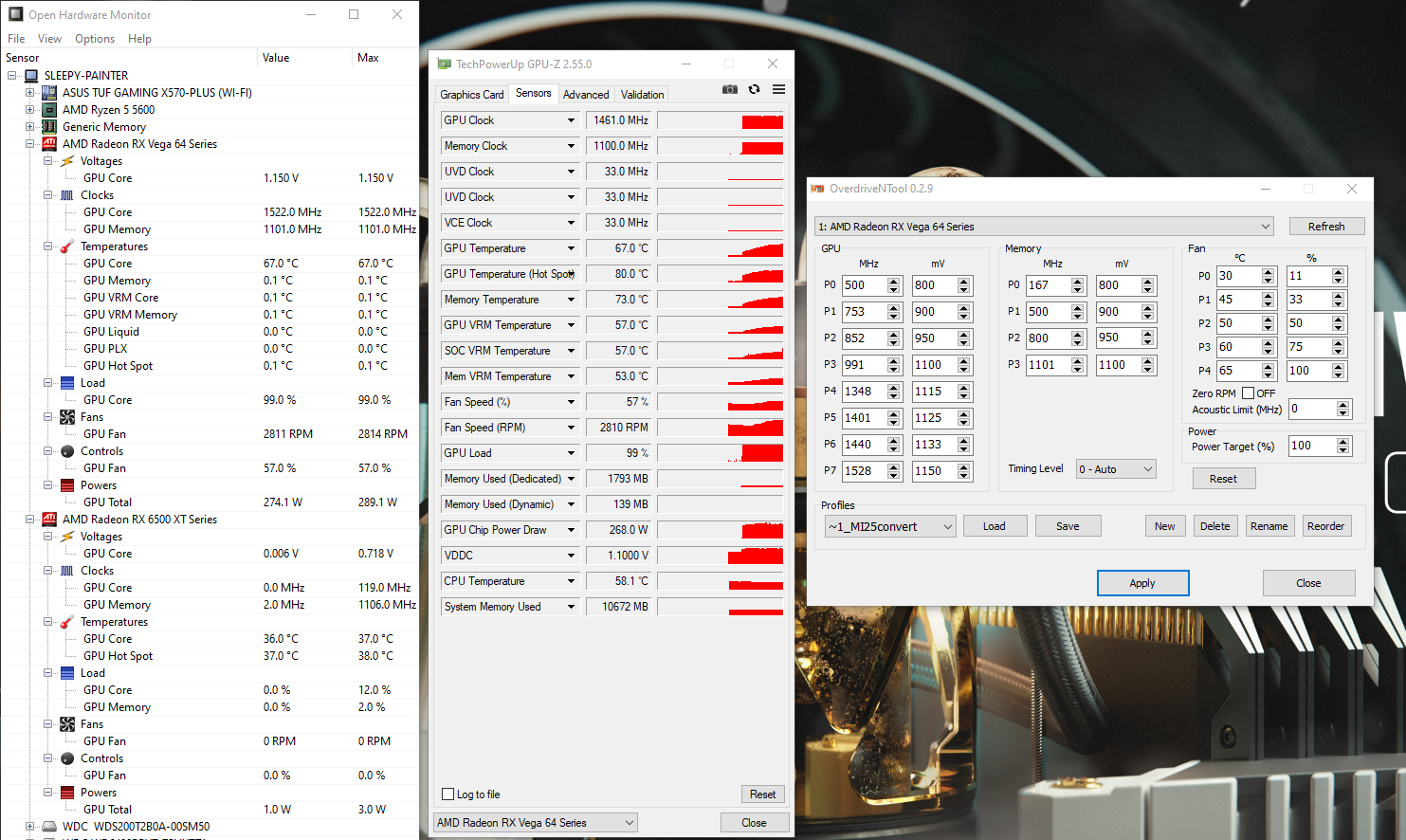
Radeon Instinct MI25, flashed to WX 9100, using VegaFE(air) PowerPlayTables. The card is powering and controlling the 4-pin 120x38mm (ducted) server axial-blower. Note: The Axial Bloweymatron is of lesser power draw than the stock Vega56/64 blower Windows 10x64 Professional (22H2) GPU-z 2.55.0 / OpenHardwareMonitor 0.9.6 I have had this issue across both AMD-official and Amernime Zone drivers (multiple versions) I'm not even sure if the fan isn't *actually* at 100%. (It's kinda hard to tell by noise.) I would greatly appreciate any input, suggestions, or solutions. For those that are aware of my 'adventures' with this card, I just re-pasted it, and modified the heatsink. Great improvement! Now, I just wanna make sure that I'm getting the most cooling 'ability' possible. Thanks!
-
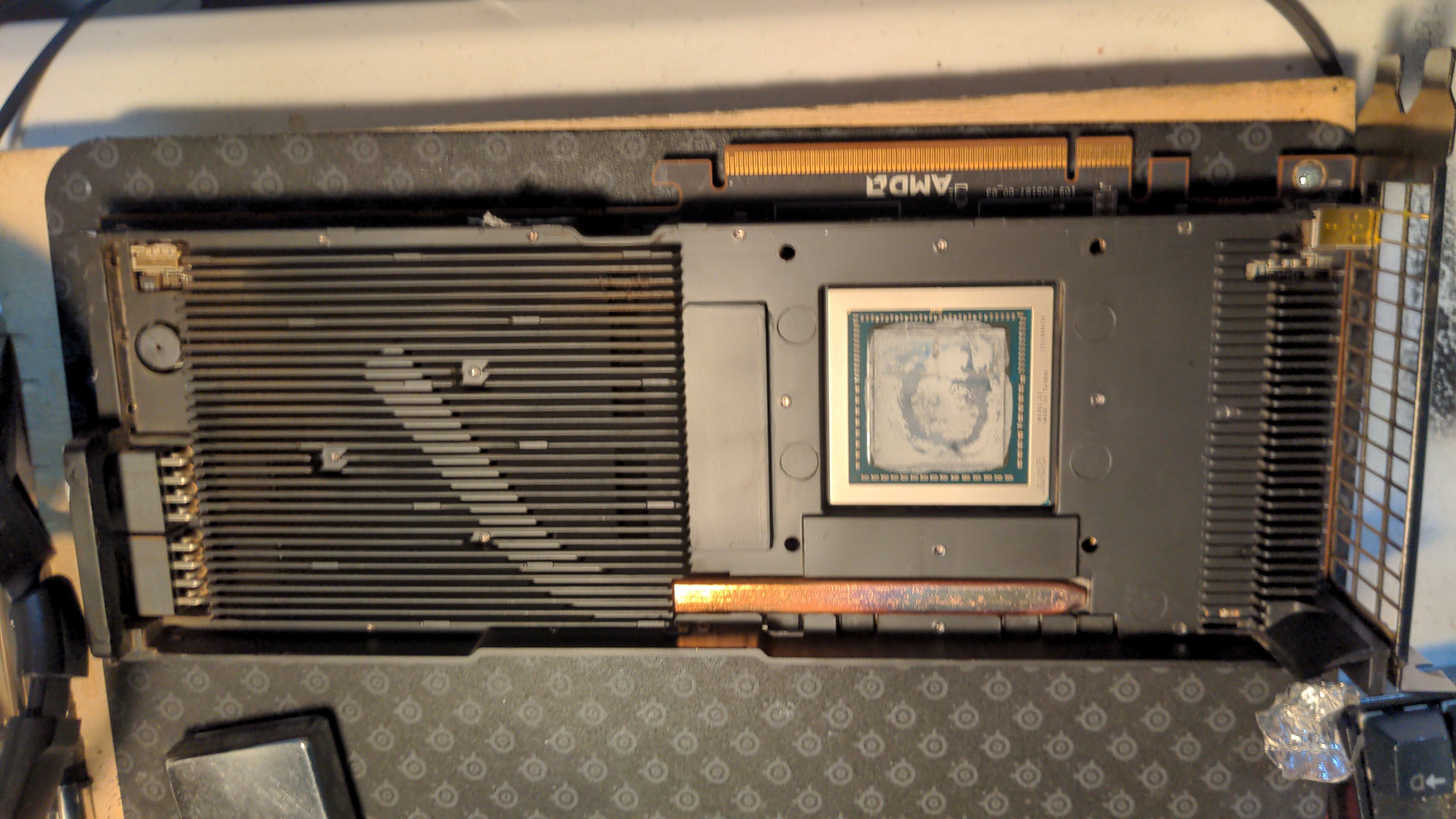
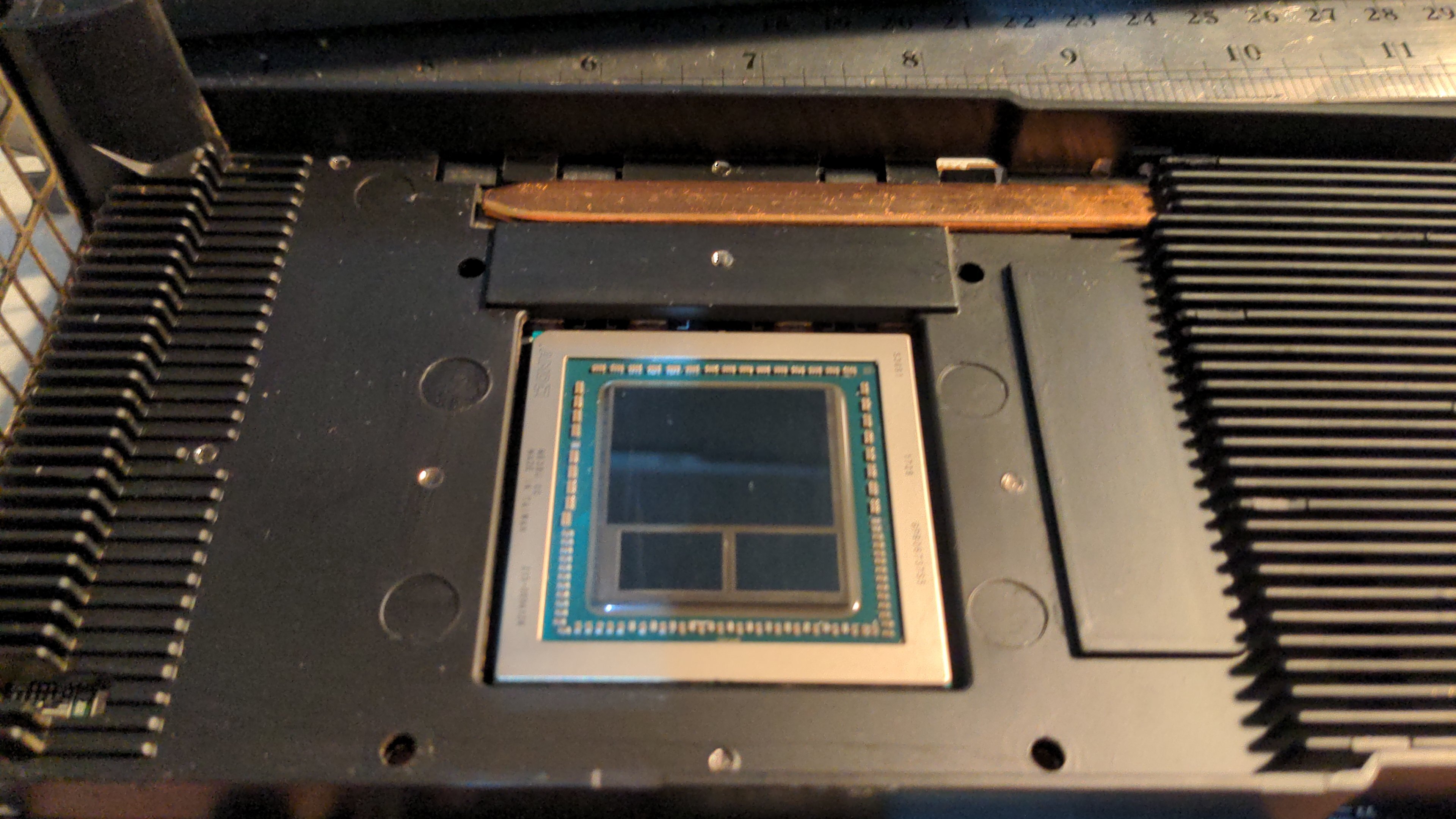
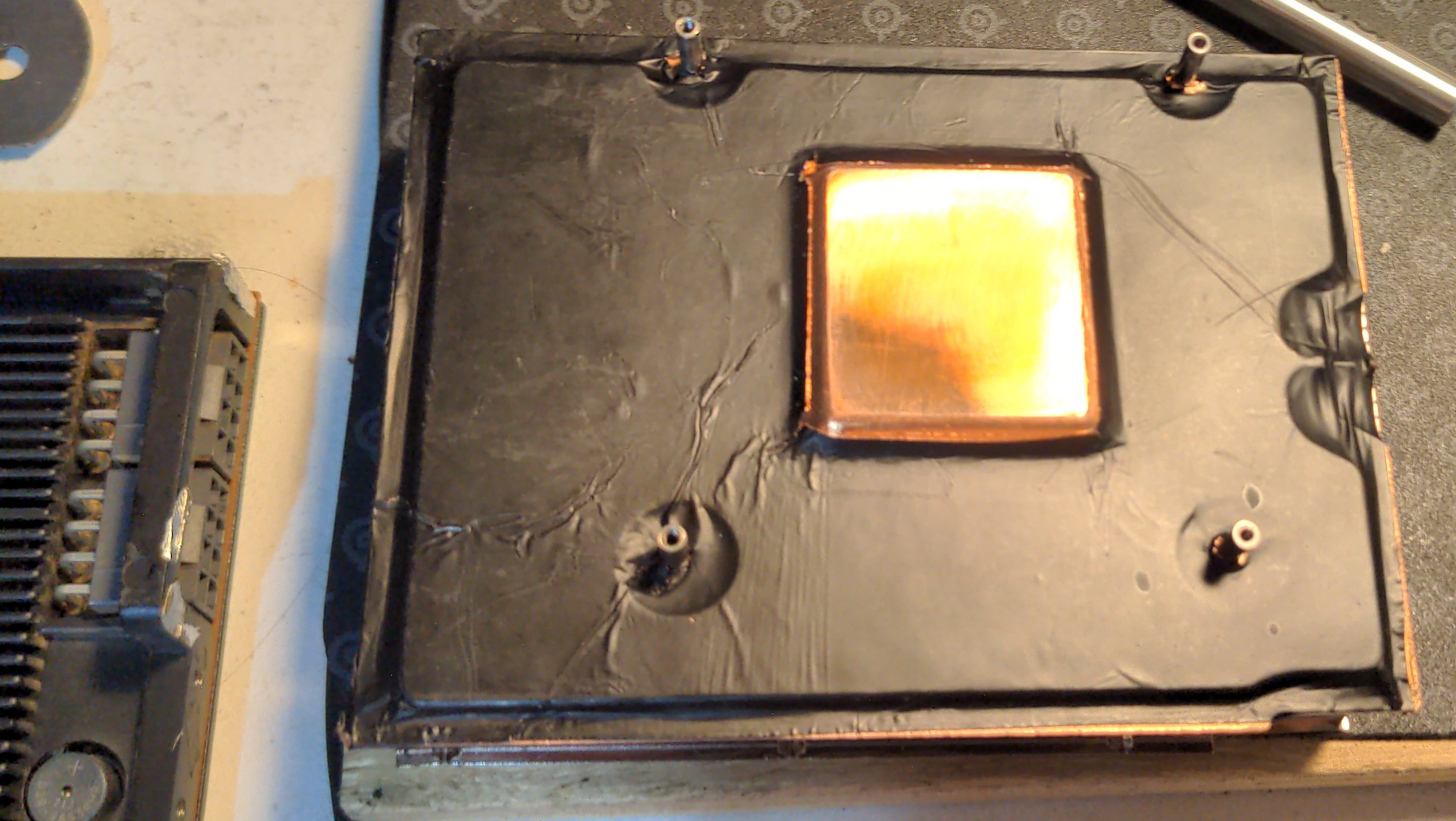
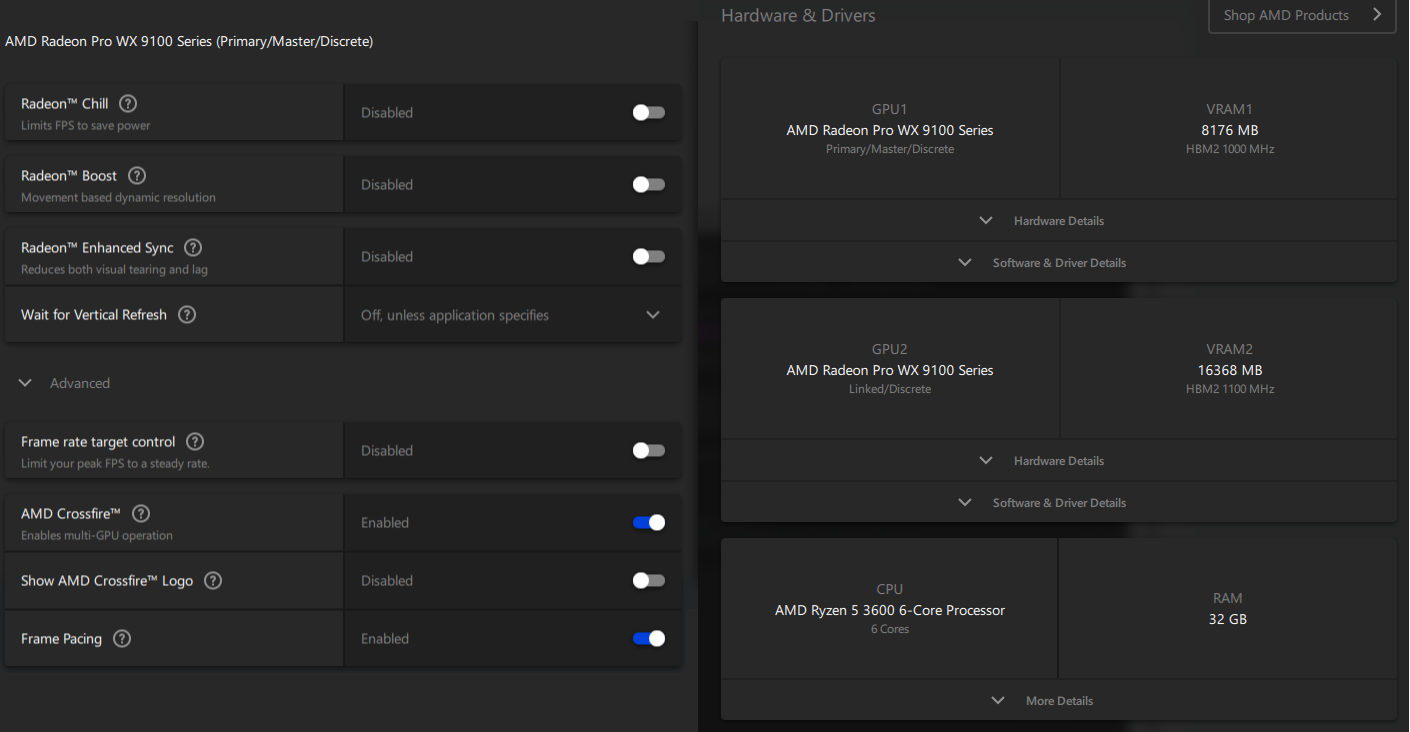
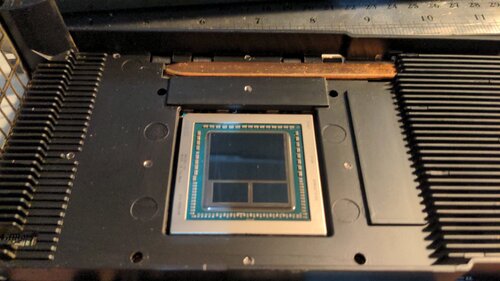
Update! After "Mixed-CrossfireX Adventures" and finding a 'cheap' AIB/aftermarket cooler for a 65x65mm mount-pitch GPU Both, went about as smoothly as I'd expect... I decided to just re-paste and re-mod my MI25's cooling. 'stock' TIM - looks like it dried up some, and wasn't a very good application. Clean n' pretty - Vega 10, and its two stacks of Samsung 8GiB HBM2 The Mod - Heatpipe > Copper | Allotropic Carbon > Heatpipe Used a sheet of Thermal Adhesive-backed Allotropic Carbon-coated Copper Foil AKA: Space Magic (NVMe) Heatspreader TIM is 4+ year old MX-4, that I re-homogenized using a drill and paper clip (Same TIM is on my 5600. lol) Previously, the card would crash if sustaining over 1400core-1100mv (190-210W sustained, 245-250W peak) Now, I can sustain 1528core, 1100-1150mv (240-250W sustained, 280W+ peak). 'light loads' like Quake 2 Remaster (@ 240fps) don't even get to 45c now. The fan rarely if ever becomes audible. Note: PPT loaded (and edited) from Vega FE 16GB Air .rom. There's still room for improvements. Lastly (sorry for no pics @TM) - I re-oriented the fan. Instead of the 120x38 axial bloweymatron being 'semi-flat' against the card (making a 3+ slot card) I set the fan 'up on its end', and taped a 'plenum' around it (making a non-symmetrical* 5+ slot card. *With the shorty 6500XT in my X570-gen4x4, everything 'fits' The Vega's fan 'rests' on my HDD cage (doubling as a strain-relief support), and the shipping tape plenum angles to Vega's heatsink; juuust 'touching' the edge of the 6500XT. [will edit-in pics later. "If it looks stupid, but works; it aint stupid" needs pics to properly convey) Now. I have a question. Why are some 16GiB MI25s using 2x8-pin power (like mine) and Some are using 1x6-pin+1x8-pin ???? If I wasn't concerned that a 6+8 Mi25 might clock worse, I'd buy another for matched CrossfireX/AMD MGPU [Wow... was gonna post pics of an eBay listing I asked that question to. He pulled the pic that showed the power inputs. Guess he wants to 'move' those cards...] Edit 1: Went ahead and sent the eBayer a 'liquidation-pricing' offer on 2.
-
This interests me greatly Look forward to having excuse(s) to get my workspace/homelab set-back-up.
-
Almost forgot to post again... /img/logo.png LabRat810`s 3DMark - Fire Strike (GPU) score: 9848 marks with a GeForce GTX Titan HWBOT.ORG The GeForce GTX Titanscores getScoreFormatted in the 3DMark - Fire Strike (GPU) benchmark. LabRat810ranks #276 worldwide and #6 in the hardware class. Find out more at HWBOT.
-
I don't even know how many hours I'd been up for. I submitted that and promptly PTFO'd
-
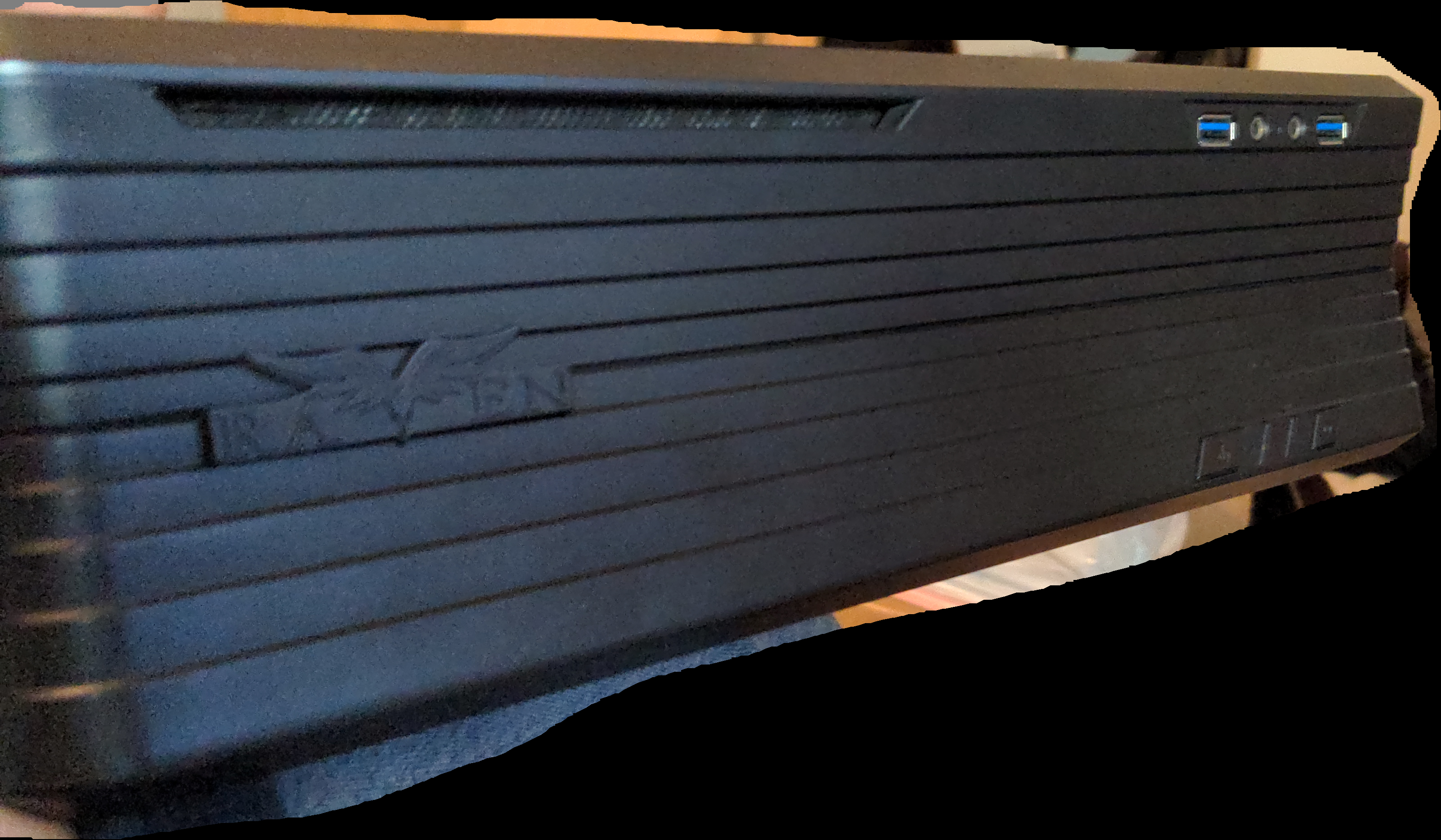
I suppose I'm gonna have to dual-box the machine it's in @ my desk... It wouldn't be fair to pass it thru to a Win9X/XP VM via PCI-PCIe bridge in my Daily Driver R5 5600 build. I literally forgot that I'd already built the thing; I have a different case for it, but this one appears to 'work'.
-
Dangit, @pioneerisloud! I don't even know how I got here... oh wait... yes, I do.
-
techspot Cableless GPU power connectors targeting over 600W specs leaked
LabRat replied to UltraMega's topic in Hardware News
All this does is move where you plug in the power, and remove (plug-n-play) backwards compatibility. Even as a standard, this would effectively separate "HEDT" and "Desktop" GPUs into entirely separate branches. Where, a 'HEDT card' isn't compatible with any 'value-oriented' boards. That sounds like a wetdream for AMD/Intel/nVidia and their partners but, a nightmare for Small-SIs and DIYers. No Thank You. OTOH, I'd be more than on board for -12V_N_+12V "Split Rail" 24VDC becoming 'a thing' for PSUs and GPUs. https://kbreee.blogspot.com/2013/11/dc-transmission-and-distribution.html Edison 3-Wire Power Distribution - https://pubmed.ncbi.nlm.nih.gov/17757744/ https://www.eeeguide.com/comparison-of-conductor-material-in-overhead-system/ Basically, (If you've done any home electrical work in US/CAN) just think of the GPU as an Electric Range, Dryer, or Water Heater. Split-phase electric power - Wikipedia EN.WIKIPEDIA.ORG -
techspot Cableless GPU power connectors targeting over 600W specs leaked
LabRat replied to UltraMega's topic in Hardware News
No. Been there Done that This is just Proprietary PCIe Pro
-
As you've found out w/ Vega's predecessor (Fiji), they're compute monsters. Which, is also why we only see HBM on 'CDNA' products. (-and are direct-descendants of Fiji - Vega10/20 - Navi12) For rapid processing of memory transactions, HBM is fantastic. AI/MI and 'compute' seem to benefit much more than 3D Game Engines. As @Lifted points out, for strictly (max price/perf) gaming, Vega(and Fiji) isn't(aren't) really a 'value'.