Welcome to ExtremeHW
Welcome to ExtremeHW, register to take part in our community, don't worry this is a simple FREE process that requires minimal information for you to signup.
Registered users can:
- Start new topics and reply to others.
- Show off your PC using our Rig Creator feature.
- Subscribe to topics and forums to get updates.
- Get your own profile page to customize.
- Send personal messages to other members.
- Take advantage of site exclusive features.
- Upgrade to Premium to unlock additional sites features.

neurotix
-
Posts
1,343 -
Joined
-
Last visited
-
Days Won
29 -
Feedback
0%
Content Type
Forums
Store
Events
Gallery
Profiles
Videos
Marketplace
Tutorials
Everything posted by neurotix
-
I'm a little surprised we don't have anything like this already on the forums, especially considering how many mugs have been sold! Since we are all high IQ, smart, classy people I am certain that a lot of people here need a jump start every morning with something caffeinated. So this thread is the thread to discuss coffee and don't forget, tea though it is less popular in the States. Feel free to share recommendations, or just post how you take your morning cuppa Joe. Hoping this is/can be productive and we can relax and share recommendations for others to try. Most of all, enjoy whatever you're drinking to perk you up!
-
Hope people enjoy the prizes this round.
-
Thanks. So you just latch the socket and push the plastic cover in from the top? I am talking about getting the cover back on the board if I decide to RMA it or sell it. Also, I just tried remounting the CPU and it did not fix the 2nd CCD boosting problem as you and others stated. Guess I'm stuck waiting for a bios update to permanently fix it, as one time when it wasn't boosting a new bios fixed it. (I have already tried reverting to that particular bios with USB bios flashback and it didn't fix my boosting issue. But if I want help with that I will make a new thread.)
-
I guess you hold the bracket upright with your fingers and push the thing in with your thumbs from underneath or something then?
-
-
Nope. I had a 3900x in 2019, then a 5900x last year, so it would have to be a 7900x because I'm not losing threads. The wife also is sick of buying stuff for me and so cannot afford a 7950x (we can afford it but she won't agree to it). This thread had gone way off topic. Does anyone know how to reattach a plastic socket cover to the mounting bracket? This is not just for possibly remounting the CPU but also in case I get a new board and sell this one, or sell it in the future when I upgrade. Thanks. @damric@The Pook@Fluxmaven
-
Lmao. No I'm not using it. I'm not that stupid, ty. I am using a Seasonic Vertex GX 1200w gold with a proper 12VHPWR cable. Besides, this issue was happening with that old psu, and persists with the new one. We've even tried reinstalling Windows and that doesn't fix it when this issue is happening. I may just end up getting a 7900x instead, other than that I might just have to wait for a bios fix.
-
I'm remounting it as a last ditch effort to get the damn thing to boost to 5.6GHz on the 2nd CCD like it used to. The socket cover acts as a guide to align the chip and pops out when the retention bracket and arm are lowered with the cpu installed. It says so in my motherboard manual. And I've tried everything to try and get the damn thing boosting for benchmarking. Its happened twice, when I first got it the 2nd CCD would hit 5650 running benchmarks, then after a month it just stopped one day. Eventually, a bios flash made it work again, but only for a month or two, then it stopped again and no bios flashes or troubleshooting I did with both Asus and AMD has fixed it. I really suspect that the boost clock limit for the first CCD with V-Cache is being applied to the whole chip by this "AMD 3D V Cache Optimizer service", two of which are running on my system and get installed with the chipset driver. So my second chiplet will not go above 5150MHz, which is the max for the first chiplet.
-
https://www.newegg.com/p/2BJ-00HK-00001 Check that out, the fans have proprietary connectors unfortunately but come with 3 fans, the controller box, a remote, and a cable to connect to the motherboard rgb header. Essentially what I have in mine. Throw in two of the Phanteks light strips I previously linked, and for a $50 investment maybe you could charge $100 more or possibly even more than that. You could include pics of the rgb remote. You can also connect a PWM fan cable to that box and connect it to the motherboard for PWM fan control, or if you leave it unconnected there are fan speed control settings on the remote as well. Back when I rebuilt my rig into the anidees case, I knew it had rgb fans with it but had no idea of the remote, the PWM cable, the box or any of it. So even if you don't connect an rgb cable to the motherboard, there are like 100 different patterns the box itself can do, in practically any color (or two colors) you want. Something for everyone. Also, are you overclocking the systems or not? Even if just using PBO and a small overclock on the GPU. If you overclock the CPU + install Afterburner and set up a fan profile and moderately overclock the GPU, you should be able to charge a little extra for that, as well.
-
What is referred to in the 2nd image as the "external cap". A piece of plastic that attaches to the retention bracket, that helps align the cpu when you install it, and pops off when you put a chip in and lower the arm all the way.
-
Not what I was asking for help for. Please, no off topic replies. I just need to know how to properly reattach the socket cover to the retention bracket.
-
No, I know how to install the CPU, problem is if I leave it in the socket and lower the arm with the socket cover in place and the cpu in, the socket cover will pop out. By design. I need to know how to reattach the socket cover to the metal retention bracket, like it was when the mobo was new.
-
Fair enough. Just saying, adding some light strips or looking into a controller box and fans for it like I have would cost little, and possibly allow you to charge a lot more if you advertise it with the RGB and have the software ready for the end user.
-
Hey all, As a last ditch effort to see if I can fix the 2nd CCD of my 7900X3D not boosting at all, I am looking to pull the chip out of the socket and remount it. While also probably applying some PTM7950 thermal putty to the water block. However, my board came with a socket cover and I read in the manual that it helps align the chip when you mount it. Problem is, I've never reinstalled a socket cover! So I'm wondering, do I need to hold the retention bracket up and try to push the plastic socket cover through it while holding it up, or do I put it in place as if I am mounting a CPU and lower the socket arm down like I'd do for a CPU (won't it just push through the top like when I mounted the chip? And will it bend pins?) Thanks guys.
-
That works too. The memory RGB can probably be controlled with a program, and assuming you connected the motherboard header, the fans as well. In this particular case, you'd need Gigabytes software. Perhaps you should consider shipping them with the software preinstalled? This would allow you to mess with it before you sell it for photo ops, i.e. do a synthwave Cyan/Magenta pattern like I run on mine. Perhaps you should consider some light strips too, though you may need an ARGB splitter and connect the strips by the motherboard header. I highly recommend these light strips: https://www.amazon.com/Phanteks-PH-DRGBLED_Combo_01-Digital-Adapter-Compatible/dp/B07C1ZFRWW/ref=mp_s_a_1_6?crid=27GGN9Y5YEZUW&keywords=phanteks+digital+5050+light+strips&qid=1691427823&sprefix=phanteks+digital+5050+light+strips+%2Caps%2C182&sr=8-6
-
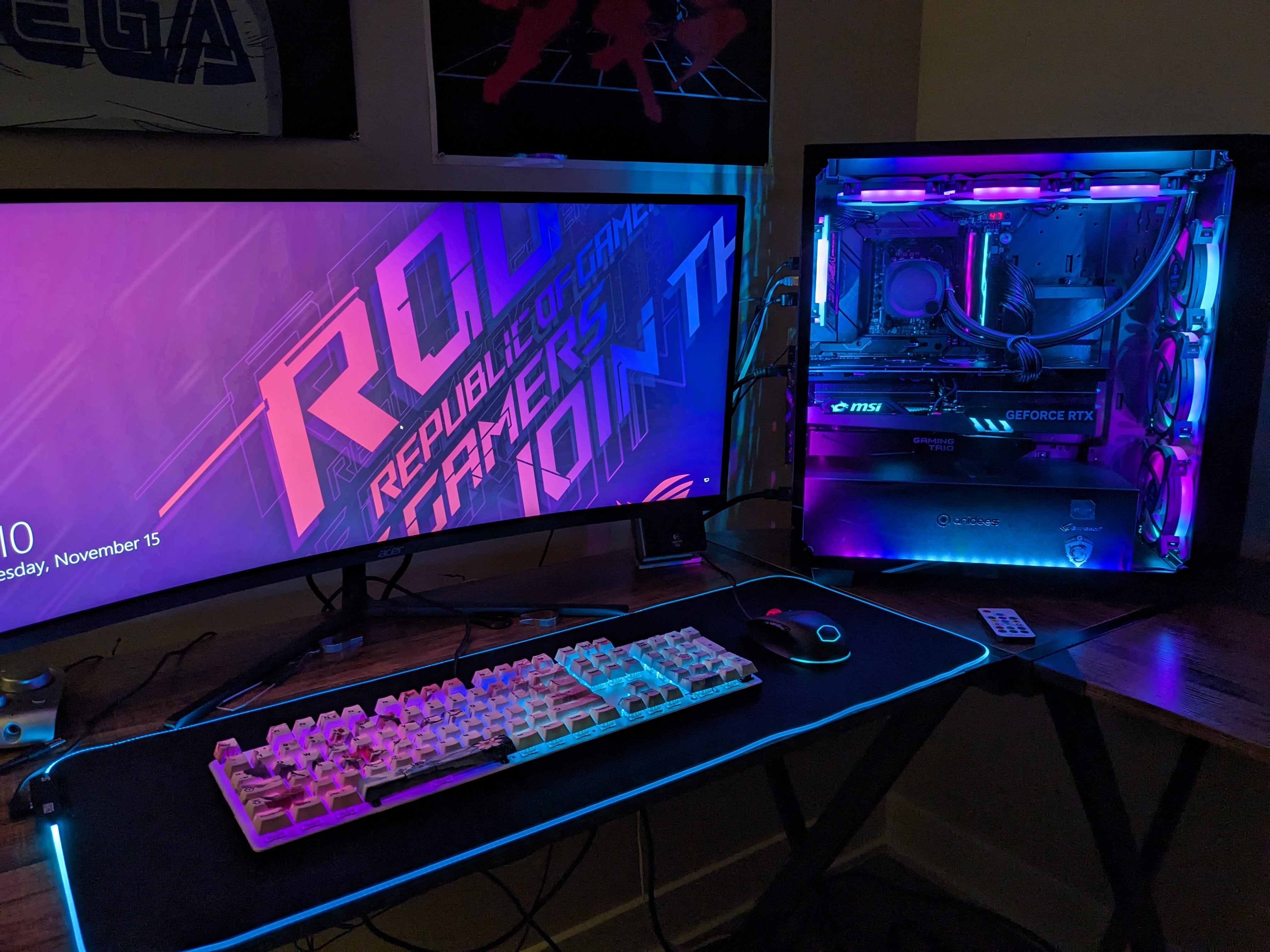
Ah, I see. Gotcha, you're using a case controller button, and I'm sure the lower end boards you're using don't have a motherboard rgb header, but I could be wrong. In mine I have a controller box that is compatible with ARGB headers on the motherboard. The box is powered by SATA and has enough hookups for 7 fans, you can also attach up to 4 light strips, which I also have, and theres a cable that gets plugged into the motherboard that allows for custom control in the OS using Asus Aura Sync. It comes with a remote that has a power button, pressing it once will toggle it to do the patterns the controller box has built in and you can cycle through them with the remote. Pressing the power button again will switch to motherboard rgb control, and pressing the power button again will turn all the rgb on the fans and light strips off. If you're curious and haven't seen it, check the video in my build log for a demo of what it can do.
-
Isn't this basically the first one you've done that has RGB though? The others may have had RGB fans on the cooler, etc. But not fully customizable RGB as the pictures of this one showed. Maybe I'm wrong though. RGB is a good selling point.
-
Wonder if the RGB and picture of the rear cable management helped?
-
Looks fantastic dude; nice job! Great, clean cable management too. Here's hoping it sells.
-
In bigred
-
E do you build PCs and ship them as a side gig too then?
-
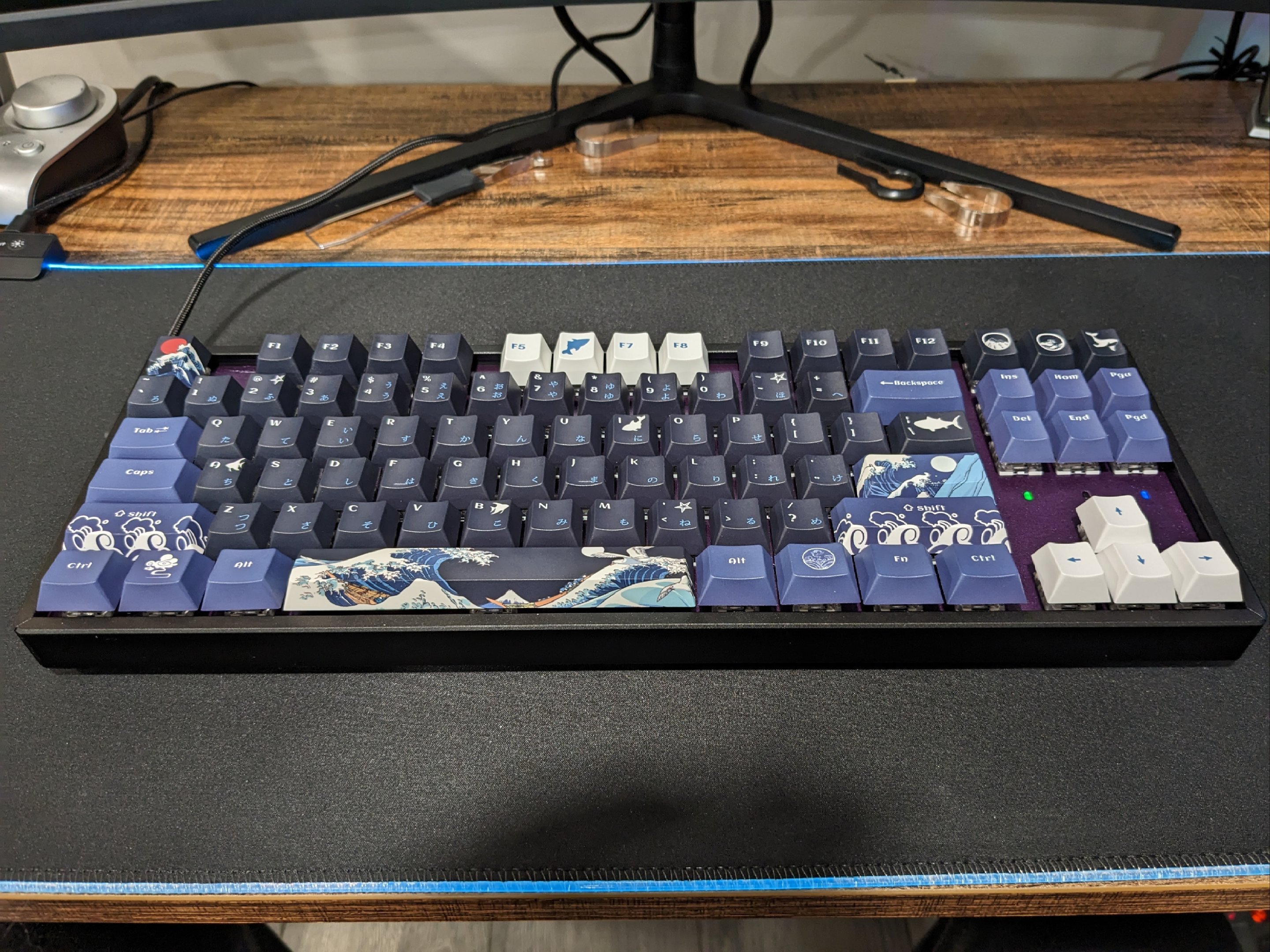
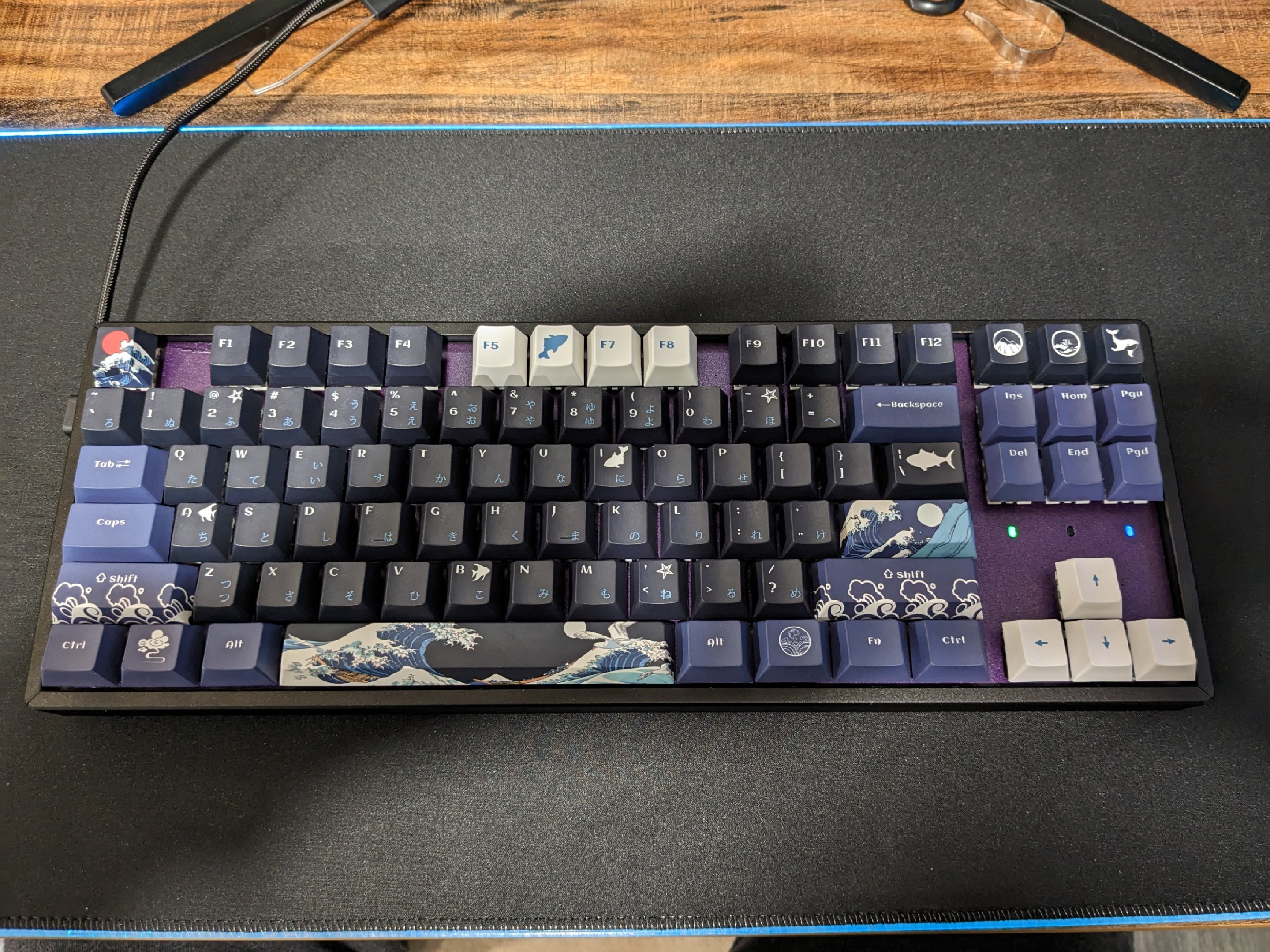
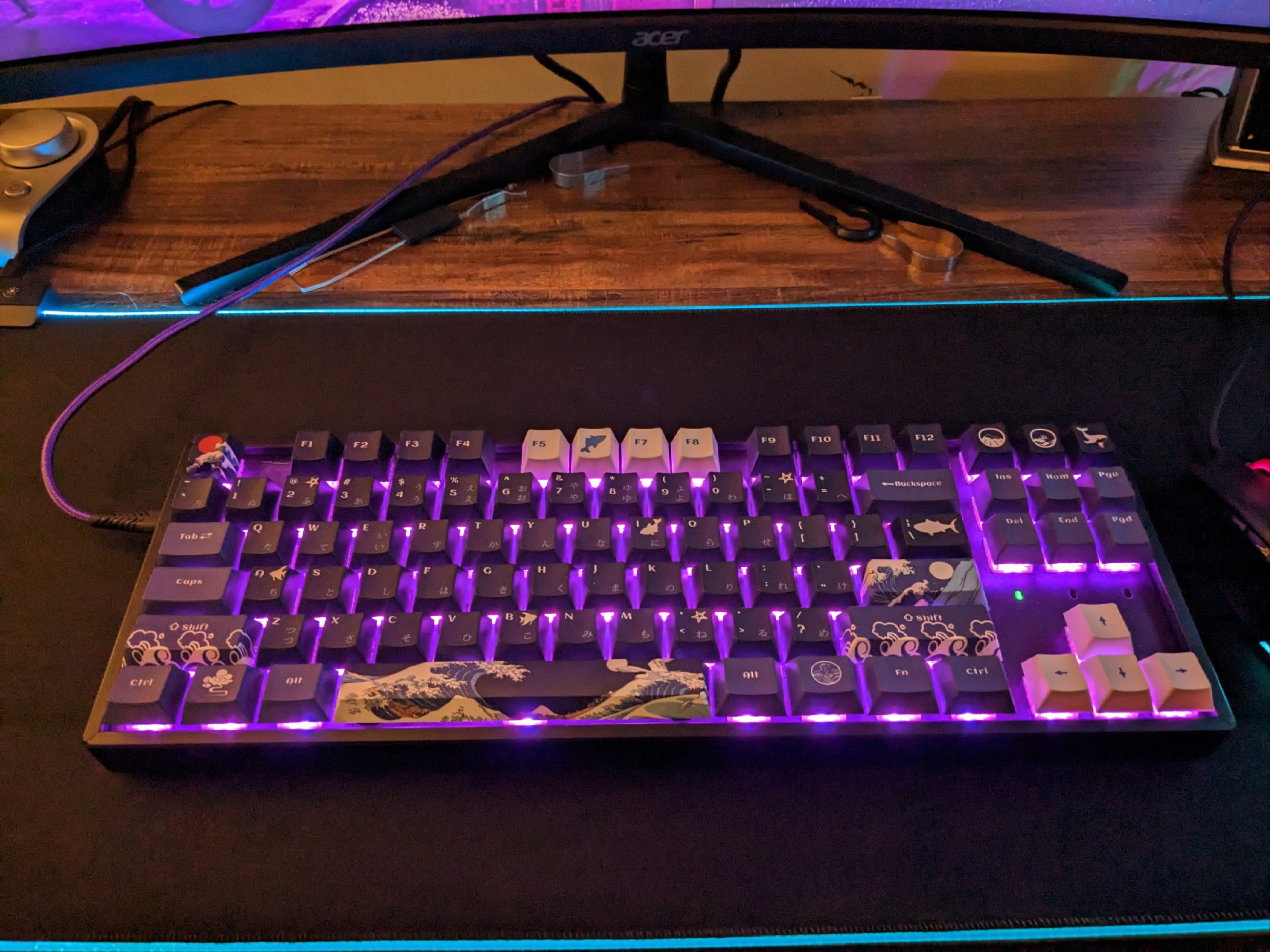
Just using it wired. BT doesn't work in my version of Linux. If I upgraded to the latest version of my distro it would work but then I'd need to set my Linux up again which takes a day or two. In the last photo if you look I do have a matching purple usb cable. I plastidipped the top plate in Classic Muscle Car Plum Crazy plastidip.
-
Go with the Keychron K8 Pro. It's Bluetooth compatible, and hot swappable. I built one a few months ago and love it:

-
Just awesome if you were still running a 1080ti. Before I got my 4090, I had SLI EVGA 1080ti FTW3 SLI with the matching EVGA HB bridge.
-
Good foldathon guys.