Welcome to ExtremeHW
Welcome to ExtremeHW, register to take part in our community, don't worry this is a simple FREE process that requires minimal information for you to signup.
Registered users can:
- Start new topics and reply to others.
- Show off your PC using our Rig Creator feature.
- Subscribe to topics and forums to get updates.
- Get your own profile page to customize.
- Send personal messages to other members.
- Take advantage of site exclusive features.
- Upgrade to Premium to unlock additional sites features.

neurotix
-
Posts
1,343 -
Joined
-
Last visited
-
Days Won
29 -
Feedback
0%
Content Type
Forums
Store
Events
Gallery
Profiles
Videos
Marketplace
Tutorials
Everything posted by neurotix
-

From the album: neurotix's graphic design
-

From the album: neurotix's graphic design
-
 Ignore
 -
I'm glad you're happy with it bro. It's been a very long day for me, we rebuilt ny wifes rig so now she has my old 5900x, C8H and B-Die at 3733MHz. Before, she had a Kaby Lake i5 and DDR4-3000. So I'm tired and not going to change the banner, sorry. And thanks for the comments damric. Really made me feel like I'm making people happy and that's great. Gonna be horizontal on a heating pad for the rest of the night watching stuff.
-
/img/logo.png neurotix @ HWBOT HWBOT.ORG Ranked 34 in the enthusiast league is mine Additionally, I have made a signature banner for people to use for the duration of the folding competition. However, you must be Premium Gold to use it. Unfortunately, regular members banners are too small (250x60 or something like that) for me to make one. Enjoy. Download the zipped version and upload it to your signature if you want to. folding sig banner.png.zip

-
Thanks for posting that, I didn't know you could look up your quick return bonus status.
-
From the album: neurotix's graphic design
-

From the album: neurotix's graphic design
-
Welcome to the site!
-
Wondering if you guys are overclocking the GPU memory or just the core. A long time ago, folding@home released a GPU memory tester program that works really well finding GPU memory errors. Its good for not just folding, but GPU memory testing in general. https://foldingathome.org/2009/05/05/nvidia-gpu-memory-checker-update/?lng=en There may be a newer version of it as well, dunno.
-
Welcome to everyone joining. Competition starts in 3 hours guys!
-
5 hours guys!
-
Can anyone recommend changes in timings/other settings for my current OC? For example, Samsung liked low ProcODT with my previous DDR4 B-Die kit. It was 34.3. I wonder about the rest of the subtimings, though the guy who posted these settings said that's the lowest he can get tRFC and have it post. Any advice appreciated.
-
Welcome to EHW. Thanks for joining our competition!
-

From the album: neurotix's graphic design
-
So I downloaded stressapptest, it was in the repos (Linux Mint so probably in Ubuntu repos). I passed an hour but that's not enough for me. Linux is my main OS and I only use Win10 for benching and gaming (which doesn't happen often). I need 100% uptime for my system for various reasons, so.. Hence, I am now running stressapptest for 4 hours. Wish me luck in passing it. Also, thank you both for your help. I remember telling people about stressapptest on OCN and posting screenshots and getting ignored, with people prefering x264 stress tests or IntelBurnTest. Glad to know this is popular now. Thanks to both of you for recommending this. Or rather, reminding me of it. Ever tried byte-unixbench tictoc? That one is like the only benchmark I know of that will tell you your Instructions per Second in MIPs which you can compare against the timeline here: https://en.m.wikipedia.org/wiki/Instructions_per_second
-
Tictoc, what command line arguments do you pass to stressapptest to check your systems? There's a lot and I'm not sure what to use, what size, etc
-
I totally forgot about stressapptest! I haven't heard that in like 10 years. Yeah, I'll try that, thank you. How long should I run it?
-
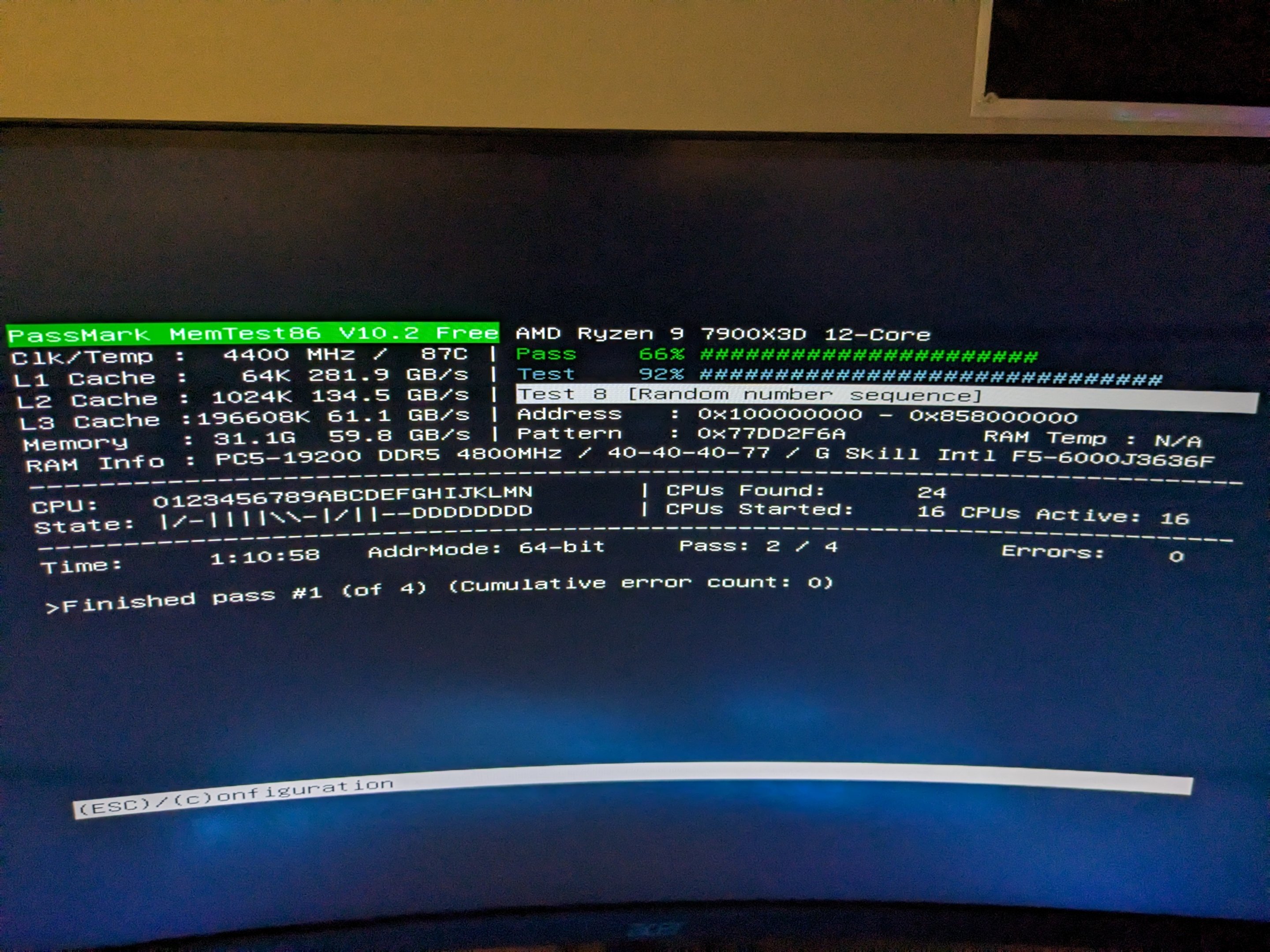
Is one pass of memtest86 enough? I need my rig for other stuff atm.
-
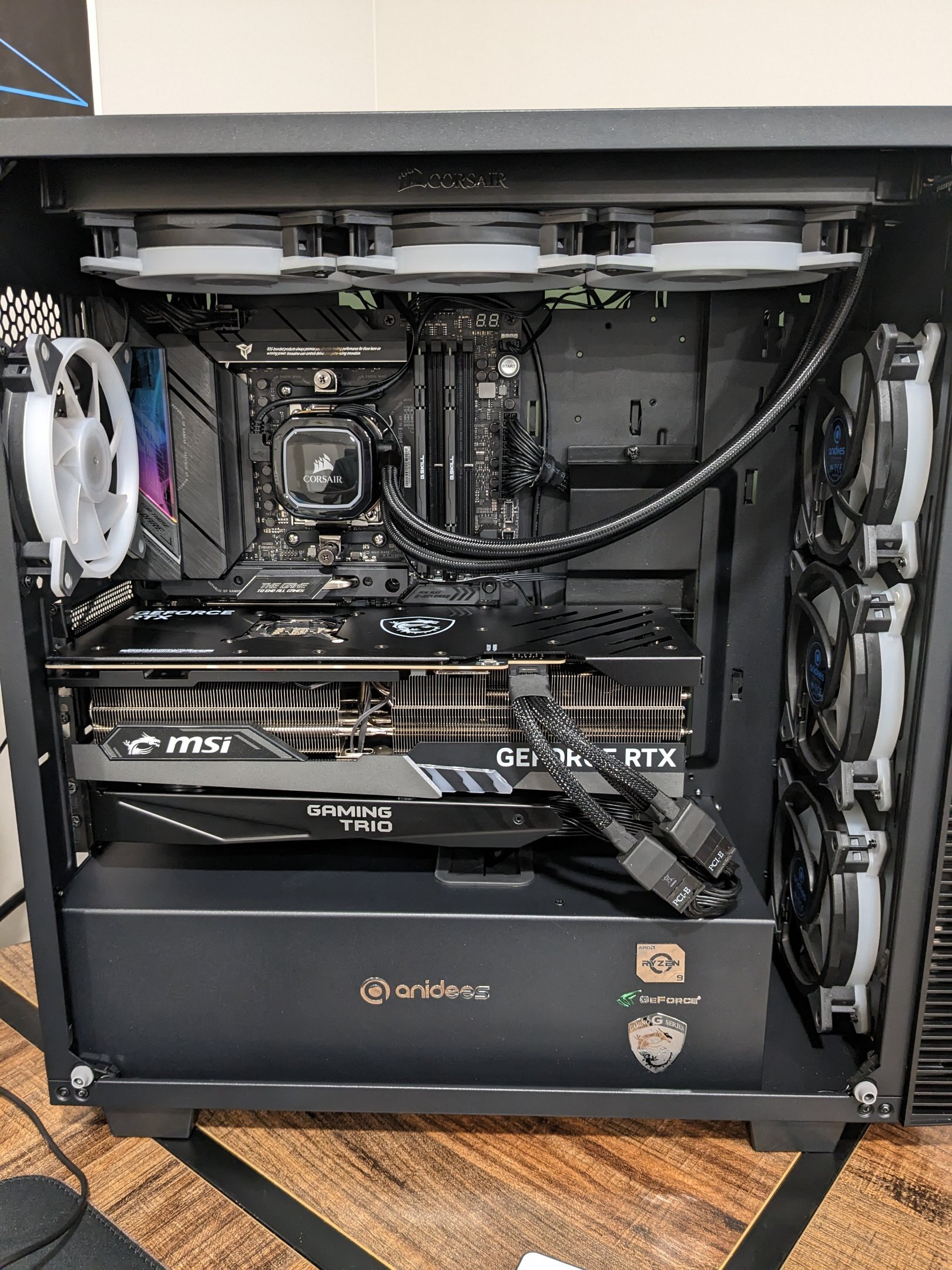
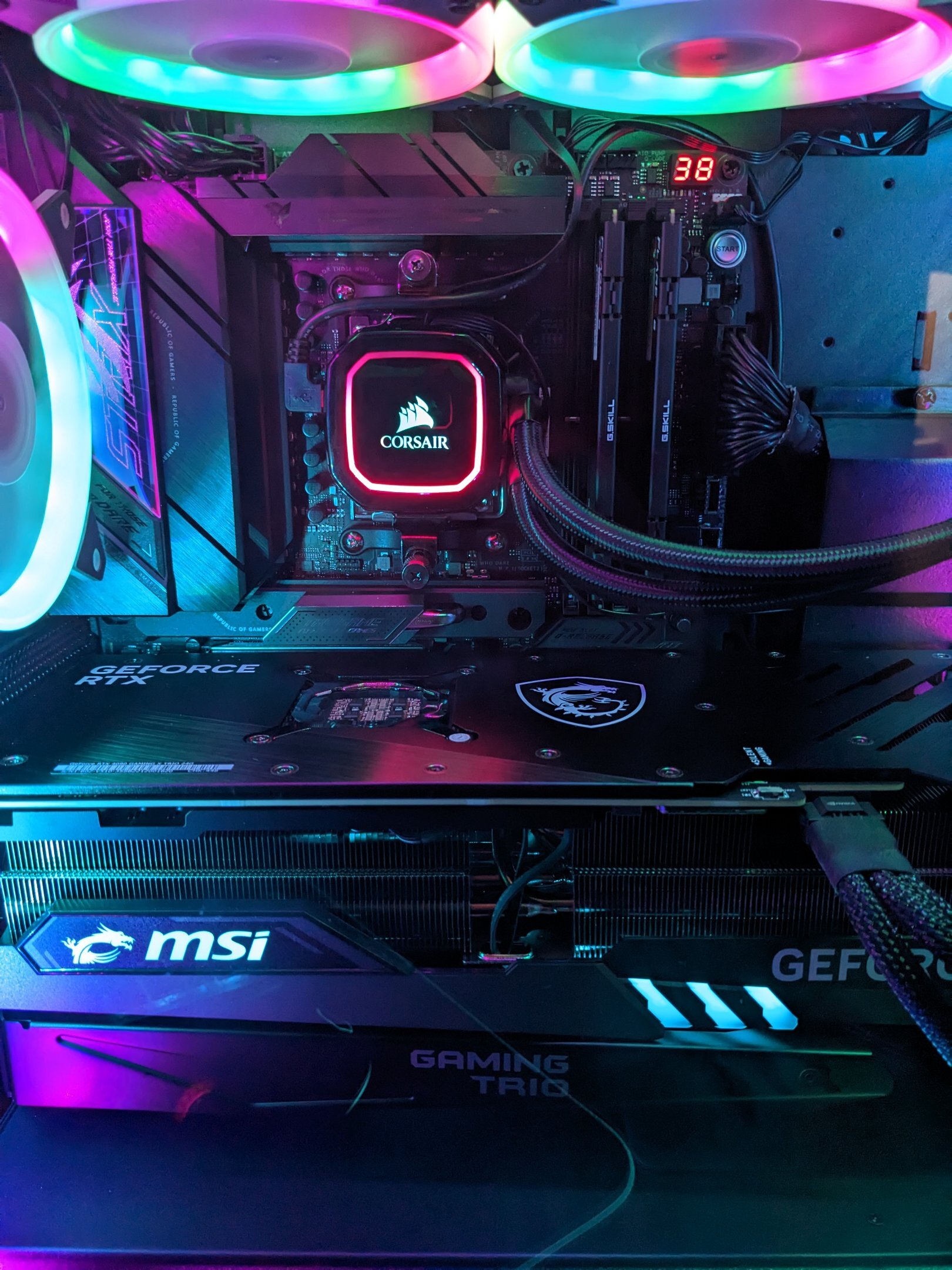
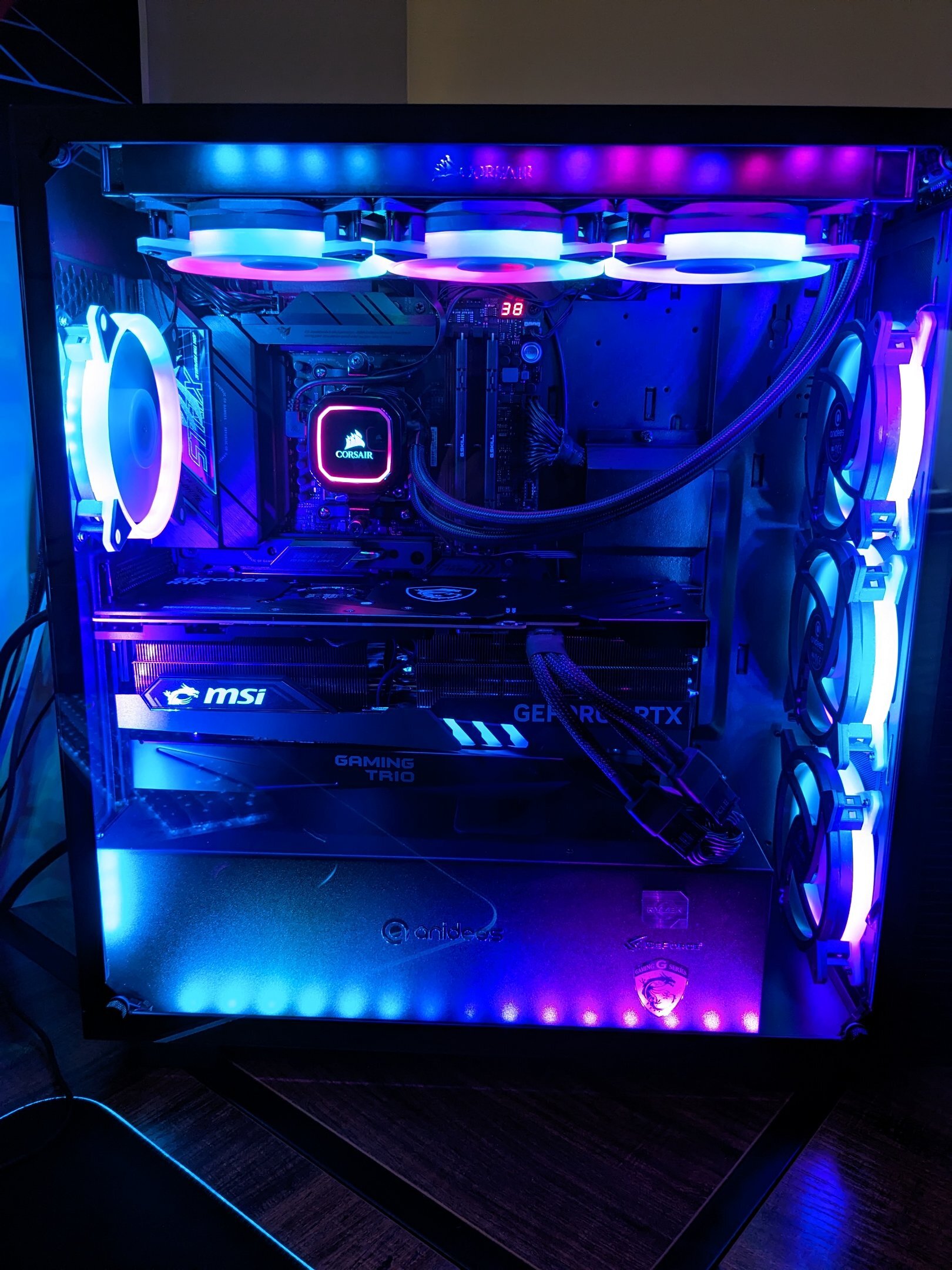
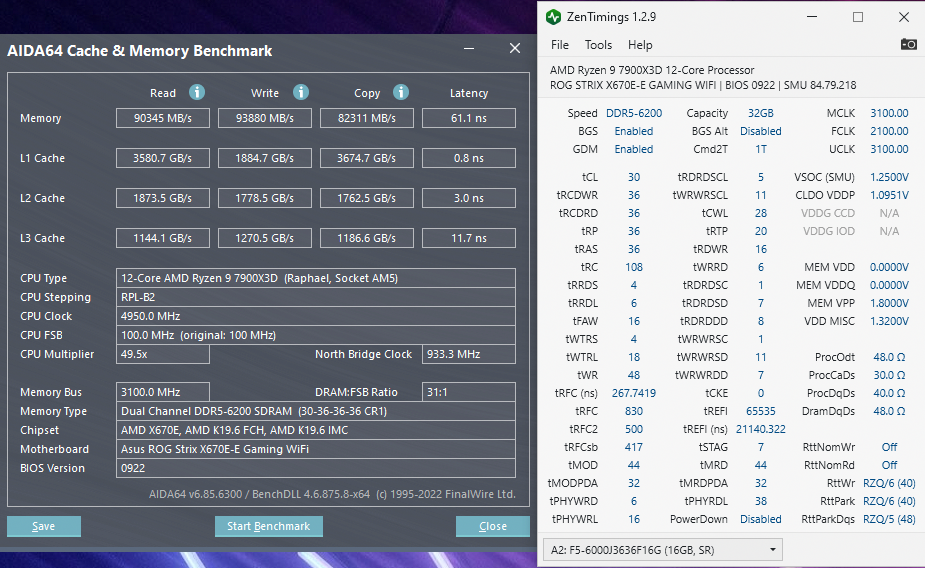
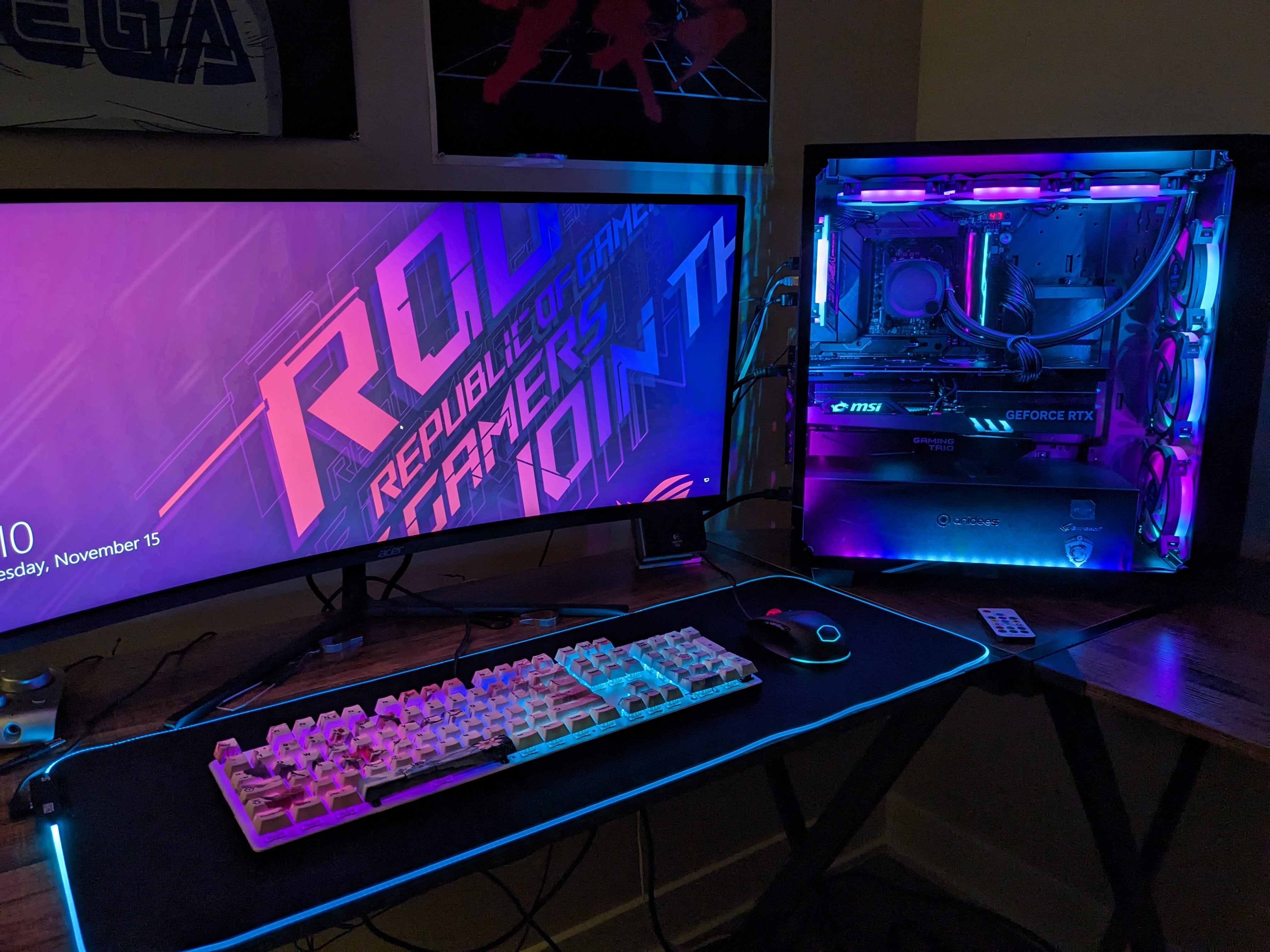
Got the Asus ROG Strix X670-E Gaming, a 7900X3D, and G.skill Flare X DDR5 6000. Now OC'ed to 6200MHz CAS 30 with 1.435v. Also changed cooler to a H150i because my Arctic Liquid Freezer wouldn't fit and clear the two 8 pin EPS connectors or the top VRM heatsink. But my wife did a wonderful job cable managing the cooler. Yes it is the kit that Microcenter is giving away, however I bought it from Amazon because my previous setup had Flare X that was also amazing. I still have no clue what the dies are on it other than they are Samsung.
-
Lol that's awesome and very geeky
-
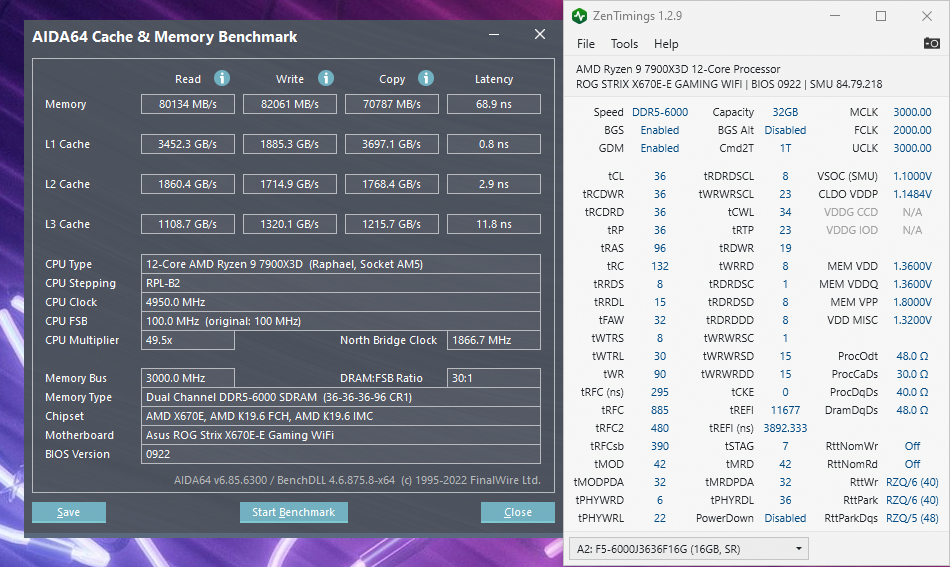
It's the G.skill Flare X 36-36-36-96 memory you can get for free at Microcenter in a bundle right now. First screen is at 6000MHz with stock timings. As for the second one, I had to dig but found a bunch of bios screenshots of timings on OCN from some guy who was running this kit on Zen 4 at 6400MHz. My system was totally unstable and I couldn't even get into Windows at 6400MHz, but I can do 6200/2100MHz. Giving the memory 1.435v. The system passed memtest to 3200% scope in the old Ryzen DRAM Calculator. If my Linux Mint flash stick has memtest86 I will probably run that too tomorrow while I go to the dentist. I'm over the moon; I think that bandwidth and especially that latency are pretty fantastic for Zen 4. I will be benching it for hwbot this week so we'll see how it does with that. Still have no idea what dies these are. If anyone could clear that up it'd be great because then I can search specifically for them.