Welcome to ExtremeHW
Welcome to ExtremeHW, register to take part in our community, don't worry this is a simple FREE process that requires minimal information for you to signup.
Registered users can:
- Start new topics and reply to others.
- Show off your PC using our Rig Creator feature.
- Subscribe to topics and forums to get updates.
- Get your own profile page to customize.
- Send personal messages to other members.
- Take advantage of site exclusive features.
- Upgrade to Premium to unlock additional sites features.

neurotix
-
Posts
1,343 -
Joined
-
Last visited
-
Days Won
29 -
Feedback
0%
Content Type
Forums
Store
Events
Gallery
Profiles
Videos
Marketplace
Tutorials
Everything posted by neurotix
-
Hey all, First question. My Asus ROG Strix X670-E Gaming board is giving the CPU memory controller 1.465v on Auto. My memclk is at 3100 because my RAM is at 6200MHz. I can provide bios screenshots with my phone, if need be. I find this voltage to be ridiculous and am wondering if it can be lowered and to what voltage keeping in mind my really great memory OC and that it's stable right now, so I would need to rerun stress tests and also if lowering the voltage results in lower scores in AIDA64 I will put it back on Auto. Second question: In the Advanced DRAM overclocking menu at the bottom of my bios there are two settings currently on Auto that I am interested in. One is the DRAM switching frequency in Hz (I assume) and the other is the power limit the RAM can draw in Amps. Should I max these out and see if I get better bench scores in AIDA64? These previously used to be in the Digi+VRM section on ROG boards, but they're not on this board/bios, they usually were at the bottom of the Digi+ menu but instead they are moved to the bottom of the advanced dram settings. Any help/advice appreciated and thanks in advance.
-

From the album: neurotix's graphic design
-
Oh, only bad part of this build: POST takes like 45 seconds and it trains the memory for about 30 seconds with a "15" post code and yellow led lit. Yeah, they really need to fix that. Flux has a 7700x and ROG board and also complained about this issue. Since I sometimes reboot between Windows and Linux, mostly to set my LED lighting in Windows, this really sucks.
-
I might do it except for my severe pain issues preventing it. There's also the issue of sourcing parts, if you say bought a "for parts or not working" motherboard or graphics card and repaired them or something like that, you might be able to make better profit. I enjoy building pcs but am really unable to because of pain. My recent upgrades, my wife mostly installed. I put in the M.2 drive, cpu and ram on the new board, and mounted the water block, but she did everything else.
-
Nice, too bad the profit margin isn't higher or I'd consider doing it myself.
-

From the album: neurotix's graphic design
-

From the album: neurotix's graphic design
-
I did, I had the Asus ROG Crosshair X670-E Hero that was like $650 but then we returned it because it had HUGE overkill VRM heatsinks as well as M.2 heatsinks, even my current H150i probably wouldn't fit with how big the heatsinks were, and the M.2 heatsinks might have made it really hard to get my very large GPU out. So we returned it and got our money back. Otherwise, there's still $129 for the RAM on a credit card that needs to be paid, but after this pay period our savings balance will be made up for and then some, so it's all done and paid for now and we replenished what we spent. I have the Asus ROG Strix X670-E Gaming and it's pretty great, got full Digi+VRM control, and the Asus boards have a glitch with tREFI that if you set that timing (they call it "Refresh Interval" in the BIOS) to 65535 it vastly improves memory bandwidth and latency. It's cool having 90GB/sec read, 93GB/sec write, and 82GB/sec copy with 60.6ns latency, the last bios update I just did last week lowered my latency by quite a bit (over 1ns).
-
Sounds great, especially if it's for your son. Hope it remains stable when he's using it.
-
-
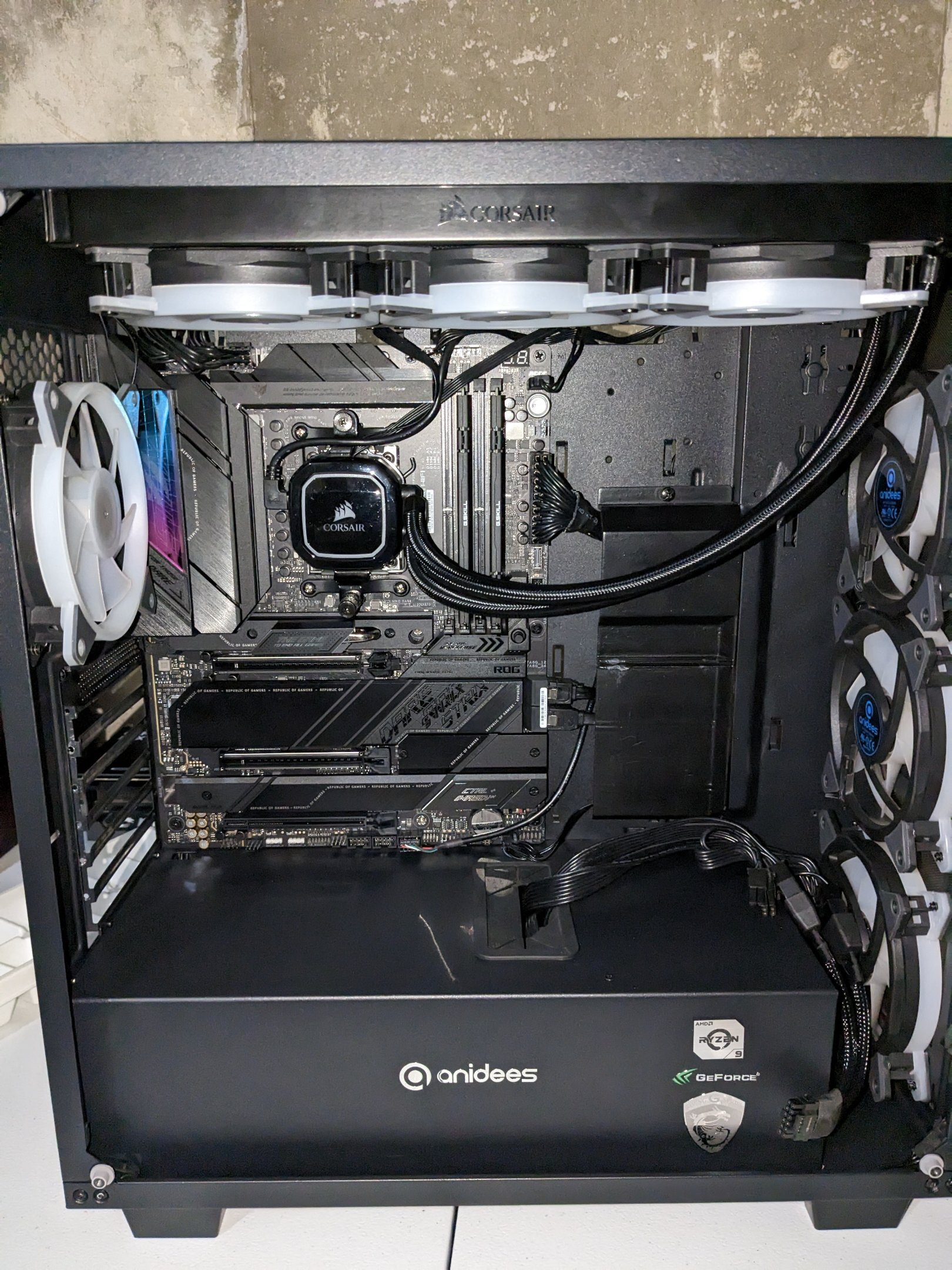
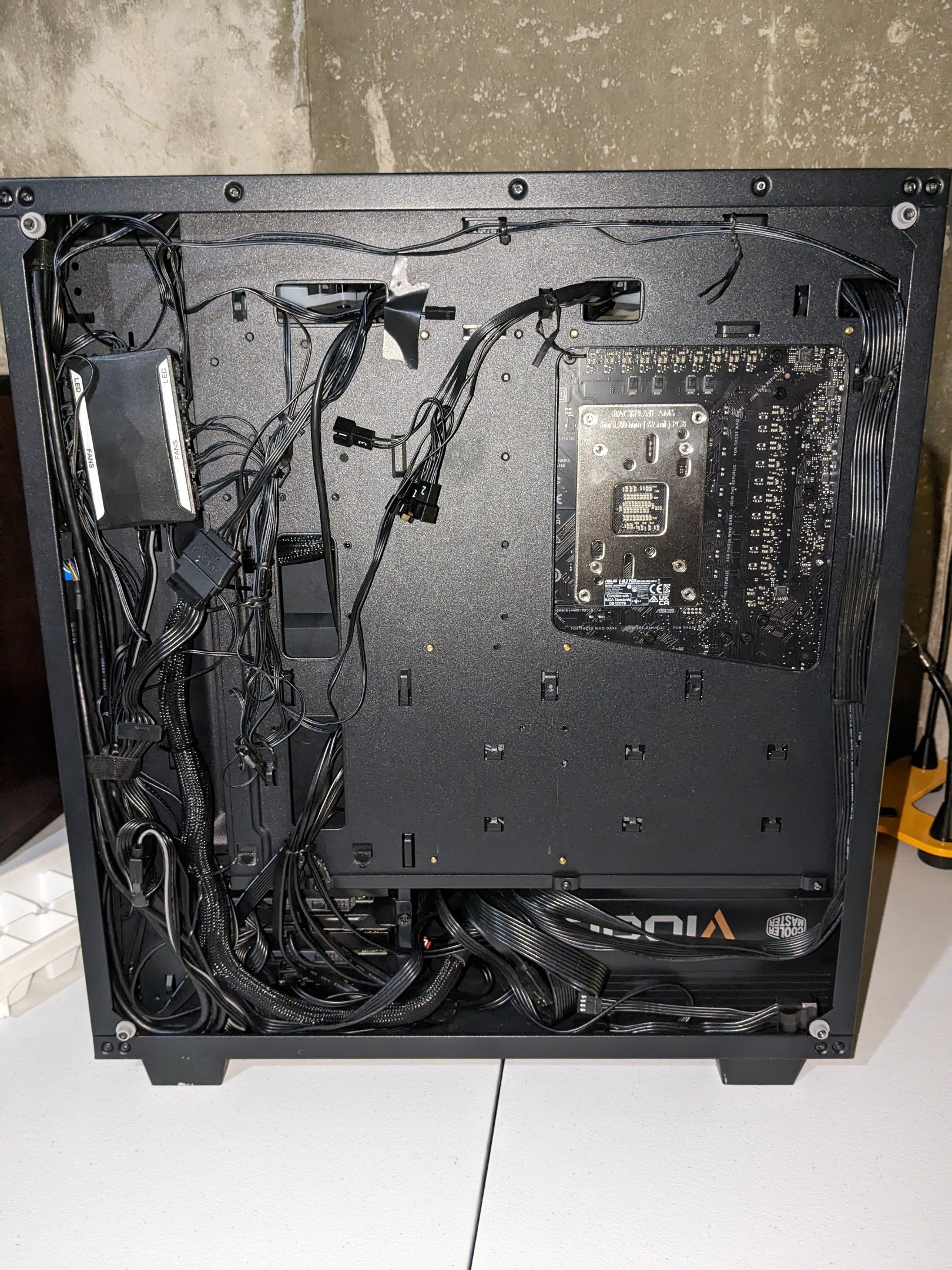
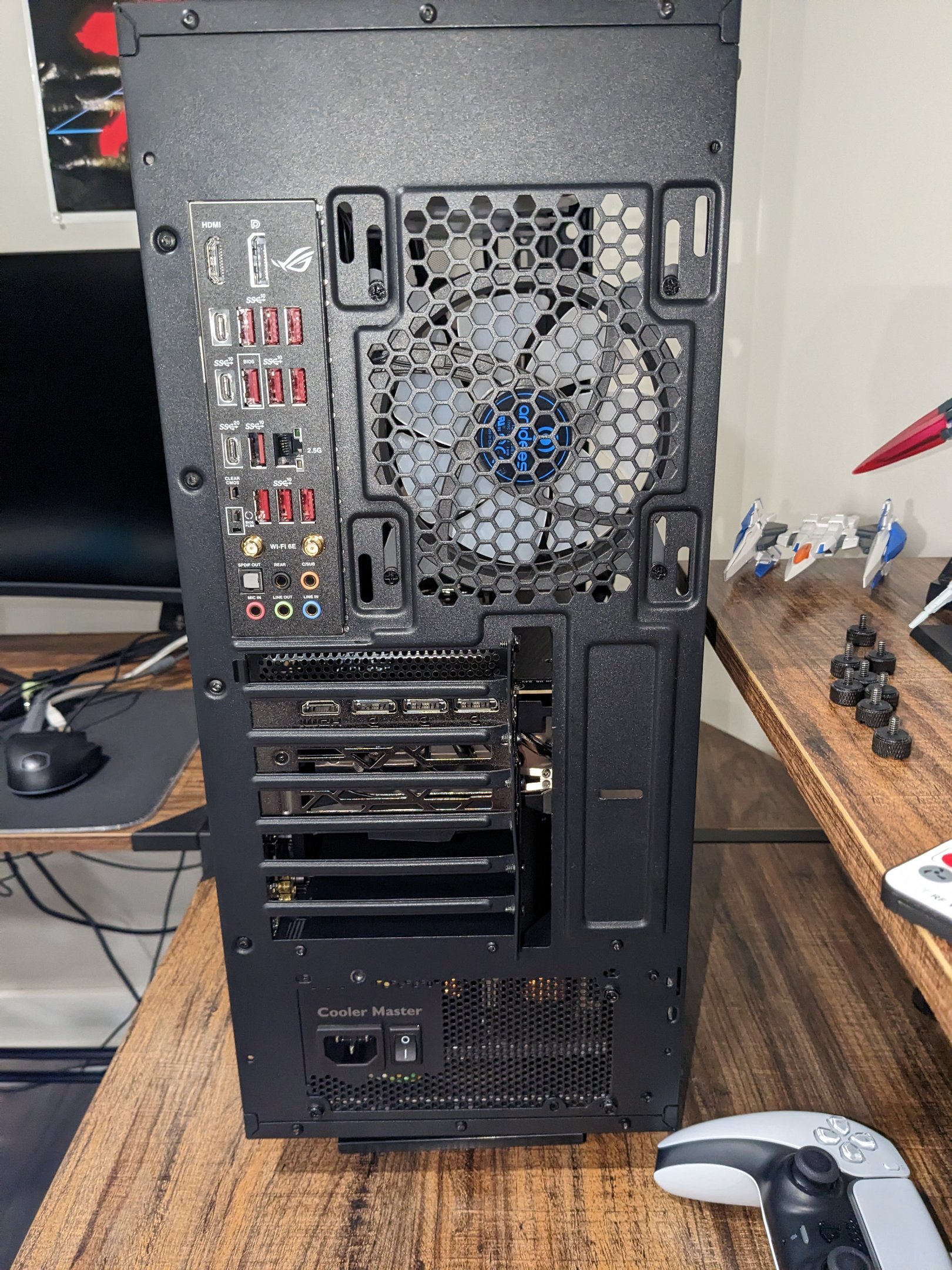
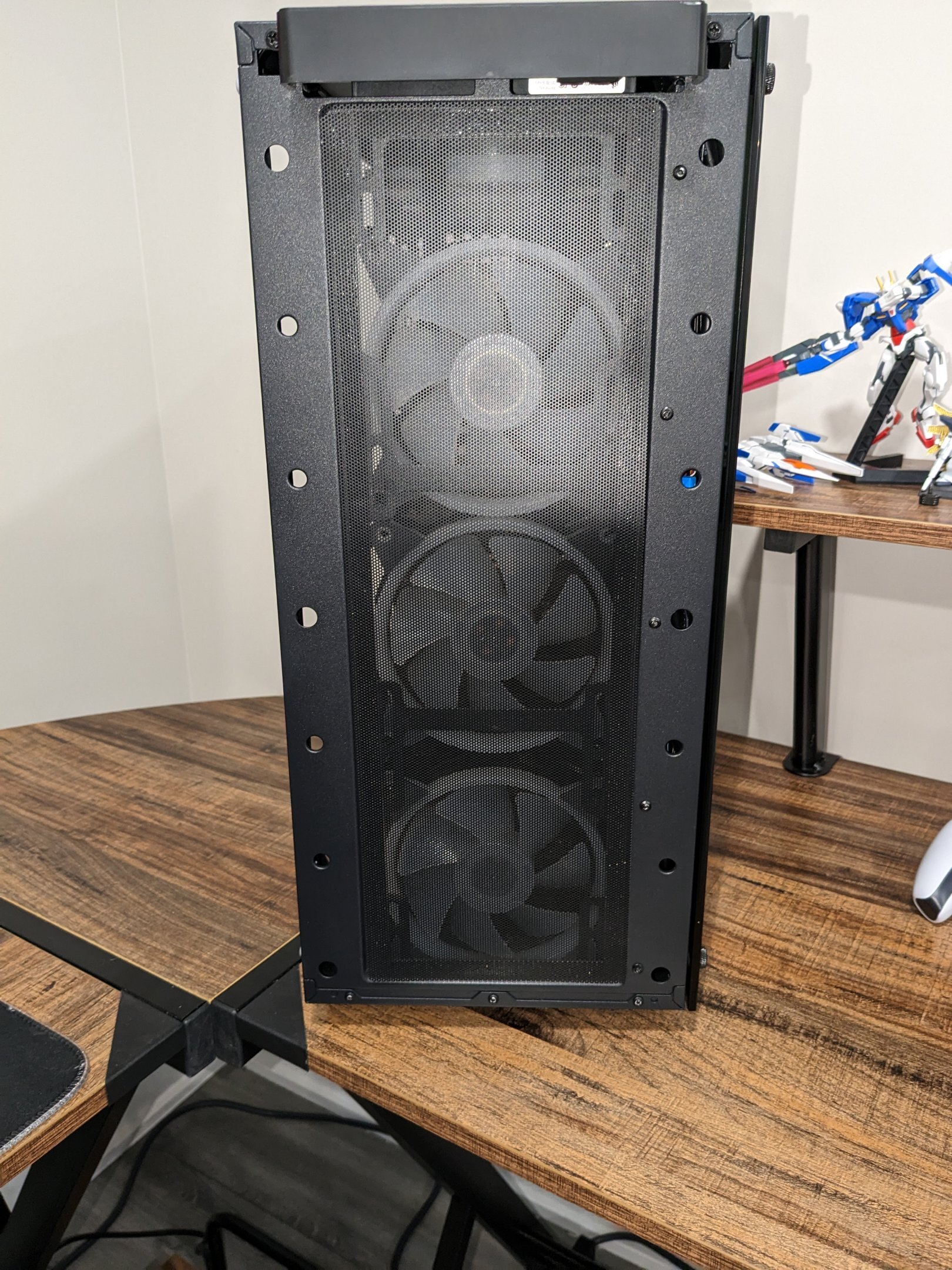
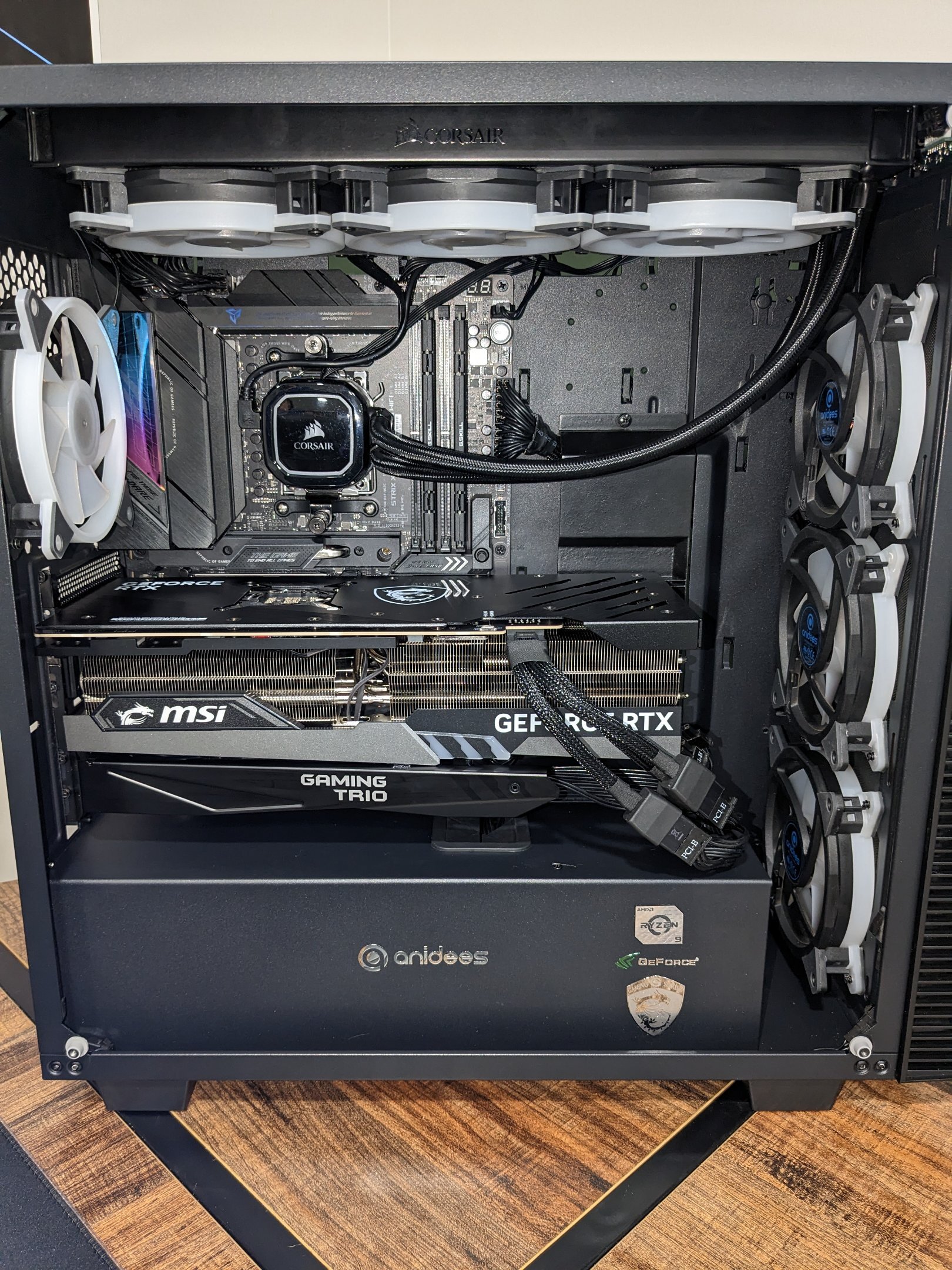
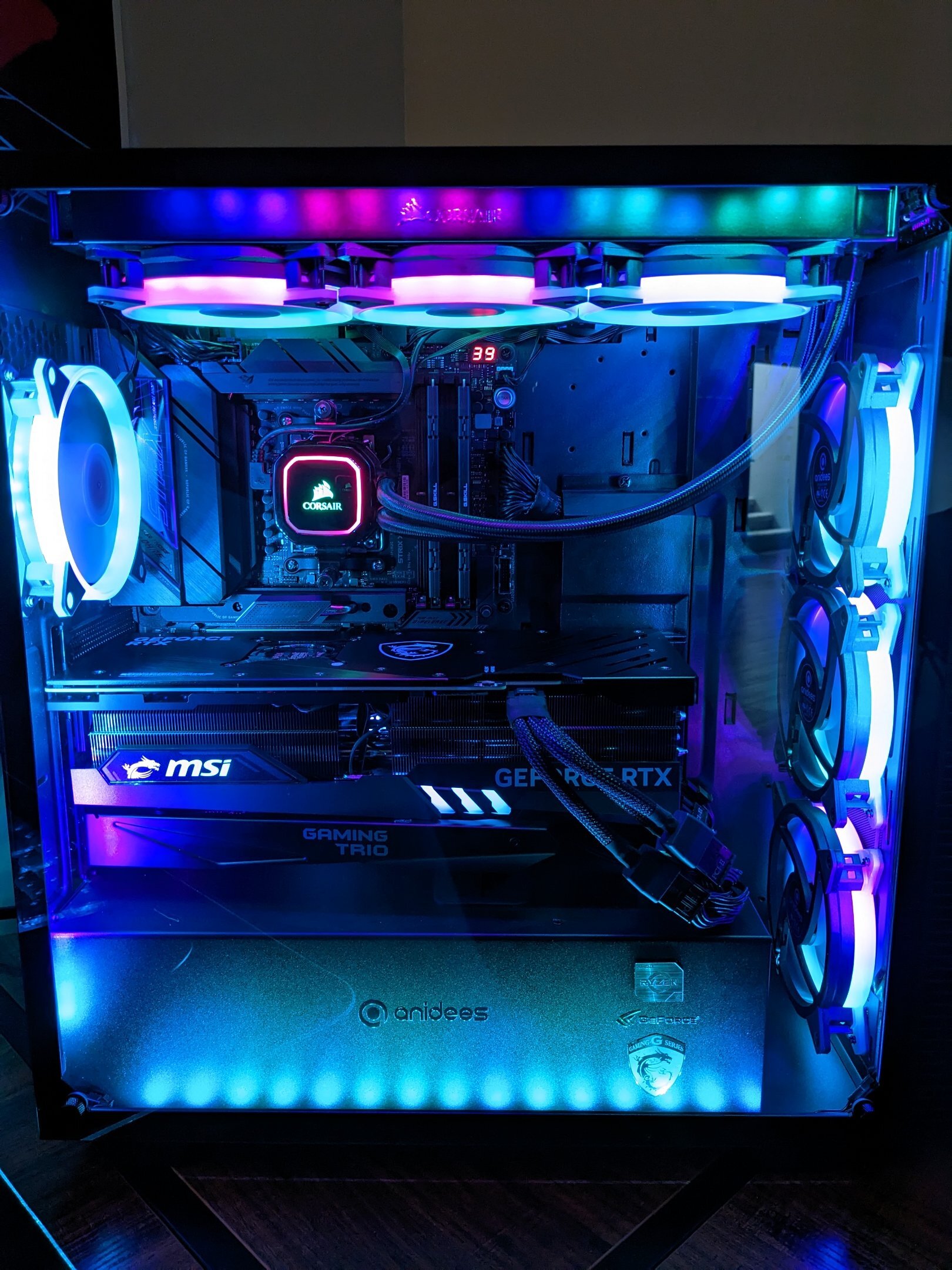
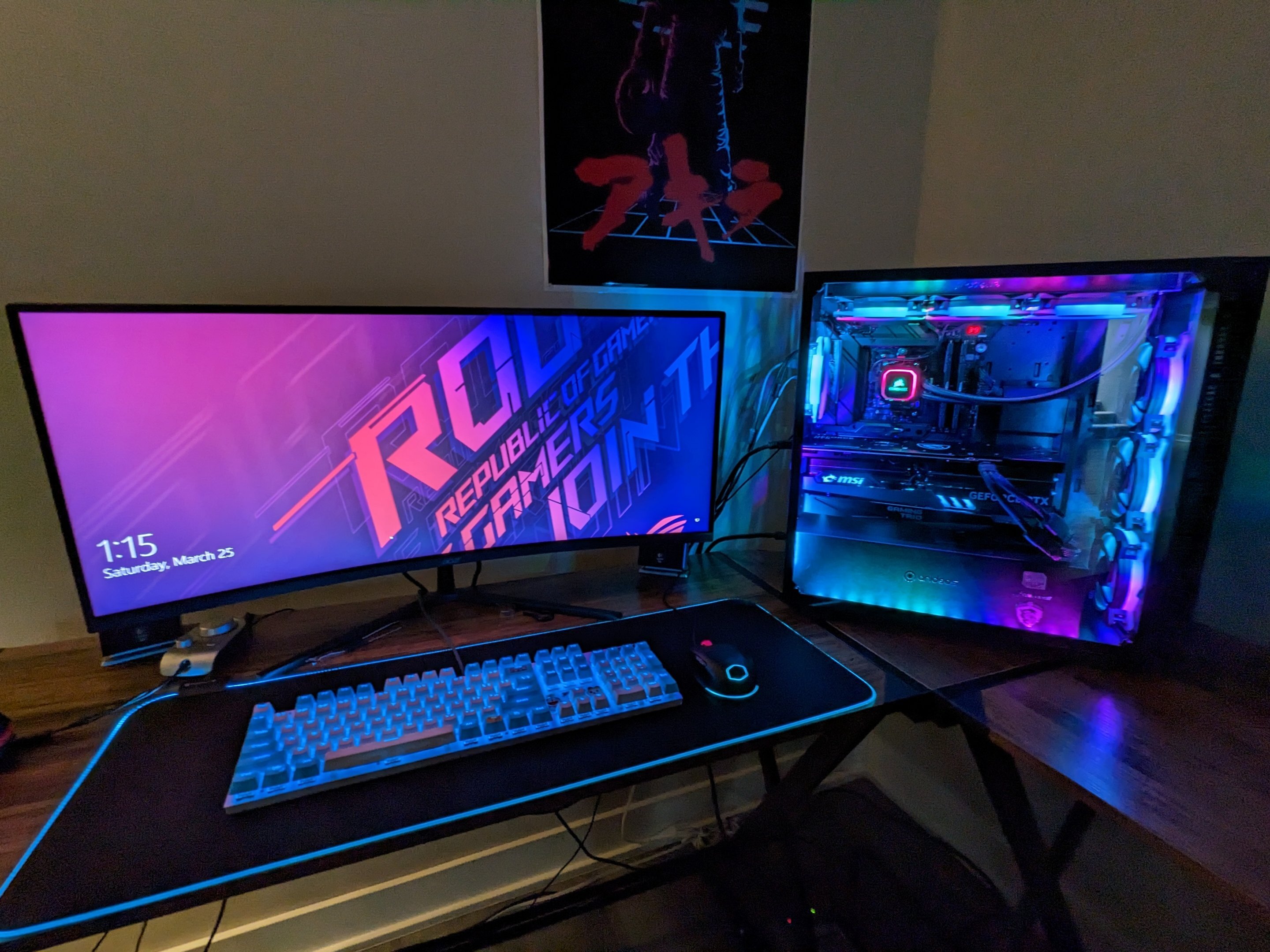
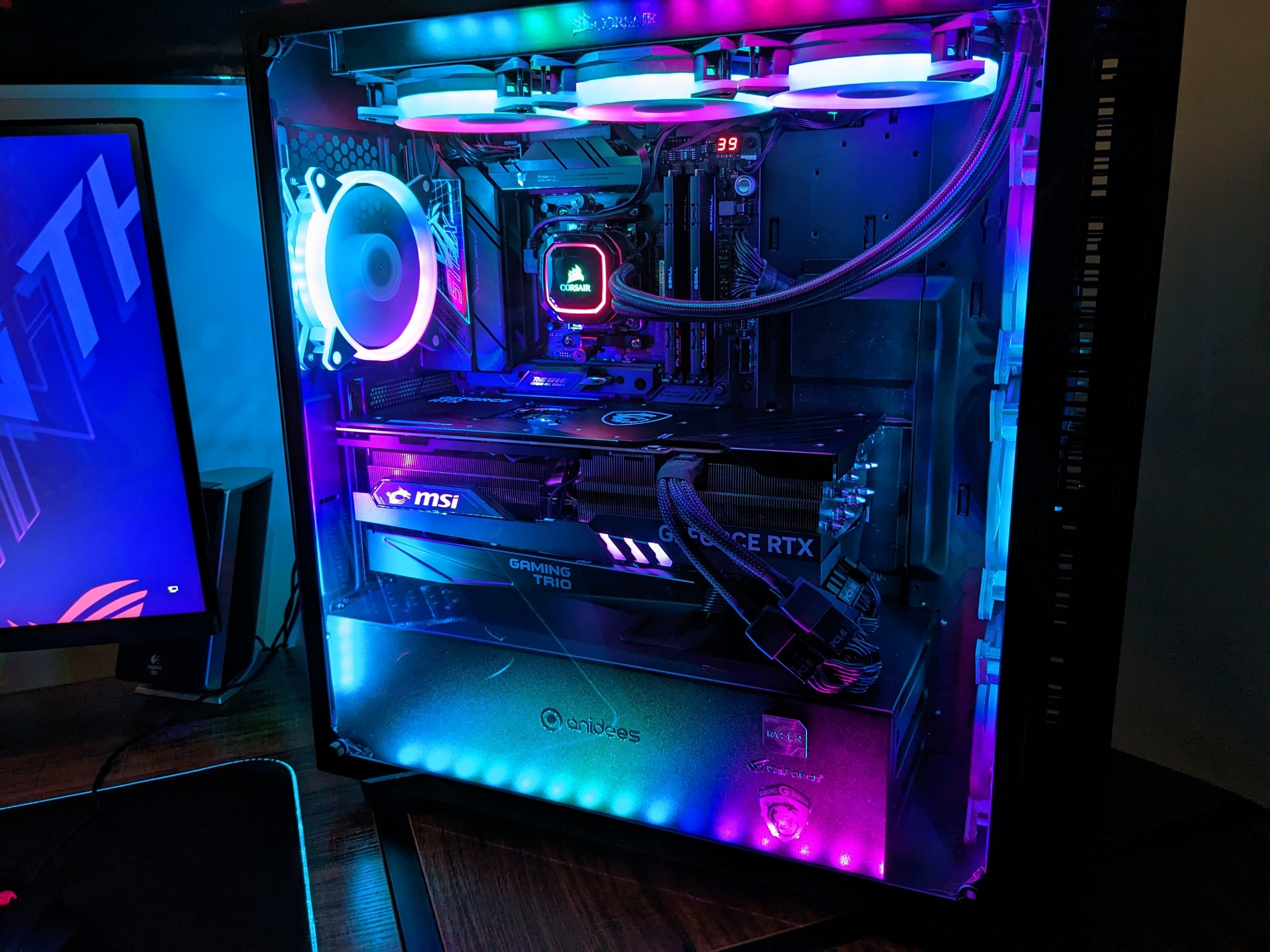
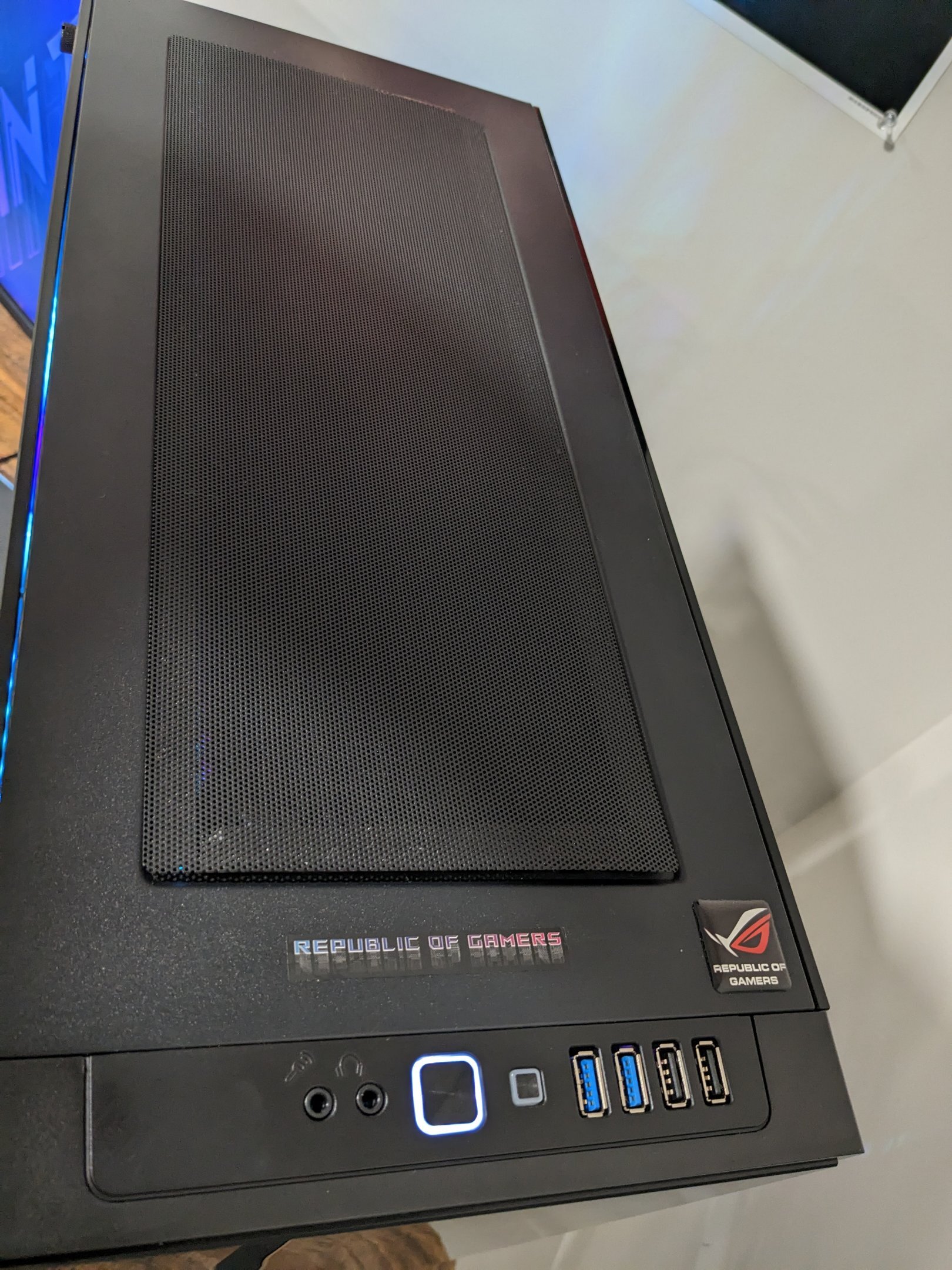
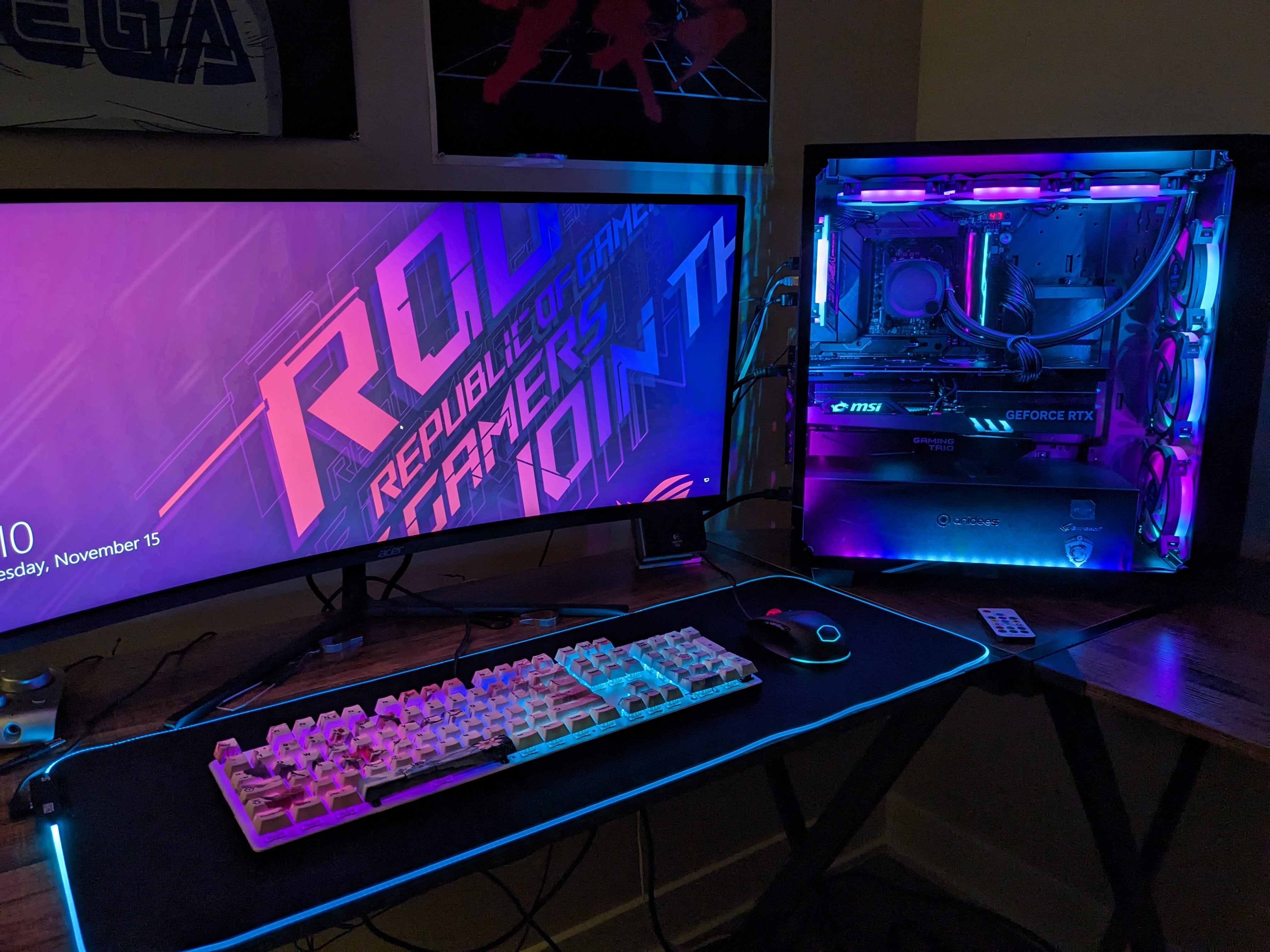
Here's my build log for the house's main rig, Ai Crystal. Usually kept on 24/7. Primary use case scenario: Linux file server Secondary use case scenarios, in order of importance: - Folding rig (it costs around $40 a month to fold 24/7, and I had no clue when I got my 4090 how good it would be at folding) - Graphic design rig using GIMP, which I can do while folding and having the file server online IF I turn my GPU OC off - Benching rig in Windows for HWBOT - Gaming rig, waiting on expansions for Forza Horizon 5 No pictures of the process here, but you can see the original build process for my rig here: Just a moment... WWW.OVERCLOCK.NET Until the end of last year, the rig was running a ROG Crosshair VIII Hero, Ryzen 9 3900x, Arctic Liquid Freezer II 360mm AIO cooler, G.skill Flare X DDR4 3200 cas 14 @ 3800MHz 16-16-16-16-32-50 1T GDM on, and 2x EVGA FTW3 GTX 1080ti in HB SLI. Here is the full parts list for it now. Ryzen R9 7900X3D PBO on, max boost I've seen is 5650MHz on cores 7&8 after giving it a +0.075v over voltage offset ASUS ROG Strix X670-E Gaming G.skill TridentZ5 DDR5 7600MHz cas 36-45-45-45 1T GDM on MSI Gaming X Trio RTX 4090 3135/12210MHz EK Nucleus AIO CR360 Dark w/ Prolimatech PK3-Nano Crucial T700 1TB PCI-E Gen 5 M.2 drive. 800GB for Windows, 200GB for Linux WD Black 2TB WD Blue 4TB WD Blue 6TB Case is anidees Ai Crystal AR3 Midtower Fan and RGB controller is the anidees one that came with the case Fans are 7x anidees AI AUREOLA v3 RGB fans 2x anidees RGB light strips, 2x Phanteks RGB light strips Seasonic Vertex GX 80+ Gold 1200W power supply I think that's everything for the box. Accessories: Monitor Acer EI342CKR Pbmiippx Curved 3440x1440p 144Hz FreeSync HDR 400 (supposedly) Ultrawide Logitech G332 Headset Logitech Z2300 Circa 2007 2.1 THX certified speakers. 120w 8" subwoofer, two 40w Satellites Cooler Master Mastermouse RGB Utechsmart "RGB" large cloth mousepad (Amazon) Keyboards: E-Yooso Z-88 modded, stock had Outemu Blue switches. Modded to Kailh Box Whites, WASD blue o-rings, blue and white PBT keycaps, stabilizers clipped and lubed, case packed with thin crafters foam to give it more weight, has Doraemon stickers (main board) It's RGB as well. Glorious GMMK v2 fullsize, Kailh Box Jades, WASD blue o-rings, custom white plastidip and plastidip pearlizer layer on top, genuine Filco Sakura keycaps, stabilizers clipped and lubed, case packed with thin crafters foam, put a small flat metal weight inside. Keychron K8 Pro Aluminum Black, Kailh Box Navy Switches, Blue O-Rings, custom Classic Muscle Car Plum Crazy plastidip, Great Wave Off Kanagawa keycaps I think that's everything. Now for the gallery. While doing some wire management last night, I took a lot of photos of my rig off.

-
 Thank you!
 -

From the album: neurotix's graphic design
-

From the album: neurotix's graphic design
-

From the album: neurotix's graphic design
-
Look into running stressapptest in Windows. It is a Linux program, and what Google uses to test stability on their servers. An hour of it should uncover any issues. See the memory thread I started in the memory section. Though tbh I run Mint almost 24/7, you need to use Windows Subsystem for Linux to be able to run it in a command line on Windows. Also check into AMD chipset drivers and make sure you have the latest version for your platform. Additionally, especially if the problem just started, look into Windows updates and possibly remove some of the latest updates and then pause updates for over a month and see if that helps.
-
Sick one bro.
-
My 4090 OC'ed in Linux does very close to 30mil PPD and that's actual points, not just an estimate. In 4 days, I did 119m points, so.. Overclock has only got it at 2955MHz, yet I can clock the card to 3090MHz or higher in Windows. Unfortunately in Linux, X11 freezes up if I run it higher than 3000MHz.
-
Thanks to the sponsors, I won the Cooler Master keyboard which was the prize I wanted most! Also thanks to damric and Avacado for organizing the event!
-
Great job, everyone! I'm glad my graphics helped promote the contest. I came in 7th, and only folding on a single card, so I'm pretty happy with the results.
-
In (bigred)
-

From the album: neurotix's graphic design
-
In that case, I will edit my sig and remove that image.
-
guru3d AMD: 7800X3D up to 24% faster than Intel
neurotix replied to UltraMega's topic in Hardware News
Having the 7900x3d myself, and playing at 3440x1440p 144hz, and having an 4090, the R9 5900x was bottlenecking me. I really only play Forza Horizon 4 and 5 and here's the result: 168 fps in FH5 benchmark on Ultra with the 5900x 192 fps in FH5 benchmark on Ultra with the 7900x3d 195 fps in FH5 benchmark on Ultra with the 7900x3d with cas 30 6200MHz RAM I'm happy. About the cross CCD latency penalties and the like, if you install the correct chipset drivers with x3d optimizations, and set Windows power plan to Ryzen Balanced, then when the system detects a gaming load it will park cores in the non-V-Cache CCD to enable the V-Cache CCD to only run the load while idling the other. I'm satisfied with my purchase even if it probably is slower than a 13900k or ks, especially if they are running DDR5-7000+. -
It's just for people to use if they want and is what was suggested by damric, it is not an official badge, just a sig image.