Welcome to ExtremeHW
Welcome to ExtremeHW, register to take part in our community, don't worry this is a simple FREE process that requires minimal information for you to signup.
Registered users can:
- Start new topics and reply to others.
- Show off your PC using our Rig Creator feature.
- Subscribe to topics and forums to get updates.
- Get your own profile page to customize.
- Send personal messages to other members.
- Take advantage of site exclusive features.
- Upgrade to Premium to unlock additional sites features.
J7SC_Orion
-
Posts
2,211 -
Joined
-
Last visited
-
Days Won
96 -
Feedback
0%
Content Type
Forums
Store
Events
Gallery
Profiles
Videos
Marketplace
Tutorials
Everything posted by J7SC_Orion
-
...the 1.2V is a good sign re. binning, as much as MPT can help to get well past that voltage (I can get to ~ 2900 MHz max). Still, better to start out with a good bin in the first place ...as this is my workhorse card, I never tried Win 7 hacks (only use RDNA2 with Win 10 Pro and 11 Pro, Ubuntu), but allegedly, there are some Win 7 RDNA2 hacks, ie. > here ...can't say anything about the thread / post / attachment as I haven't tried nor am a member. ...installing just via .inf may work; in any case, I also have MSI AB working, but you have to keep in mind that the core-MHz number is a mix of min and max the way this AMD gen works, so just experiment to find the corresponding core boost number. First though, set MSI AB / settings / AMD > 'extend overclocking limits' and may be also disable ULPS...those will prompt a reboot. Overall though, MPT is your best friend when oc'ing RDNA2. Also, as discussed before, if you keep the Adrenalin setup,turn off the overlay that kicks in (top right) when doing 3D. Apart from that, kill AMD Experience if enabled, and also ALL monitoring things such as 'issue detection.

-
I can identify with not wanting huge, spiffy control packages that just slow things down and are full of 'negative options' in the default settings. But these are the days we live in > this is how various firms generate 'big data' whether used for good or bad. Typically, one can disable much of the superfluous features, but it takes a while to learn each vendor's default layout and hidden menus ( at you AMD in particular). The much thinner clients applets are often reserved for HWBoters and you have to chase them down - or buy s.th. like a Galax HOF. In addition, there were also 'normal looking' oc tools such as special version of Asus GPU Tweak which when matched with a certain card and vbios magically opened up other options, such as VRAM voltage control. In days gone by, MSI AB + s.th. like EVBot was really all I needed...EVBot had/has the advantage that you can adjust things like core and vram voltages on the fly, ie. for certain spots within 3DM Firestrike or Time Spy. @Mr. Fox ...when revisiting your 6900XT screenies above, there's some good news in there - seems your card does 1.2V natively at times, which would mean it could be an XTXH and should have more headroom once MPT_ized (which works with most versions anyhow). Perhaps run a Superposition 4K or 8K with HWInfo open and max oc settings to take another look.
-
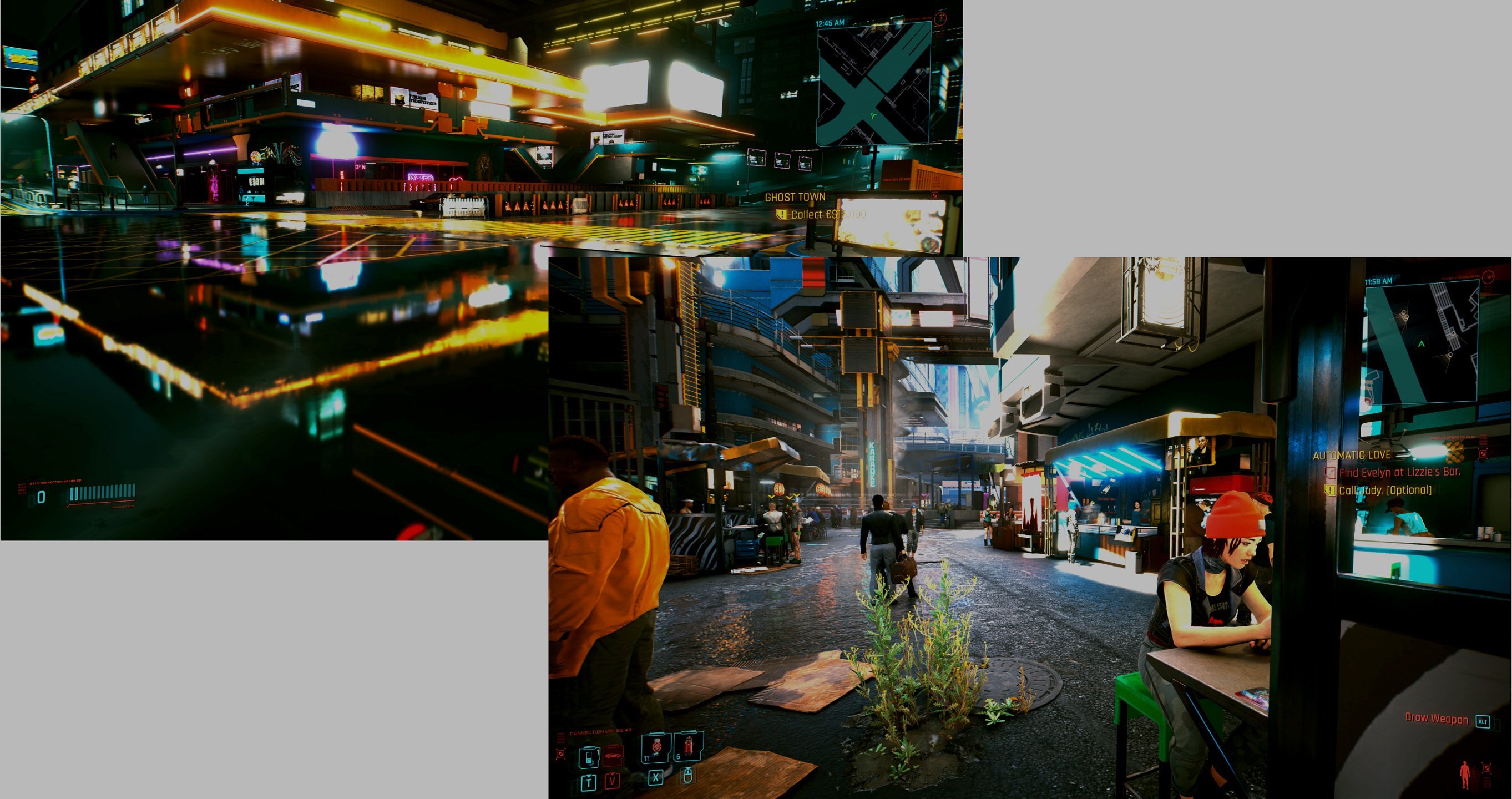
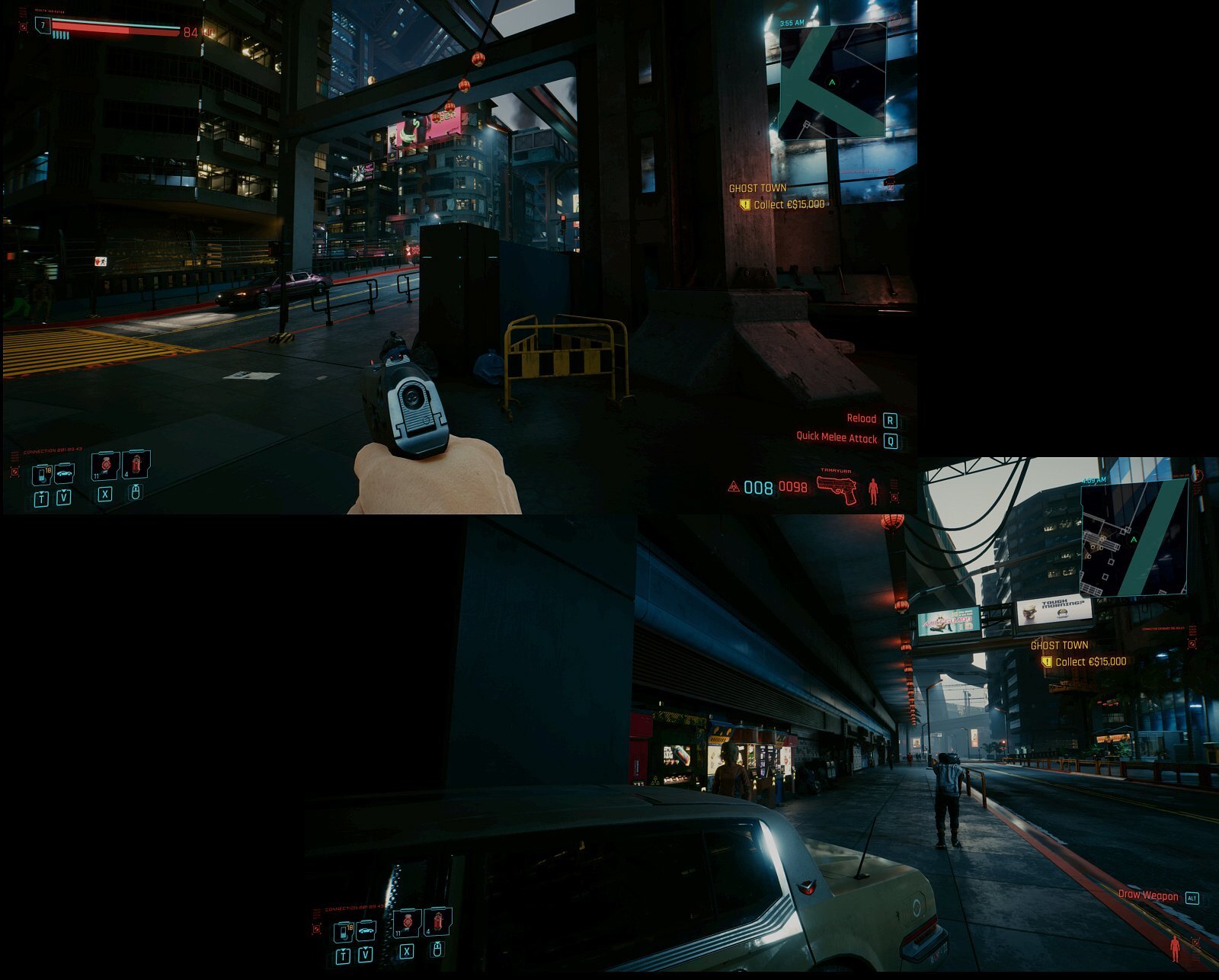
...some CP 2077...originals in 4K PNG HDR...won't even try to describe how this looks and works on a 4090 / 48 OLED @ 120 fps, RTX ultra etc...psychedelic in certain spots to say the least
-
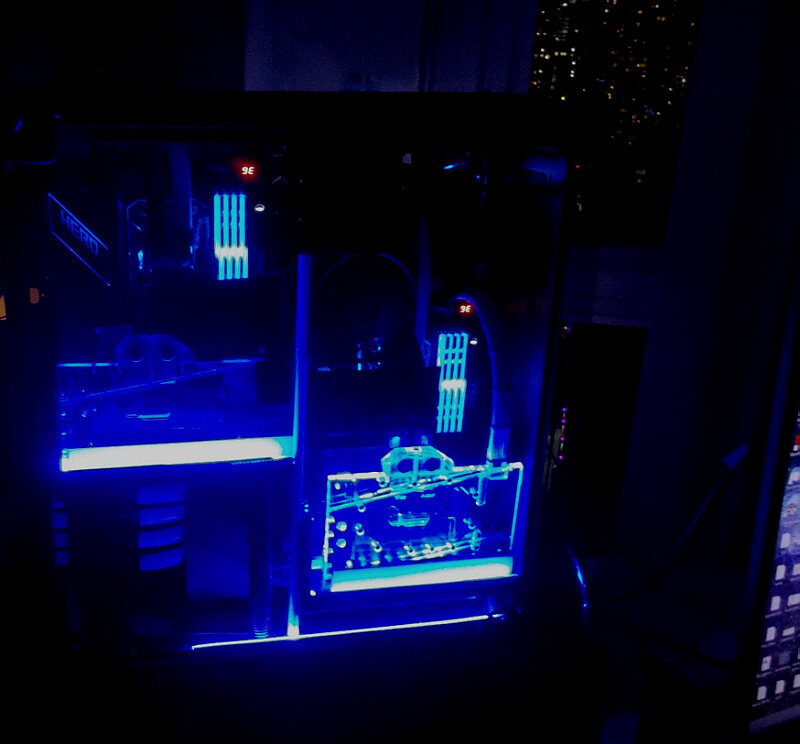
Decent start ! Once you water-cooled it, you can throw some serious MPT at it (as linked earlier)...might not give you all the clocks but certainly helps with PL, LLC and such. My 6900XT uses a Bykski block for ~ 2 years w/o issue. Fully 'MPTized' Gigabyte Gaming OC 6900XT w/ water-cooling:
-
... @The Pook 's suggestion may work. Since the 6900XT is in my workhorse machine (4090 above is in the gamer), I only sporadically bench it. There are a few settings in the AMD driver you should definitely disable though, including the initial overlay that appears on the top right when 3D kicks in, as well as various reporting functions, which all eat up fps (for AMD's AI collection...). EDIT - saw your subsequent post, now I learned something
-
Intel Completes Development of 1.8nm and 2nm Production Nodes
J7SC_Orion replied to Kaz's topic in Hardware News
go big or go home ?!
-
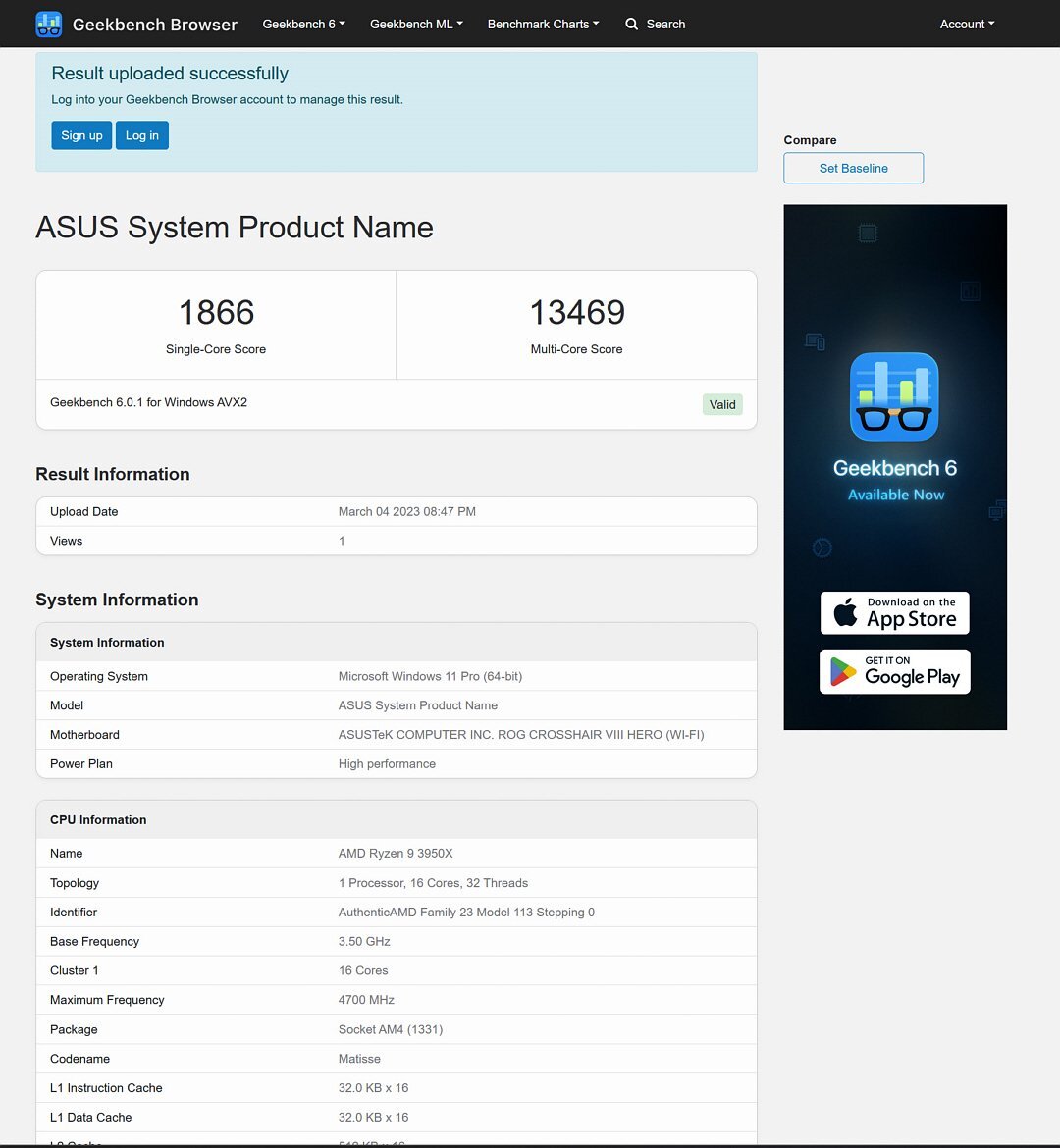
Thanks gents ! Here is my X570 / 3950X oldie workhorse Geekbench for CPU
-
-
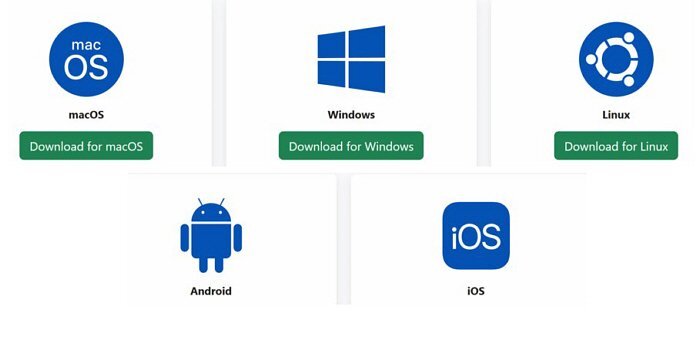
...also hoping for some smart phone results (I don't have one...). As mentioned, Geekbench-6 is cross-platform, and you can >download / link to the required version for your OS here.
-
ftfy
-
...I'm confused - isn't it supposed to be 'death and taxes' instead of taxes after death ?
-
DerBauer had a look at the factory-blocked 7900XTX, including a look at the pads etc...very nice card (likely binned as well) but very, very pricey.
-
...the 6900XTs are a ton of fun to 'oc' with the right tools, and very rewarding at 1080p and 1440p (4K is a bit trickier due to the memory bus width)...'regular' Time Spy Graphic Score ~ >25k. That hotspot temp you mentioned, though...needs more of ...Octanebench below (for CUDA) is another bench I did a brief thread on earlier. But unlike Geekbench-6, it is a pig on gas watts. Below is a triple-GPU one which slurped up close to 1300W just for the GPUs...TR 340W CPU on top of that - also a great way to test the resilience of your cooling loop, and/or heat your house in the winter... @Bastiaan_NL ...just having a bit of fun...
-
@Mr. Fox ...you'll have a lot of fun with it as you can use tools such as MPT (MorePowerTool) that have way more options to manipulate the GPU than most NVidia tools. Furthermore, the way AMD vbios of these gens works, you do not have to flash the actual vbios when using MPT (unlike my comment below in the last paragraph re. 6900XT >> 6950XT). There are lots of sub-menus in MPT, and it pays to read up on them, including on the 'Features / temp_dependent_vmin...' steps. So MPT is your ticket into this and you can download it > here . The usual word of caution though -- theoretically, you can run 1.3v core or more and 600 W...and if you go too crazy . I created a few profiles with MPT for my daily-workhorse-6900XT (after saving the original profile of course) which range from mild to wild. As always, watch the temps as you kick up voltages and PL limits after establishing a stock baseline. My card, a custom w-cooled Giga-G-OC 6900XT, has a good 3x8 pin VRM / PCB / dual bios and with a few MPT steps, I got it up to ~ 2900 MHz purely on ambient temp water-cooling. Geekbench-6 and > its 8 newer tests for GPU Open CL is not without its challenges, but as discussed above, it does not heat the cards up very much due to lower PL as it is cross-platform for Windows, Linux, Android, and macOS. It includes some ML and other new tech. So Geekbench-6 is probably a good, 'safe' app to try for a card-gen new to you as you wrote, such as recent team red. @pioneerisloud ...fyi, there is a way to flash a 6900XT to a compatible 6950XT (read: same basic model by same vendor) in Ubuntu, but it is fiendishly complex in terms of sequential steps. I would only try that with a dual-bios card, though.
-
...fyi, no down-clocking with the curve setup I use on the 4090, even though NV panel is not set to 'max performance'. I find Geekbench-6 useful to compare same-gen GPUs, but as you know, also use a variety of other benchies...3DM, Unigine Superpos8K, Octanebench, Blender and so forth. Also adding ML benches now re. a work project
-
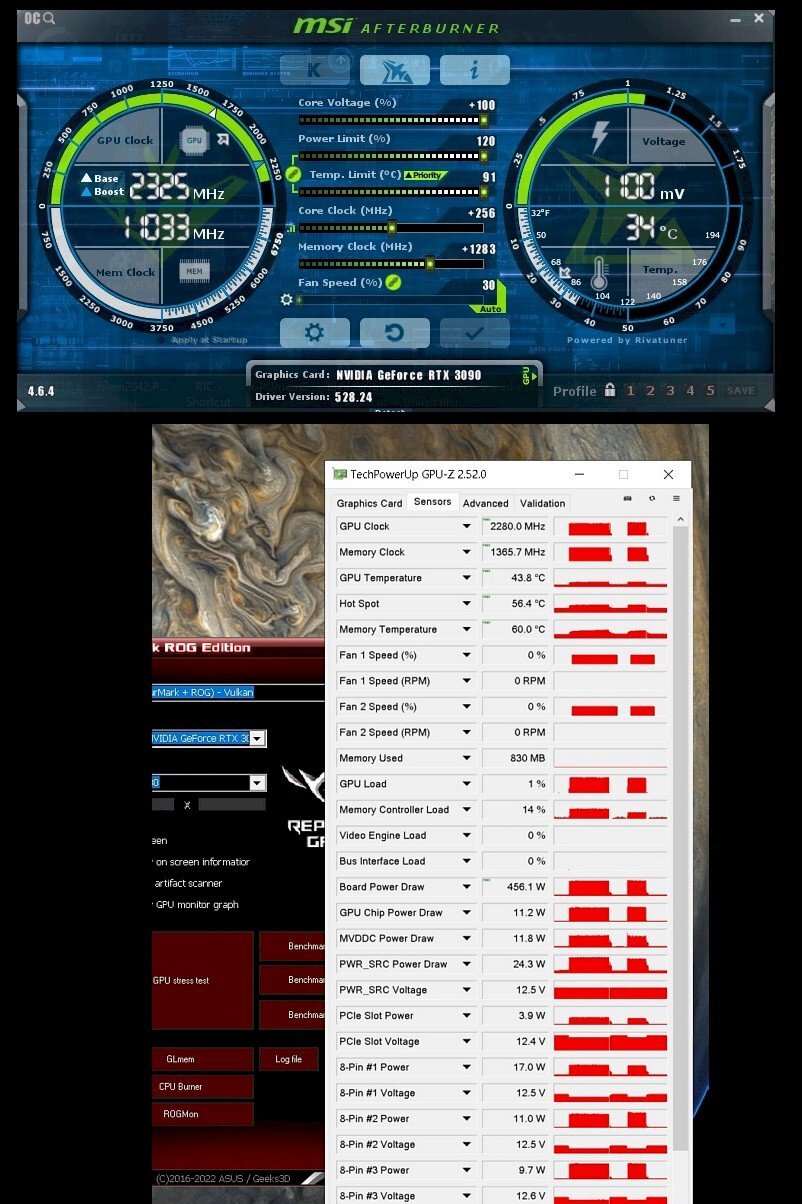
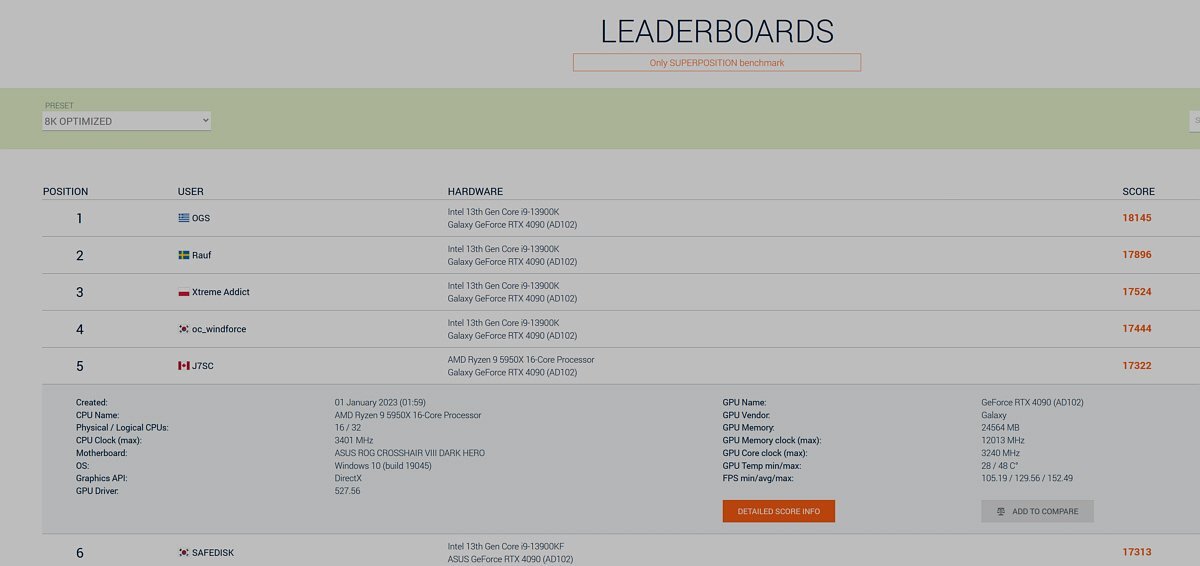
...not sure whether clocks are 'unrealistic' per se (my 3090 Strix has been at 2280 or > for all these years). Key is to remember that this bench and its sub-components is meant for cross-platform, so power limited. The peak watts for all my GPUs is low with Geekbench-6, thus they don't heat up internally as much (up to 76.3 Billion transistors on N4 ) and can therefore hit their best levels. FYI, I have used the 3240 MHz curve of the RTX 4090 for Superposition 8K at > 560W so way more peak watts; I probably could add some more clocks for Geekbench-6 ...will test that out next weekend, along with EEC setting. In any case, similar GPU types face the same benefits / limitations with Geekbench-6 so not a skew. --- Regarding the Elmorlabs RTX VRAM heater, I know someone who uses it with a chiller setup and it apparently it works great. But that's also another reason I don't do HWBot anymore - I still like a bit of benching now and then, but then turn around w/o rebooting and do some productivity / work on it, then play some FS2020. Same cooling setup...one-size-fits-all settings, apart from MSI AB clock profiles
-
...some new RTX peripherals from ElmorLabs could be useful, such as this heater w/a hollow core - still, tricky business with the 2GB GDDR6X chips; I have been lucky with my Giga-G-OC. But to run faster than '+1600' or so like above on VRAM base clock, it needs to be properly warmed up to operating temps.
-
...really ? ...I was hoping for better road surfaces and less pollution in heaven
-
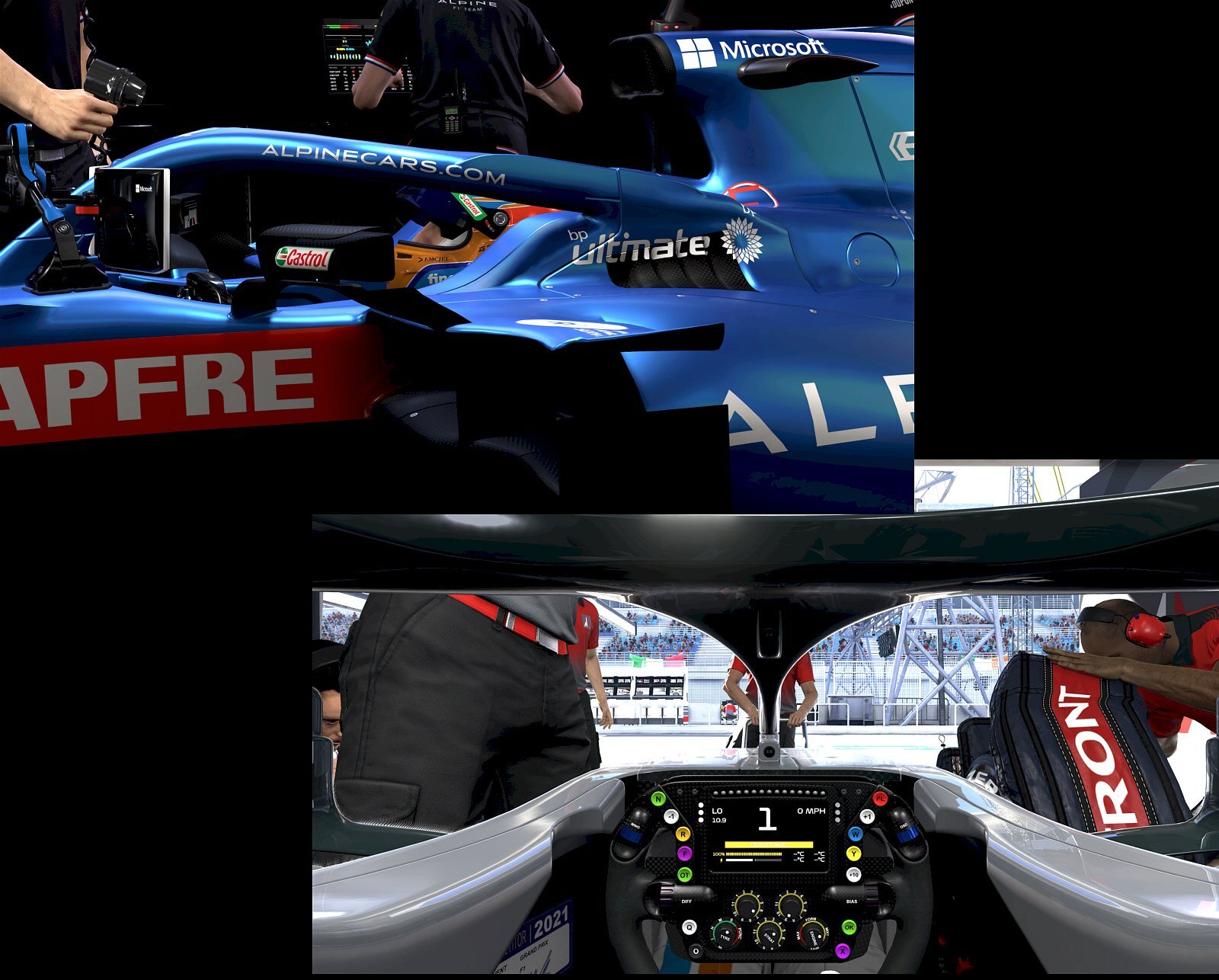
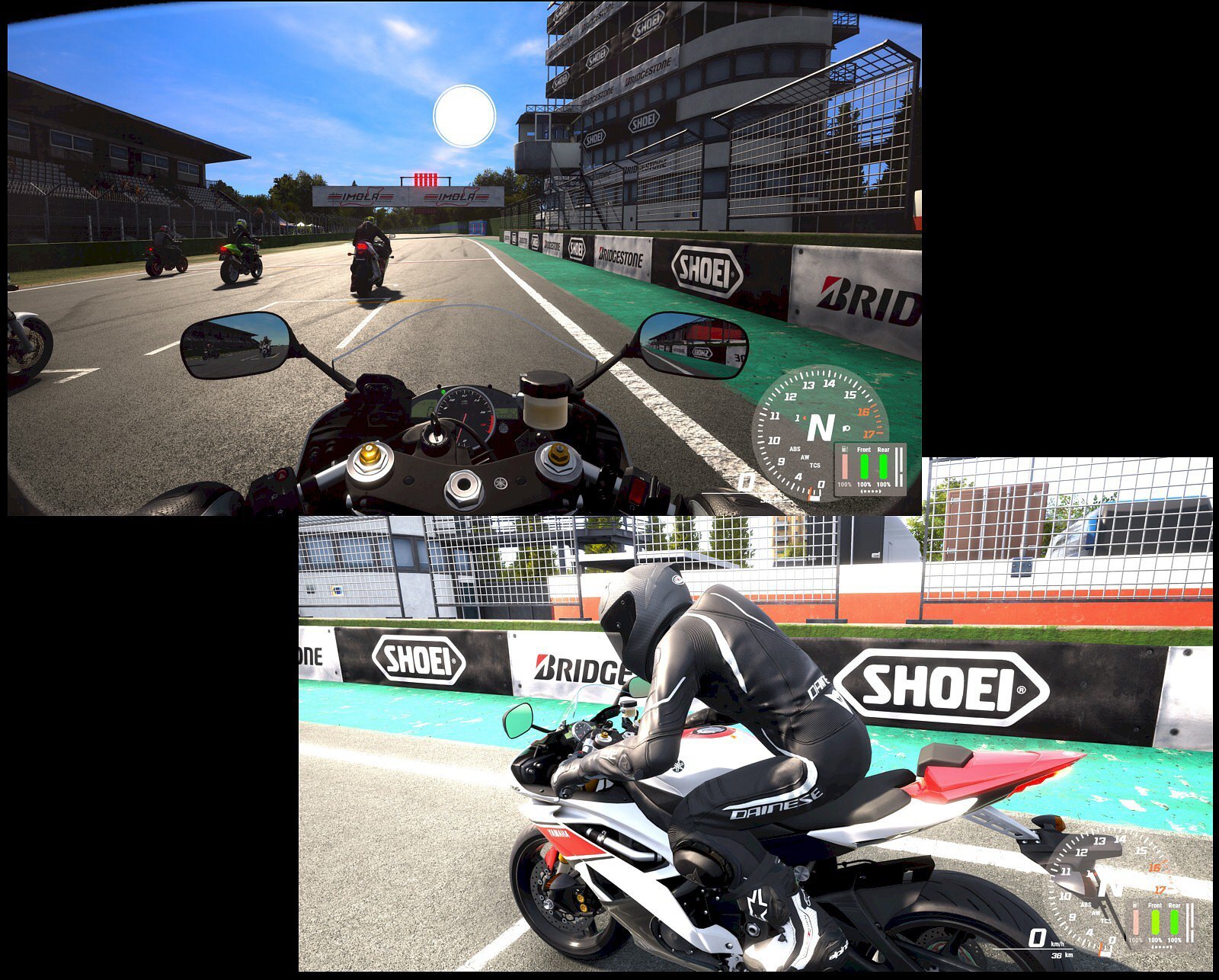
F1, Ride 4 and CP 2077 (originals are 4K .png at ~ 12MB each )
-
Spending eternity at EHW, is that like purgatory ?
-
...wasn't meant as a serious tease other than responding to @bonami2 re. more recent AMD models' speed restrictions vs. MPT. Besides, the result is obviously posted at Geekbench, ditto for the 6900XT, and the other cards. I also tagged you and @Bastiaan_NL because many HWBotters run these new cards with GDDR6X 2GB chips too cold...that specific VRAM type (unlike its 1 GB cousin) likes at least 55 C to reach its max MHz, yet the VRAM sits much closer to the core than in other models. Said VRAM also cools down very quickly after a second or two at idle. --- This may sound odd, but I actually don't own a smartphone (anymore) - I am already online for too many hours...still Geekbench 6 is cross-platform and also works for Apple iPhone and Android smart phones, as well as tablets etc. It would be great if we can get some Geekbench 6 compute results for those as well
-
-
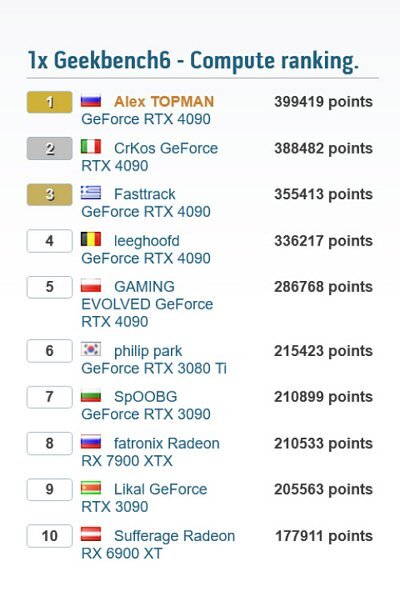
...well, some newer GPUs are alright at > 3.2 giggles ...I wanted to break the 400000 mark, and it actually happened (after hitting 399974, which was a bit annoying as it was so close). Good thing @Bastiaan_NL @Avacado didn't talk me into HWbot (I used to do that...): https://browser.geekbench.com/v6/compute/157609
-
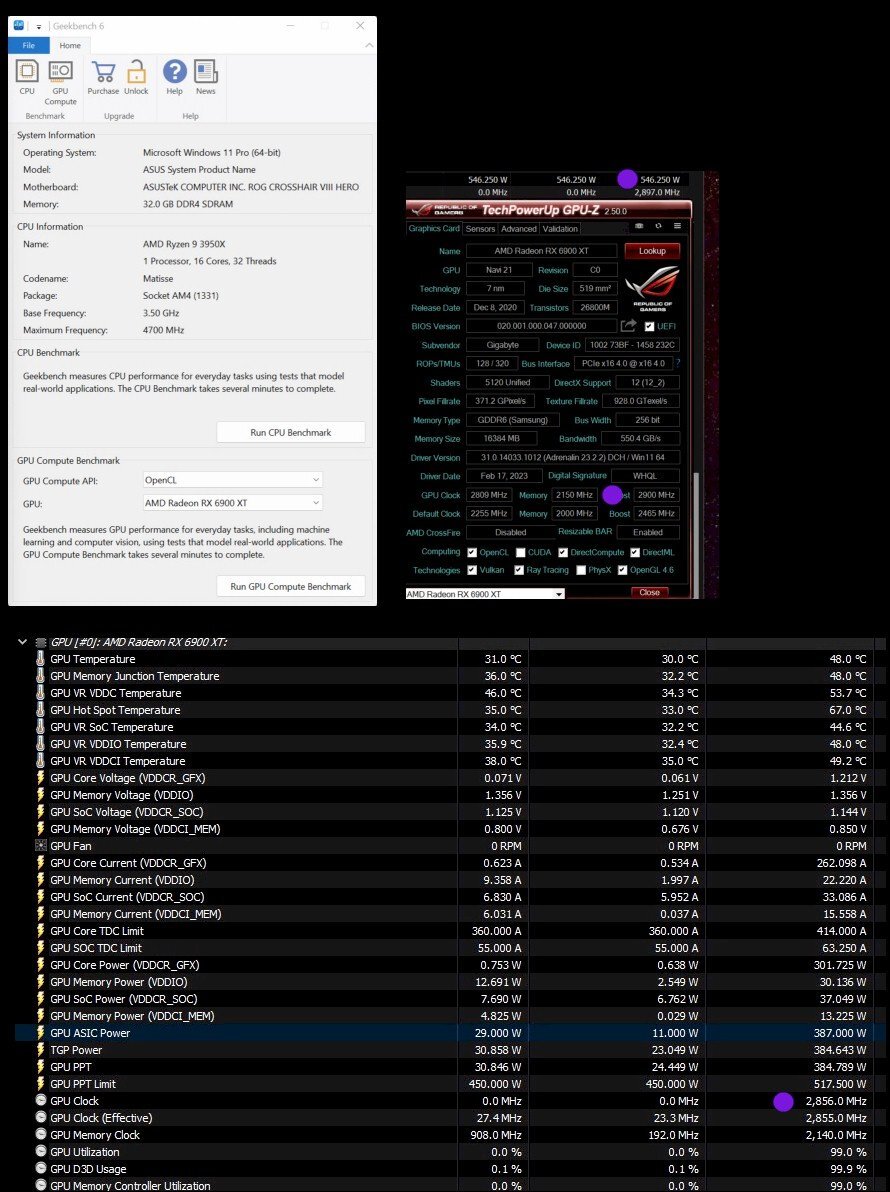
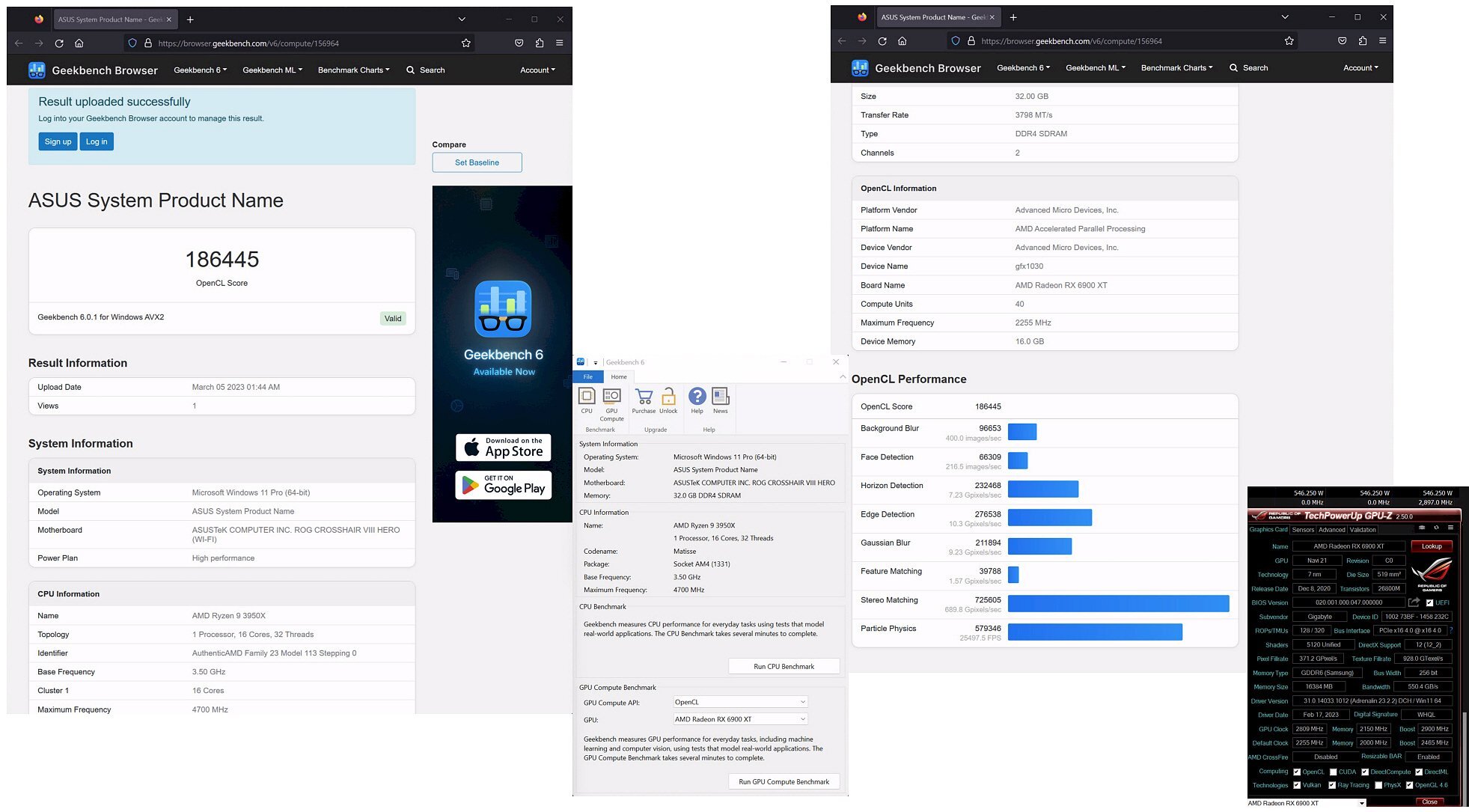
....congrats @bonami2 how does 'Speedster' translate into French ? --- Meanwhile, back on the farm...I loaded an older MPT-modded vbios profile (clocks lower right) for the 6900XT and gave it some beans. No wonder the 7900XT/X series doesn't allow MPT anymore.
-
...ahh, I understand. Perhaps there's some log file somewhere on your local Geekbench 6 which could be uploaded once transferred to a USB (ie. 3DM)...I will examine this shortly