Welcome to ExtremeHW
Welcome to ExtremeHW, register to take part in our community, don't worry this is a simple FREE process that requires minimal information for you to signup.
Registered users can:
- Start new topics and reply to others.
- Show off your PC using our Rig Creator feature.
- Subscribe to topics and forums to get updates.
- Get your own profile page to customize.
- Send personal messages to other members.
- Take advantage of site exclusive features.
- Upgrade to Premium to unlock additional sites features.

pio
-
Posts
1,780 -
Joined
-
Last visited
-
Days Won
109 -
Feedback
0%
Content Type
Forums
Store
Events
Gallery
Profiles
Videos
Marketplace
Tutorials
Everything posted by pio
-
I've just accepted the fact that my RX580's will have to make due for the foreseeable future. I'd be happy enough if RX5700's were available at a decent price, or even Vega's. I can only dream about the 6900XT at this point, double MSRP.......*grumbles. Yeah nope. I'll wait and buy a used one at 1/4 MSRP. Till then, RX 580's it is. I don't participate in price hikes (other than second hand). Assuming the 6600XT would actually launch and be available at MSRP, its really not in a bad position. Not a card I'd be interested in, but definitely a good spot for one. The 5600XT's were kind of tempting too, so I'm sure this one will be as well.
-
I dunno, could've been. That was years ago. On OCN we were playing FEAR through till like 2007 / 2008 when COD4 kinda took over most of us lol.
-
Pretty sure you were playing FEAR (Combat) with me and other forum members back then, weren't you? That's the game that got me into multiplayer gaming lol.
-
Oh how the tides turn, you guys are all MY mentors now. I feel like one of them old farts half the time, and I'm not even that old yet lol. Glad to hear we've got everyone up and running solid now. We may not have the strongest variety of equipment folding, but we're going to give it our alls dammit! Is there an old fart emoji? I STILL haven't even looked at the prize list BWG was trying to persuade me in with. I'm not in it to win it, I'm in it to help E and the site. If we win prizes in the process, well, that'll be pretty cool. New hardware is always welcomed around here.
-
Even more rare, the seller just told me the board's entire history from when it was new. I'll share if he gives me permission to quote him. Apparently the caps are still so good on it because its only got about ~100 hours or so on it.
-
Correct it is. I have a VM going on my rack server system (that was running already anyway). I RDP into that. That VM is already RDP'ed into my folding system, and I just leave that RDP session open 24/7. Seems its been working fine since I set it up that way. TY for the suggestion by the way.
-
Mannn......I'm excited honestly. I'm getting more excited with this old junk than I did building my Ryzen rig. Putting a game in by CD or DVD (or floppy even), putting main executables on the hard drive and the rest runs off media. ZIP drives, DOS commands, tweaking the game so it works correctly on the machine you're using, overclocking by jumpers!!!!!
-
I really need to put ebay on a block list somehow This was just ordered now too. My junk is getting older and older! Perfect setup though for that gorgeous Antec Performance II case (Chieftec Dragon).

-
Woot woot!!! Finally got my box to stay online AND folding leaving an RDP connection open to it off my server. So should be smooth sailing from here.
-
Thank you for your prayers..... No sacrifices needed, I think I've done enough already the last few months. If I get this functioning 290x, my FX build will be complete and I can share that one next. I've got some even older goodies on the way too. Its only been GPU's, especially usable ones for today's stuff, that seems to be the problem getting in working. I know, I know, you've all seen FX builds before. I've never had one perfectly suited for its time period though.
-
I think I actually scored a functional 290x that should arrive in one piece FINALLY. Won a bid on ebay for a steal (considering current pricing). The seller had a really good detailed description, stated it was freshly cleaned with his data-vac, and that it'd be shipped in an anti static bag (like a card should be). Sapphire 290x Tri-X OC 4GB is inbound to my house.
-
-
Other works fine for optical drives too. Really, just putting an Other field in would fit most of the gripes, you've got 99.9% of what's needed in there it looks like. OS probably should get a dedicated field I'd think though, OS is important to know for troubleshooting other's rigs.
-
So, its working great as is E. Could I ask for a couple of additions that are missing for components? We're missing a spot for other type of drives such as optical and other types of drives. I can't input my 3.5" FDD either but....I mean I can find a spot for that. Modern wise components listing, I'd like to think I'm not the only weirdo still having an optical drive. Also, there was no OS choice either. OS choice is definitely important for troubleshooting others based off sig rigs.
-
Will version 2.0 allow more than 5 rigs to be created? I'm totally cool with only showing 3 profiles in your sig, I mean, that alone is almost overkill there. But some of us......have more than 5. I've got 3 I'd like to input in my rack alone. Rig builder is also neat in the sense that it helps you remember what all of your parts are too lol. No big deal if no, I can just focus on the main rigs that are used daily.
-
I hot swapped a GPU trying to get my rig folding before the deadline! Hi everyone..... (again) Note: This is all just "junk" I had never intended to use again, except the GPU. That was intended for my main rig. Your welcome. Oh, and its all working....so that's at least a plus. Posting here for sub to the thread anyway, since I'm folding 24/7-365 now, might as well be in the lounge right?
-
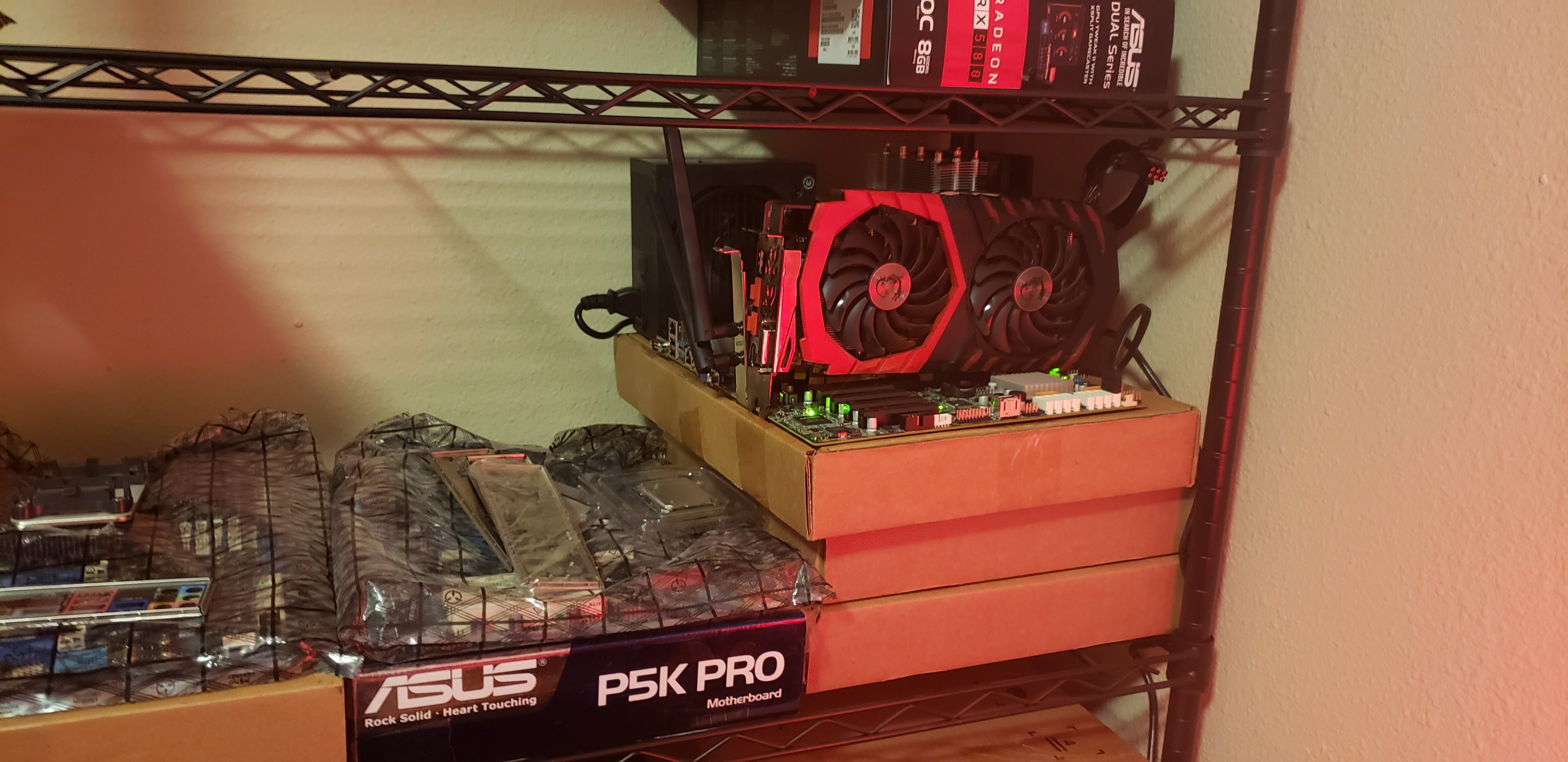
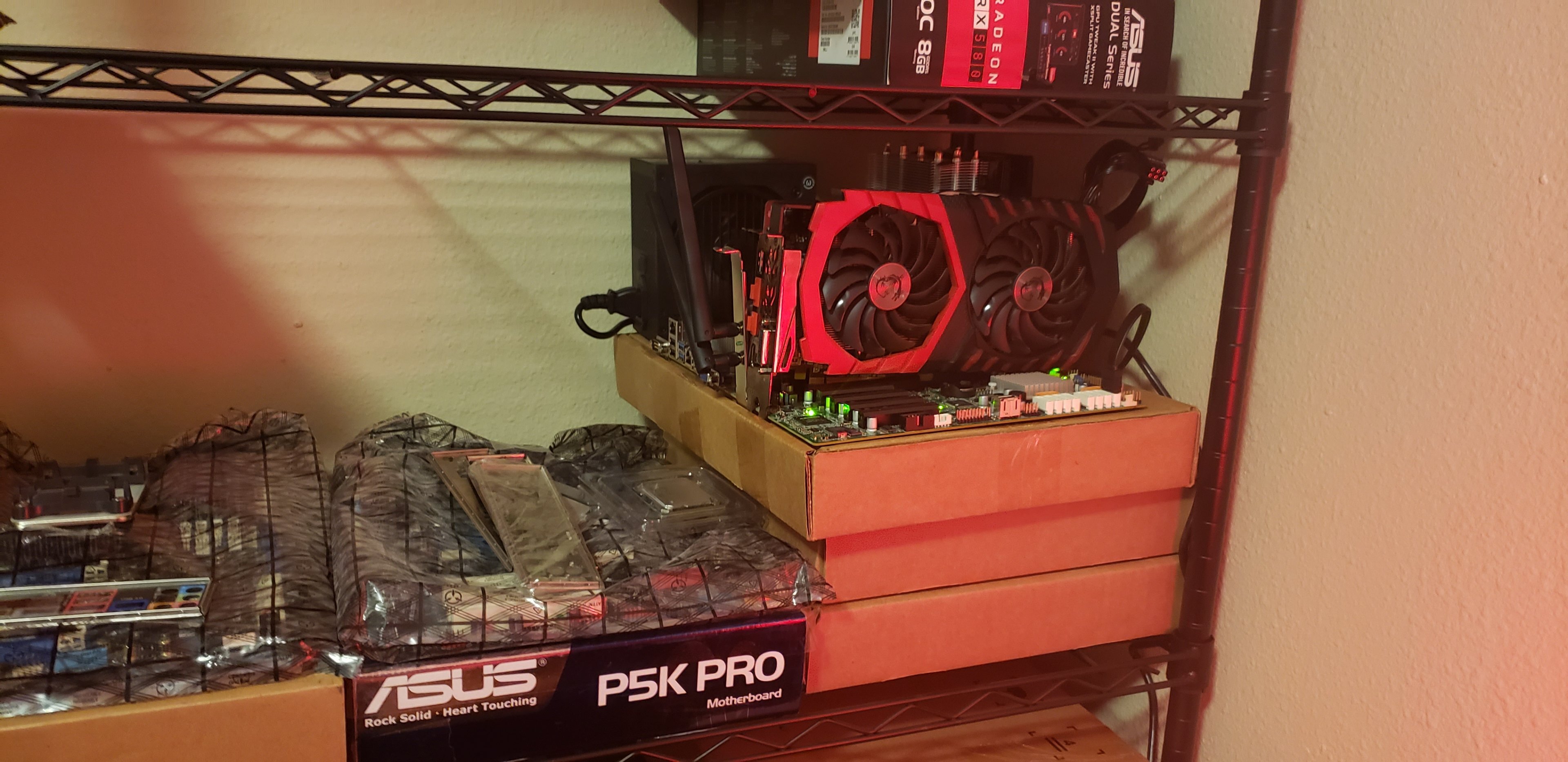
 Close enough! It helps if a GPU is connected to the motherboard, that's for sure. Monitor's not required. -_- I set it up on my workbench area, and moved it to its little shelf corner on its box. I didn't realize the board had slid a tad bit during the move and didn't think to check it after. That'd be the 2nd time I've accidentally live hot swapped something that's not supposed to be this evening. Yes, I did shut it down and cut power before pushing it in the rest of the way, but it was still touching with some contacts originally. The i7 I was trying to get going earlier didn't suffer the same luxury. -_- I'm done, its working....
 -
ign Valve Facing New Lawsuit Over Steam Digital Dominance
pio replied to UltraMega's topic in Software News
I too agree with the above, even though I absolutely love using Steam. I refuse to run any other (although Epic has kinda goaded me into it with their freebies every week). Why can't we just buy our games in a store on a disk of some kind like the good old days? There's cheap USB options out there, its not like they couldn't put copyright protections on a USB drive. Yeah, the smart enthusiasts would figure out a way to copy them, whatever. That's ALWAYS been a thing and always will be. Would beat the snot out of using DVD's though, and internet for rural people with slow internet. Console users get games on basically SD Cards with the Switch if I'm not mistaken. They could sell them in Walmart, right there with the rest of the games, I don't care. /rant I too hope Valve looses this one, as an avid Steam user, let's just put it that way. They took a good thing and ruined it worse than EA does usually. -
12v only and through a 10 pin connector? I mean.....it sounds neat and all since most components are 12v already anyway. I guess USB would still be the lone wolf there with 5v required. 3.3v would still be required too for the CMOS battery. They could use voltage regulators on the board to convert that down and all, but why put extra VRM's on a board if they're not really needed? That'll drive up board costs further than they already are is my guess. The PSU does that already, just need to route the electricity to the proper spot as is. ATX standard has been the standard for 20 years too. It's a neat idea, as much as I dislike Intel lately. But yeah, its going to alienate literally everyone except those with deep pocketbooks. So a hard pass from me as well. I can use my PSU from anything as old as a Pentium 3 / Socket A up to a current generation Ryzen / Intel rig (maybe even older if a modern PSU has a heavy enough 5v rail). Why mess with a standard that just flat out works?
-
Sooo uhhhh, I got my folding rig up and running. But its only giving me the option to use my CPU. What gives? Do I have to have a monitor connected or something still? This might be a problem. -_- EDIT: Nevermind, all good in the hood now. I'm an idiot, let's just leave it at that. I'll send a stale cookie (stale by the time it gets there) to whomever can guess the problem based off the image above. That's how I figured it out......
-
I think so? There was also 9500's that unlocked to 9700's. Thank you, working on getting it going now. Just ordered a Socket A setup for it, should hopefully be here in a week or two. Museum work never stops.
-
PNW team? I'm in WA too.
-
GAME: Ban the Above User for a Reason - EHW Edition
pio replied to Simmons's topic in Chit Chat General
Banned for not knowing the difference between your average weirdo and a real cat person. -
Well...... Anybody have dibs on a junkyard themed name for a team? And anybody wanna join said team with me?
-
I like prizes.... Don't need prizes but I like them lmao. No I didn't see, just came here because you tagged me. Edit..... That's one hell of a prize list.....

.jpg.a15f4c3ba489f852e5a0ac4cea83ab75.jpg)