Welcome to ExtremeHW
Welcome to ExtremeHW, register to take part in our community, don't worry this is a simple FREE process that requires minimal information for you to signup.
Registered users can:
- Start new topics and reply to others.
- Show off your PC using our Rig Creator feature.
- Subscribe to topics and forums to get updates.
- Get your own profile page to customize.
- Send personal messages to other members.
- Take advantage of site exclusive features.
- Upgrade to Premium to unlock additional sites features.

neurotix
-
Posts
1,343 -
Joined
-
Last visited
-
Days Won
29 -
Feedback
0%
Content Type
Forums
Store
Events
Gallery
Profiles
Videos
Marketplace
Tutorials
Everything posted by neurotix
-

Overclock.net Ducky DK-1008C Cherry Blue switches
neurotix posted an advert in Completed Transactions
THIS ADVERT HAS EXPIRED!
- FOR SALE
- USED
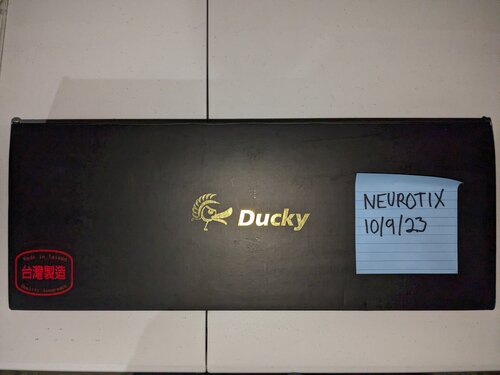
A heavily used OCN Ducky. Switches are fairly worn out, but they are Cherry Blue switches. The previous owner was a smoker, so the paint on the keycaps (for letters etc) is slightly yellowed. Will ship overseas, contact me in a pm and we will get you a quote. Open to offers.125.00 USD
-
THIS ADVERT HAS EXPIRED!
- FOR SALE
- USED
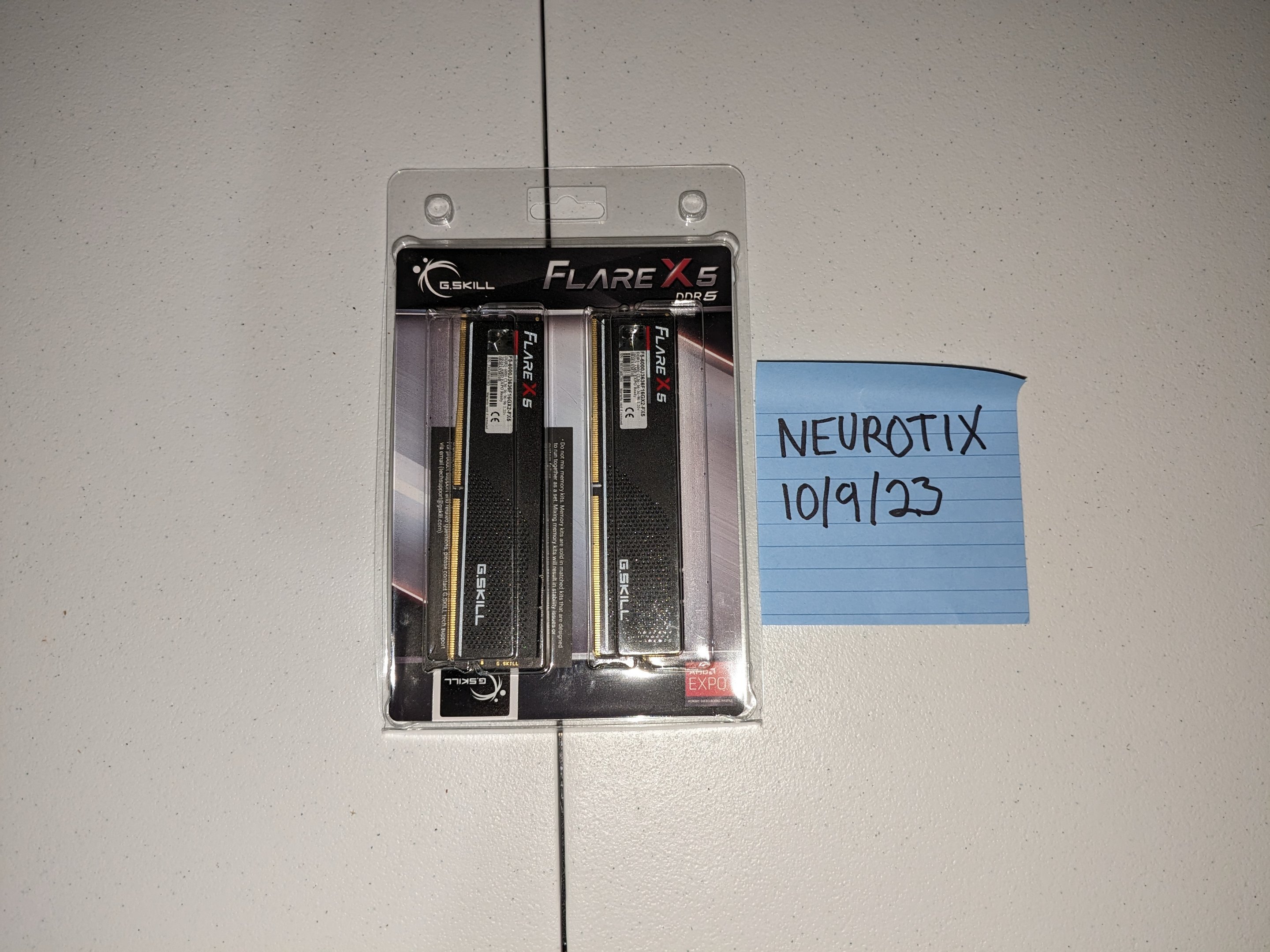
Samsung B-Die. Will do 6000-6600MHz but not more than that. However, I had it running at CAS30-36-36-36-108 1T with GDM on and 1.435v, bandwidth and latency were great. Good for Ryzen. Looking to offload it for cheap since I have new memory now. Will ship overseas if you are willing to pay the shipping, pm me and we will get you a quote. Open to offers.70.00 USD
- US
-
I'd highly suggest getting the new 2x24GB (48GB total, single rank) TridentZ5 7200mhz. It is Hynix M-Die. With the latest bios updates, you can take Ryzen memory to 7200MHz+, I run mine daily at 7600MHz but some here are able to do 8000MHz. I would suggest these (they are what I have) instead: Sorry! Something went wrong! WWW.AMAZON.COM We can provide you with screenshots of timings to set for these to get to 7600MHz+
-
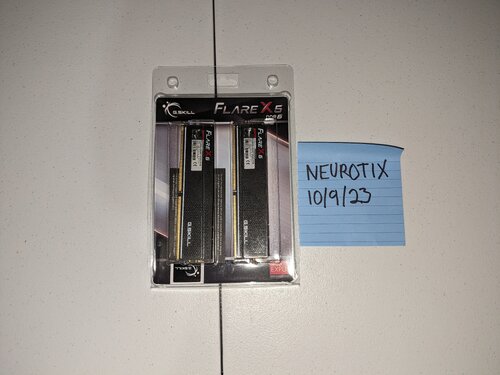
Flare X 5. It is DDR5 Samsung B-Die.

-
My G.skill Flare X kit had B-Die. Before I upgraded to my current TridentZ5 with Hynix M-Die. Seriously, read a guide on using Thaiphoon Burner to generate a html report and take a screen of it and post it here if you want us to be able to help more. ZenTimings would be nice too.
-
No one here uses AMD EXPO afaik. We all tweak our speed and timings manually. Can you post a Thaiphoon Burner report? Do you know what dies you have? If it's Samsung B-Die I can give you a very good set of timings for 6000~6400MHz. Posting a screen of your ZenTimings would help too. Other than that, the pics with 30-38-38-30 seem to be the best latency wise so I'd stick with those timings.
-
So, now that we got Enterprise set up with GSAT, can I have my question I asked a while back answered? I am still trying for 8000MHz RAM. I tried with 1.425v MEM_VDD and 1.35v MEM_VDDQ. I also used 1.1v VDDP and 1v VDDG (both CCD and IOD). Unfortunately it failed memtestCL with a ton of errors within 15 mins. I was using these timings: Any suggestions on voltage, or can @kalizgo through please and mark higher timings to try in red next to the timing like you did for Enterprise? Any suggestions or help will be rewarded with reps. Thanks in advance guys.
-
https://www.amazon.com/Phanteks-PH-DRGBLED_Combo_01-Digital-Adapter-Compatible/dp/B07C1ZFRWW/ref=mp_s_a_1_7?crid=UIDHJDD7N0D0&keywords=phanteks+light+strip&qid=1696788456&sprefix=phanteks+lifht+%2Caps%2C137&sr=8-7 My current ones have been in use since January 2020 with the rig on 24/7. When I try to set them to white now, they are no longer bright white but all yellowish. These are really good light strips but needed to be replaced. They should be here Tuesday.
-
Open Planning Discussion for 2024 EXTREMEHW Annual 2024 Folding Event
neurotix replied to damric's topic in Folding@Home
Agreed. -
You can also make a bootable memtest86 drive and try that too though it takes a very long time to complete. I would say if you can pass 3 hours of GSAT you are stable. Granted it doesn't reboot randomly in the middle of games. Also, nice CAS latency- has it helped your latency in AIDA64? I'd like to see your AIDA64 now, if you don't mind. Also be sure to leave the system running in Windows for like 15-20 minutes before you do it so it finishes all its background boot up tasks- you'll get a better score in AIDA this way.
-
Since it was a memory allocation error, I have a strong feeling it's a permission to hardware problem. If it still doesn't work, try the latest Mint Cinnamon and rufus like I linked.
-
Also @ENTERPRISEwhen you tried running it in Windows did you run it from an admin PowerShell? Perhaps that is the problem. Also I would turn UAC off if it isn't already.
-
This is unfortunate. What distro are you going to be using for a live session? Mint is highly recommended. Also stick to Debian or Ubuntu based distros because other distros may not have stressapptest in their repositories. Also because yum sucks and I only know Debian or Ubuntu based distros, so I won't be able to help with Fedora, Gentoo, etc
-
Open Planning Discussion for 2024 EXTREMEHW Annual 2024 Folding Event
neurotix replied to damric's topic in Folding@Home
I think the $10 if the winner wants to claim their prize is a good idea, personally. I'm sure it'll be disagreed with, though. -
Alternatively, you could download the latest Linux Mint Cinnamon, (go down to mirrors and download from one of them) burn it to a flash stick using rufus and as GPT/UEFI. Boot off it and run the same commands in Terminal (should be next to Firefox in thd bottom left of the screen): sudo apt update sudo apt install stressapptest stressapptest -s 14400 -M 32000 --pause_delay 99999999 -W --max_errors 1 It's really that easy, the biggest hassle will be making the flash stick and waiting for it to write.
-
GSAT is what professionals use.
-
For the first question, no you don't need a Linux VM anymore because of Windows Subsystem for Linux which runs in PowerShell. I've never used it myself so I don't know if it is active by default or if you have to enable it under Windows features, @The Pookwould know more. Second question: no there is not a setup guide, what the Pook gave you IS the setup guide. The "sudo apt update" and "sudo apt install stressapptest" are Terminal commands that install and set it up for you. Then the other command and parameters runs it. I'd suggest trying these commands in Admin PowerShell and see if they work.
-
I would highly, highly suggest getting GSAT and doing what @The Pookdescribed above. This is basically the best memory/memory bus test you can run. It is what Google uses to test and validate stability on their cloud servers. Google Stressful Application Test. Being on Linux myself, I ran it there and my 7600MHz 36-45-45-45 oc was stable in it for 3 hours, which is the minimum I would recommend running to check memory stability. GL E.
-
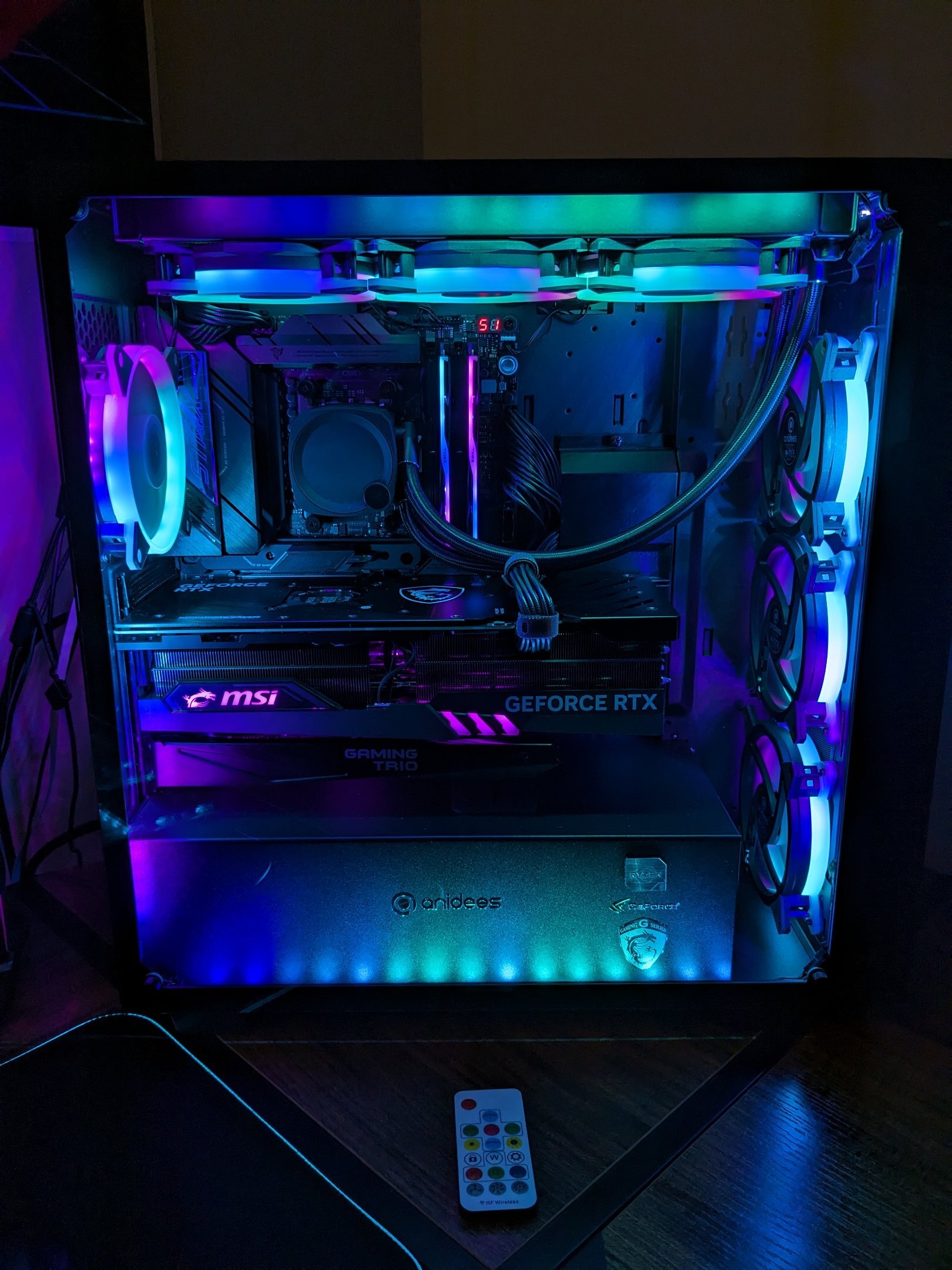
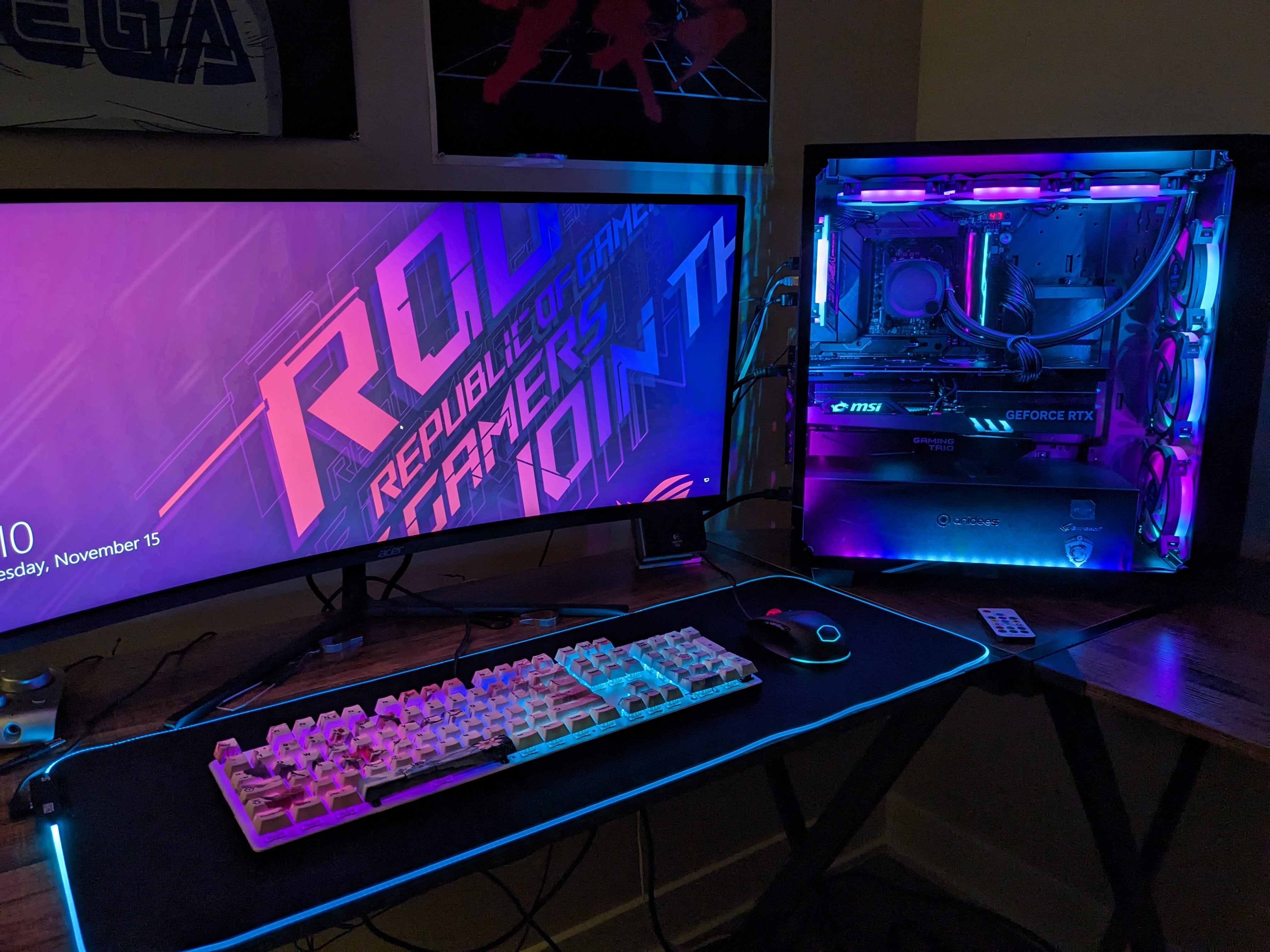
Latest picture of Ai Crystal with my new RGB RAM and cooler:
-
Gotcha. @J7SC_Orioncan probably help you with that more than I can, as the settings I'm using for my new RAM (M-Die) came from him Personally I would suggest going with kaliz' timings and 2100 fclk, possibly adding some more RAM voltage to maybe lower timings, especially CAS, as much as you can if you are after lower latency. Buying a different kit is always an option too, mind linking me your kit on Amazon?
-
Fclk helps a little, yeah, but negligible conpared to CL timings as you already stated. If he could do 30-36-36-36 he'd probably see latency of 62~ns, possibly a little lower. Those were the timings I ran with my B-Die that got me really low latency. I think we still don't know what dies @ENTERPRISEhas. It would be good to see a Thaiphoon Burner report. In my case, with 1.425 mem VDD, 1.35v mem VDDQ, 1.1v VDDP, and 1v VDDG (both) I was not stable at 8000mhz. Should I increase mem VDDQ and try 1.050v VDDG or possibly higher? If I do should VDDP be raised too?
-
2133 fclk will probably have no impact on your latency. That is all timing related. Try primaries of 36-36-36-36 if you can as opposed to 40. Then you may see lower latency.
-
At 2133MHz fclk? RAM still at 6600MHz?
-
Sorry for like triple posting. 8000mhz with 1.1v VDDP and 1.0 VDDG and the looser set of timings was a no-go. Within 15 minutes memtestCL produced like 15 error windows.
-
Alright trying 8000mhz with the looser timing set that Orion gave me, 1.0v VDDG, and 1.1v VDDP. Doing memtestCL now. Wish me luck, but I do fully expect it to fail. I think my problem with 8000mhz is that it might be cooling-related; I think you guys (kaliz and Orion) have fans pointed at your RAM, yes? In my case, with full RGB and matching RGB on the memory, I don't want a fan sitting on my GPU pointed at the RAM. The interesting thing is that 8000mhz for me is benching stable: I ran Cinebench, y-cruncher and a few other demanding benches for my hwbot yesterday with the RAM at 8000, and it was fine. No Bsods, crashes in the programs or anything. I imagine it would probably be gaming stable too. However, since my rigs primary use case is a home server/streaming server, I cannot afford to have bad memory corrupt files over time, especially on obscure 80s anime I wouldn't be able to download again.