Welcome to ExtremeHW
Welcome to ExtremeHW, register to take part in our community, don't worry this is a simple FREE process that requires minimal information for you to signup.
Registered users can:
- Start new topics and reply to others.
- Show off your PC using our Rig Creator feature.
- Subscribe to topics and forums to get updates.
- Get your own profile page to customize.
- Send personal messages to other members.
- Take advantage of site exclusive features.
- Upgrade to Premium to unlock additional sites features.

pio
-
Posts
1,780 -
Joined
-
Last visited
-
Days Won
109 -
Feedback
0%
Content Type
Forums
Store
Events
Gallery
Profiles
Videos
Marketplace
Tutorials
Everything posted by pio
-
 Would you mind expanding on that last point a little? That's a first I'm hearing about that one, and I have a lot of AMD GPU's I don't want ded. Unless you're just meaning the drivers that absolutely nuke performance to the point last gen GPU's are about worthless, then yeah that's a thing too.
 -
New to this forum! Not new to PC building/overclocking
pio replied to DinoBull's topic in New Members
Welcome! I've only ever personally gone properly wet a couple of times, but there's plenty of guys here who do it on every build. You're definitely in the right place. -
Not sure if I should consider that rude, or a gift. Wish granted, but choose wisely. You're only allowed to control time in one direction (your choice). Never to return to present time ever again, leaving your entire life behind. I wish for EHW's HEALTHY growth in 2023. More reviews, and more (healthy) site members.
-
Wish granted, but now you can ONLY fly. Good luck, your arms are about to get awful tired..... I wish I had my PC collection completed already.
-
Welcome David! I hope you enjoy your stay here, and find whatever it is you're looking for.
-
Nah, the problem was that I removed the C drive all together, but I had it imaged. I was trying to access that image as a usable drive to recover data because restoring the image somehow had failed....possibly due to new physical C drive. Idk, I fixed it by the above thing regardless. Kinda neat that you can now mount your old images as a usable drive with Macrium.
-
Figured it out...... Opened Macrium Reflect Existing Backups tab, browse for image, opened old image. Right click the path, "browse image", so I could open it in Explorer. When choosing the drive letter to mount out of the image, chose drive C. This is the trick here "Enable access to restricted folders" & "Make writeable" both needed to be checkmarked. Now I have access to my old user profile folder. I got my Minecraft world back!
-
So I was swapping NVME drives yesterday, and I broke my system. -_- I backed it up first with Macrium Reflect. Restored the image to the new NVME, and for some odd reason the rig didn't like that too much. Kept BSOD'ing saying boot device failure. So, I clean wrote Windows 11 to the new NVME. Now I have my old backup file open in Explorer.......I can't access my user folder on the old image. Security is broken, but it won't let me re-write security. I try to take ownership of the folder and it says that its write protected. I do still have my old NVME drive, that I "can" plop into another rig, but being Windows 11, I'm not sure that's going to work out too well either? I'll have to pull out another rig to test it with, but yeah......... TLDR: How can I gain access again to my user folder on my Reflect Image, or can I recover it somehow off the old NVME drive I just pulled out?
-
They're stealing our nanometers! bits!
-
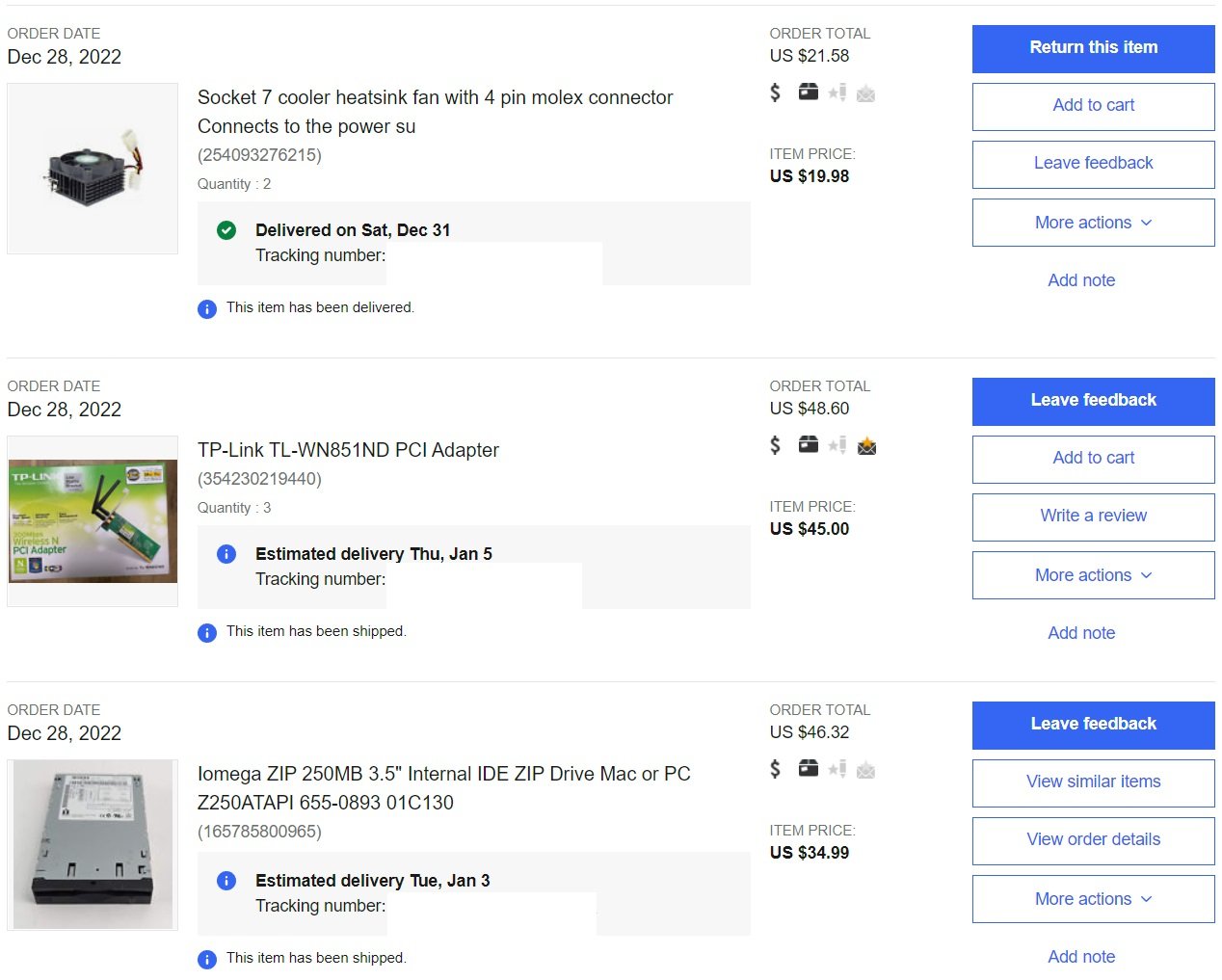
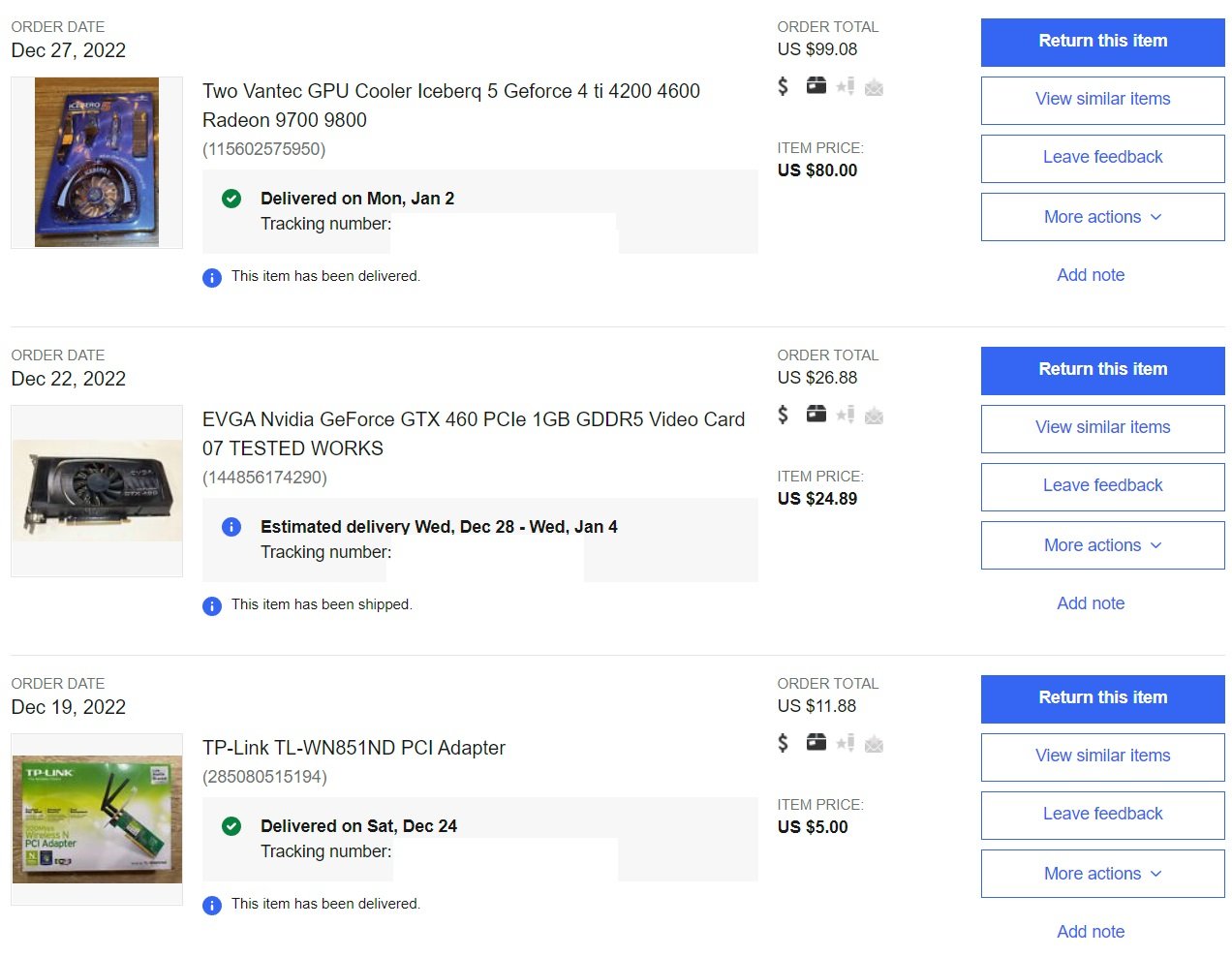
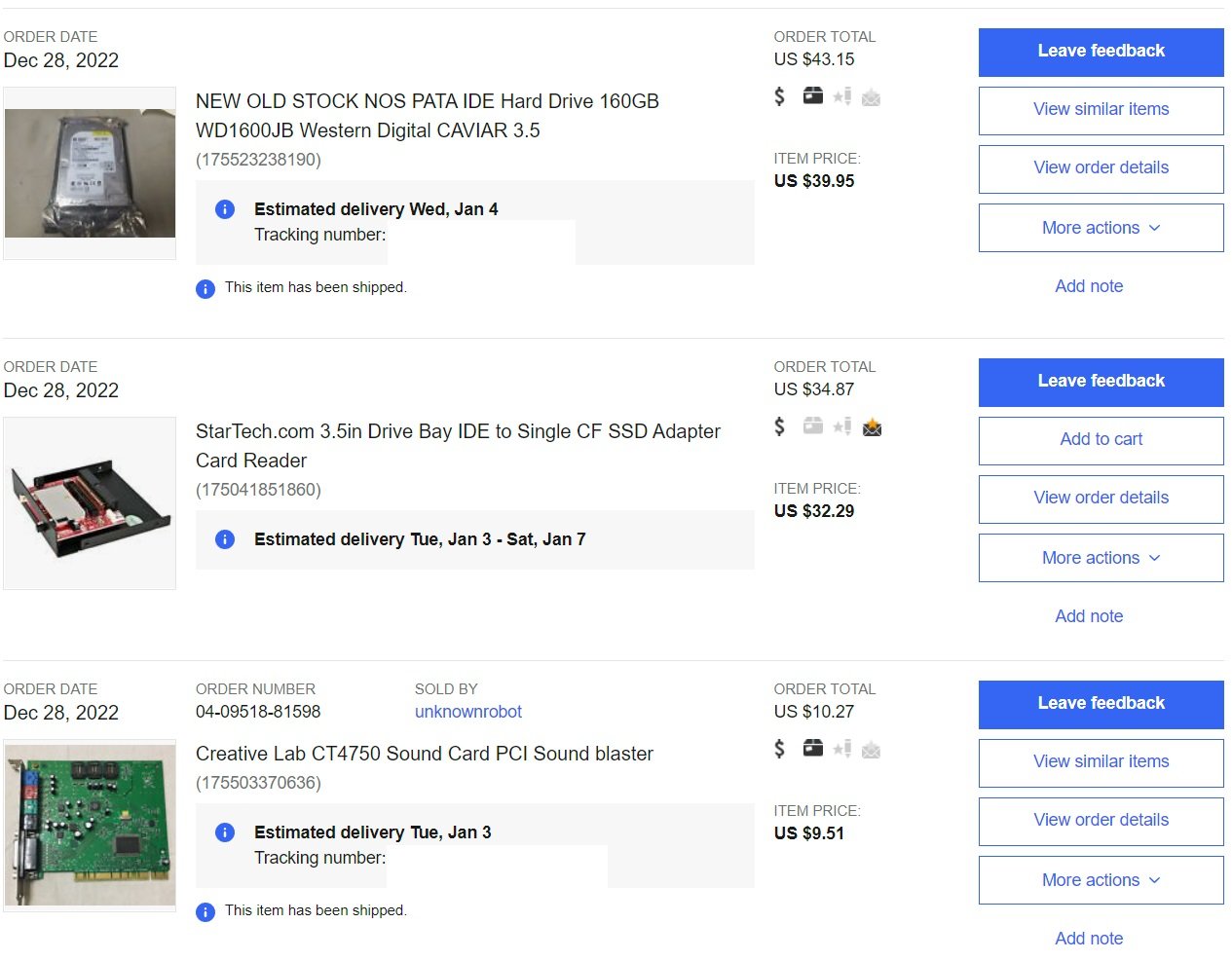
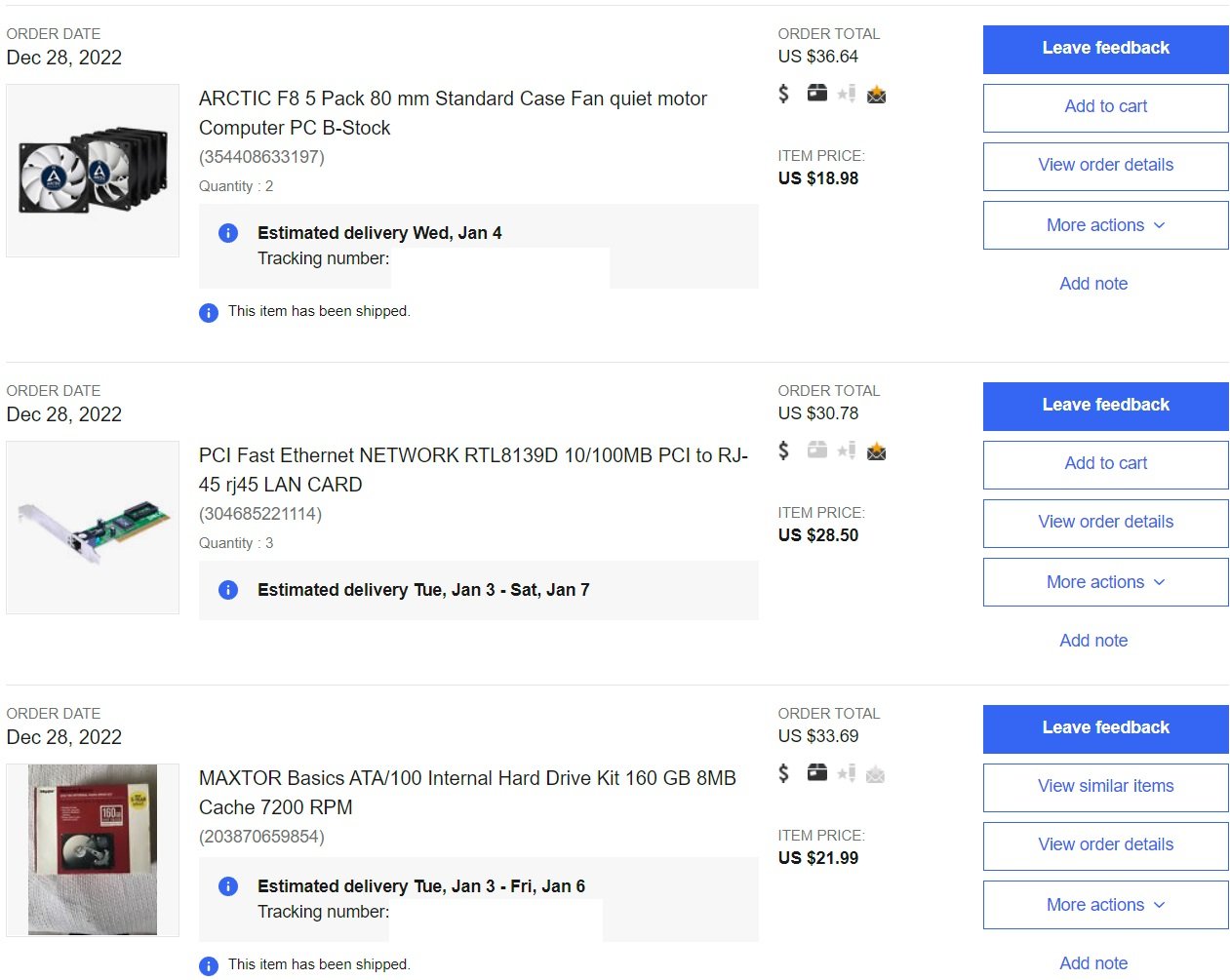
Non picture update: Socket 754 rig is nearly complete. Waiting on my AGP GPU's to return back from @Avacado, kind of being held up on my end by finances at this point. Whatever. The cards are in good hands. Socket 754 rig is fully assembled with a PCI S3 2MB video card installed for now. Windows 7 at 800x600, 256 colors never looked so cool. Everything in it works! So yay! It's literally just short its X1950PRO that's supposed to be going into it. Second 939 rig (the SLI one), I decided to run a single card because of SLI problems I was running into. Currently it has a GTX 460 SE in it, I was trying for a regular GTX 460 1GB, ended up with an SE. I think I'm also going to swap SSD's in this one at some point. So.....its kind of on hold at the moment till I figure out the GPU and SSD thing out on it, which direction I want to go. I still have the "crossfire" (will be a single 5770 now) 939 build to go too, board needs repaired. So BOTH of the remaining 939 rigs will still be not 100% for a while. Ummmm, lots of parts have arrived. Some dead, some not. Once I get everything here that's missing, which its all been ordered with the exception of keyboard and mouse for the AT build, pretty sure that's all that's missing.......then I'll start having pictures ready to share. I want to see ALL of these rigs at 100%, imaged to my NAS so easy to restore, and absolutely ready to play on by my birthday this year. So April. That's my timeframe I'm giving myself, and I'm 99.99% sure I can reach it this time.
-
-
Very welcome change. Definitely support this decision, I see it as nothing but a good thing. Our reviews are still top and centered on the forum homepage, and right below that you get to see the community content. If that's not enough to get somebody to click around, nothing is going to. We have some top notch reviewers, if I must say so myself, but that's just a small portion of what the site offers.
-
I actually had it all planned out originally. I was going to put an 8TB U.2 drive via adapter into my rear M.2 PCIe 3.0 slot, since there's already ample room behind most cases to fit a 2.5" SSD, usually behind the board anyway. An adapter and U.2 card should velcro right in behind the mobo tray on most modern cases I'd wager. As you mentioned too, some boards have the adapters built in (I don't think mine does). The adapter point is only really relevant if you don't have space behind the mobo tray to hide something like that. I mean its still a point, but yeah..... Cost, like you mentioned was more of a factor. I had already splurged on 2TB 2.5" drives for my last rig, had 3 of them in RAID0 and a 4th in my unused laptop. So I just pulled those out in favor of spinny rust in their place, and used what I had. Only reason I had so many 2TB 2.5" drives was again, cost. When they were selling for $150-160 a pop for the 2TB BX500's, I couldn't help myself. $500+ on a single drive is harder to do than 4x $150, even if the cost difference is more total. Just my own 2 cents / unasked back story. TLDR: You're right, but longer.
-
I was debating on grabbing an 8TB U.2 actually. I settled on just re-using my 4x 2TB 2.5" drives I already had laying around instead, but grabbing an 8TB drive is still on my list of things to get.
-
That's gotta be it. I just did a search on Amazon, looks like they have one for just about every top tier card too. Now LordXeb here has me wondering the same question, to buy one for my 6900XT or not......... Note: I've never tried one of these AIO's. With that said, Alphacool has been around for a long time. AIO's have been increasingly getting better and better over time since the first H50's hit store shelves. I'm happily running an AIO on my CPU. I see these as a fancier, higher end version of an old school Thermalright or Arctic Accelero. Better than the cooling you'd get stock (assuming you piece it together, get a reference block for a reference card for example). But not QUITE as good of performance as you'd get with a proper full water loop. Granted, with modern AIO's, you might get pretty close to proper loop temps too anyway. My 2 cents on it, if it helps at all.
-
Okay, maybe THIS might be the area I need to ask in....... Does anybody happen to remember CREATING your very own FPS levels with something along the lines of MS Paint? I remember doing that in school, and I WANT to say the players played as like a robot or something? If I remember it correctly, if you'd draw a square, you'd end up with a cube in your map, and it was something like the thickness of the lines, or the size of it or something is what effected the height? But we were doing level designs for this game, and then we could all play said game together over LAN, with our own levels we created (pretty sure there was LAN, I might be remembering that part wrong). This was waaaaaay back in like Windows 98 or Mac like OS 7 ish? era days. Been looking for that game for ages, but I can't remember what it was! -_- Was done at my local school system though, pretty sure it was middle school for me.
-
Just to celebrate the newly increased upload limits on the site, and to show you guys I mean srs bsn with my "museum" pieces........

-
Happy New Year!
-
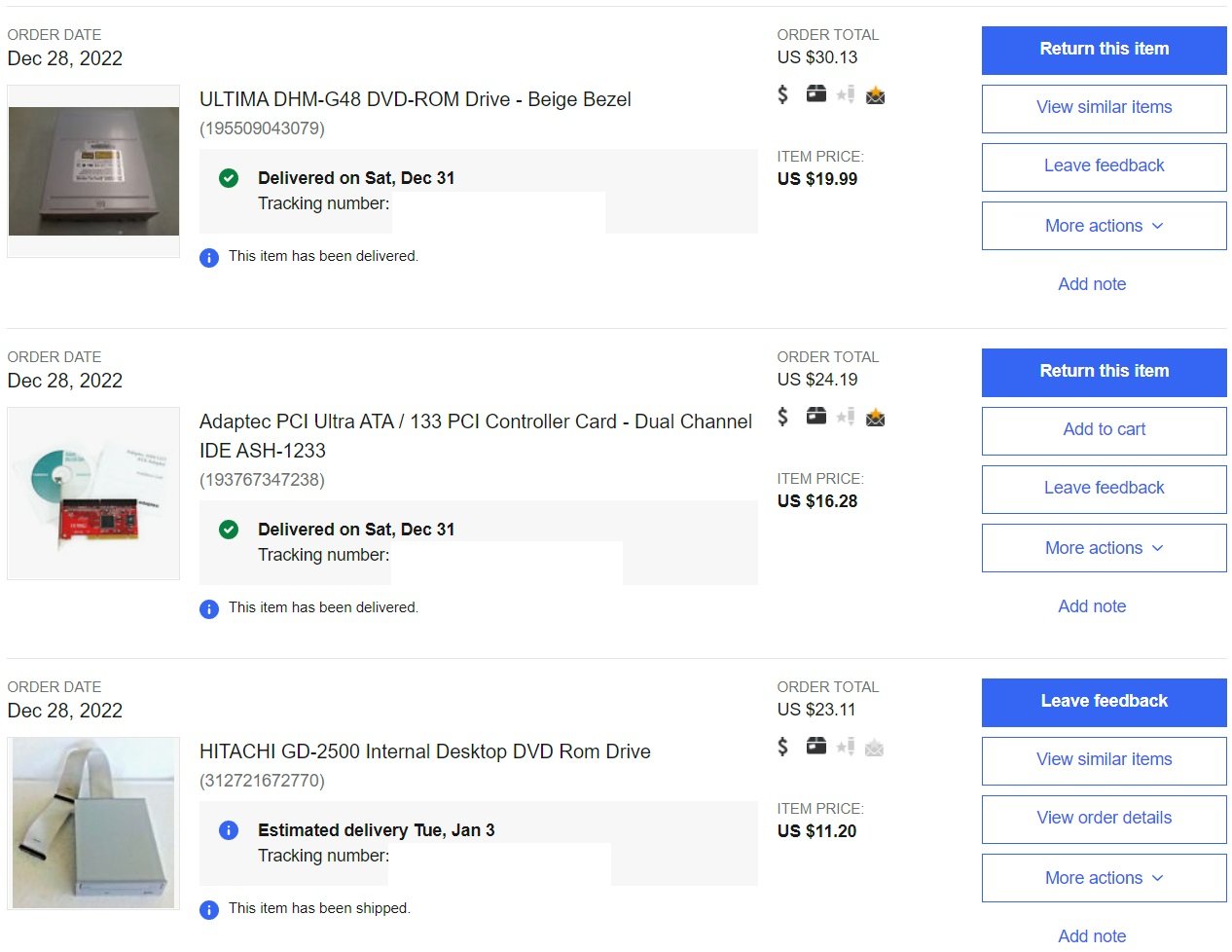
Excuse my horrible note taking..... Managed to get the Socket 754 rig preliminarily built this evening. I'll try firing it up tomorrow. I am getting a POST beep, so it seems to be working. I'm about 90% with it. It's missing its X1950 PRO so I have some S3 PCI card in it right now. Missing its ZIP drive, but I have a beige one in it for now. Also missing its optical drive, so I have a dead one in it right now. Will see about getting display working and installing some form of OS on it tomorrow to make sure everything works so far (it should). Parts list I'm missing:
-
Merry Christmas and happy holidays to everyone.
-
I don't wanna and you can't make me.
-
All servers are updated and ONLINE!
-
Does flashing Vega 56 to 64 unlock 256 TMUs & 4096 shaders?
pio replied to HeyItsChris's topic in AMD
I read a few reports of people unlocking the shaders, but I wouldn't count on it. You're spot on, its for unlocked memory performance and higher clocks moreso than anything. With the right BIOS installed on a Vega56 it'll operate dang near identically to a Vega64, regardless of the missing shaders. It's been forever since I tried BIOS flashing, but from what I'm reading you want to make sure you have Samsung memory, and that you flash the correct BIOS to it. TechPowerUp will be your best source of information for this honestly. But yes, its absolutely possible to do, and worth doing. -
Yeah. Those are very interesting results. So 3060Ti or RX6600/6700 (depending on budget). And then 3070 at the higher end. That's not what I would have expected at all, but that's kinda neat!